Easily transform your text lists into array formats compatible with JS, SQL, PHP, PERL, PYTHON (as a list), and many other languages. This tool allows for quick and seamless conversions, offering flexible customization options for handling strings and numbers in various formats.
Live demo available at: Array Helper
🌍 Languages:
🇹🇷 Türkçe | 🇬🇧 English
This project started while I was working as a junior developer at Atak Domain. I was pulling reports from databases and frequently needed to put given lists into SQL IN() queries. At first, I wrote small Python scripts to handle this.
After a while, even running scripts felt like unnecessary overhead. Opening the script, executing it, copying the output — it all added extra steps.
I thought, “Why not do this directly in the browser?”
So I built a simple web tool to solve my own problem. Later on, I realized it could be useful for others as well.

Preview:
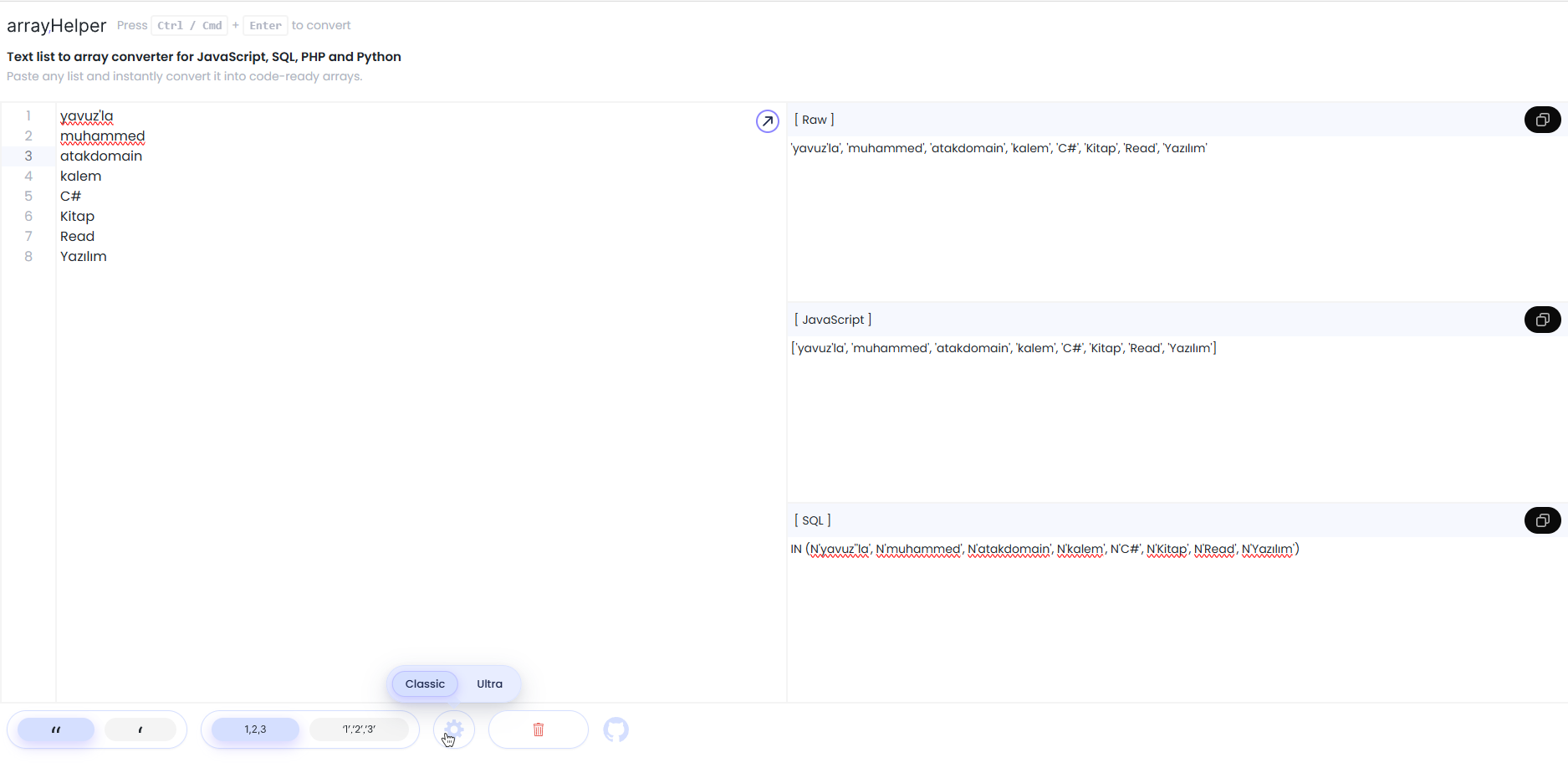
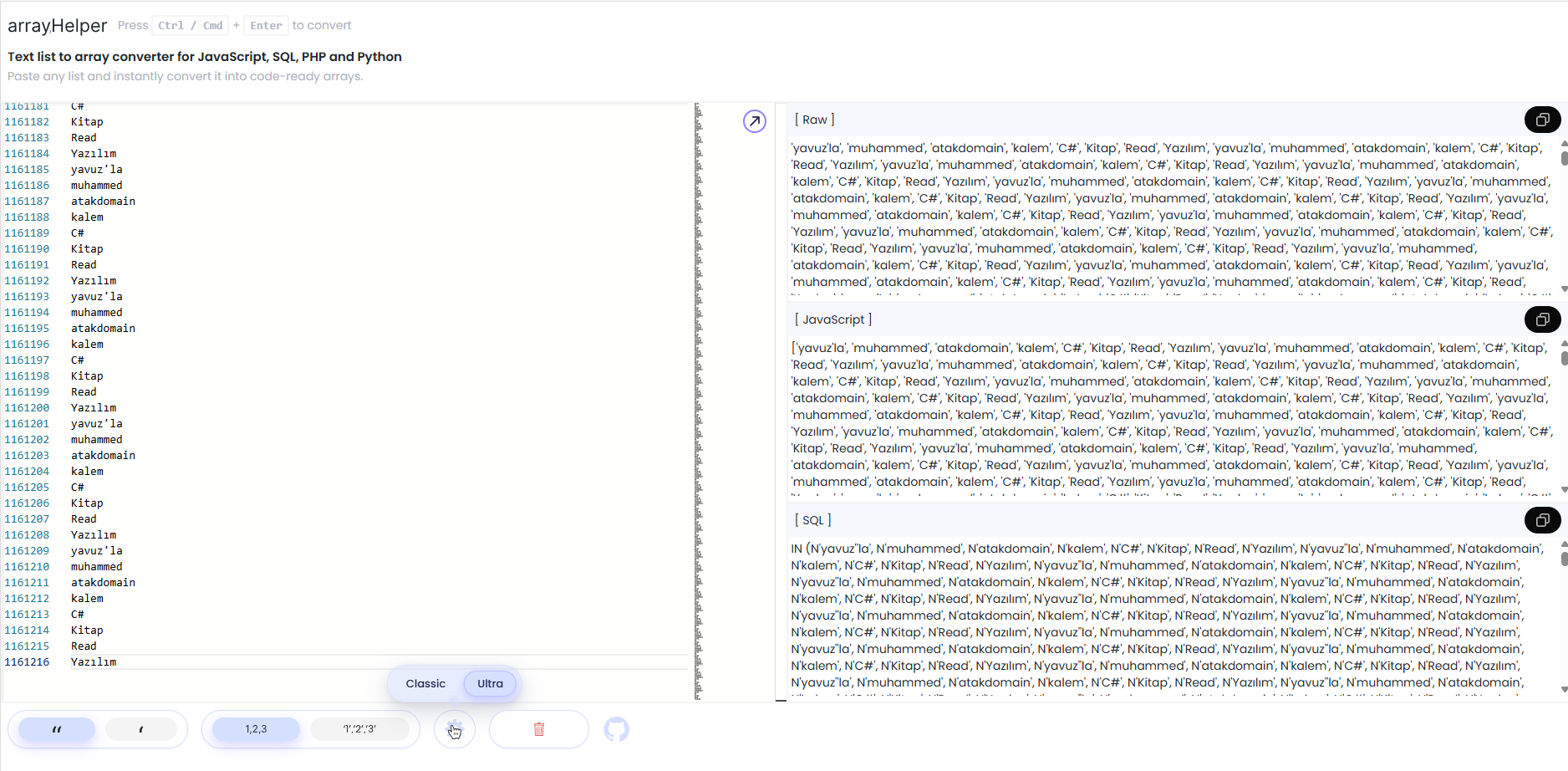
- Instant Conversion: Convert text lists into array formats for JavaScript, SQL, PHP, PERL, PYTHON, and more.
- Custom Formatting: Choose between single or double quotes for strings, and decide whether numbers should be quoted or plain.
- Copy Outputs: Easily copy converted outputs for Raw, JavaScript, and SQL formats.
- User Preferences: Save and load your preferred settings (quote style and number format) for future use.
- Line Numbering: Synchronize line numbering with the text input for easy tracking.
- Enter your text list into the editor. Each line should be a separate item.
- Click the "Convert" button to generate formatted outputs in:
- Raw Output: Comma-separated values (CSV) style.
- JavaScript Array: Properly formatted JavaScript array.
- SQL IN Clause: Formatted for SQL
IN()statements.
Input:
apple
banana
42
orange
Output:
- Raw Output:
"apple", "banana", 42, "orange" - JavaScript Array:
["apple", "banana", 42, "orange"] - SQL IN Clause:
IN ("apple", "banana", 42, "orange")
Use the "Copy" buttons next to each format to copy the converted output to your clipboard for quick pasting into your code.
You can adjust the following settings to customize your output:
- Quote Style: Choose between single (
') or double (") quotes for strings. - Number Format: Choose whether numbers should be output as plain (e.g.,
42) or quoted (e.g.,"42").
Contributions are welcome! Please fork this repository and submit pull requests for any features, fixes, or improvements you would like to see.