Tiny Windows tray uploader for Cloudflare R2. Drop a file, paste an image, get a public sharing link.
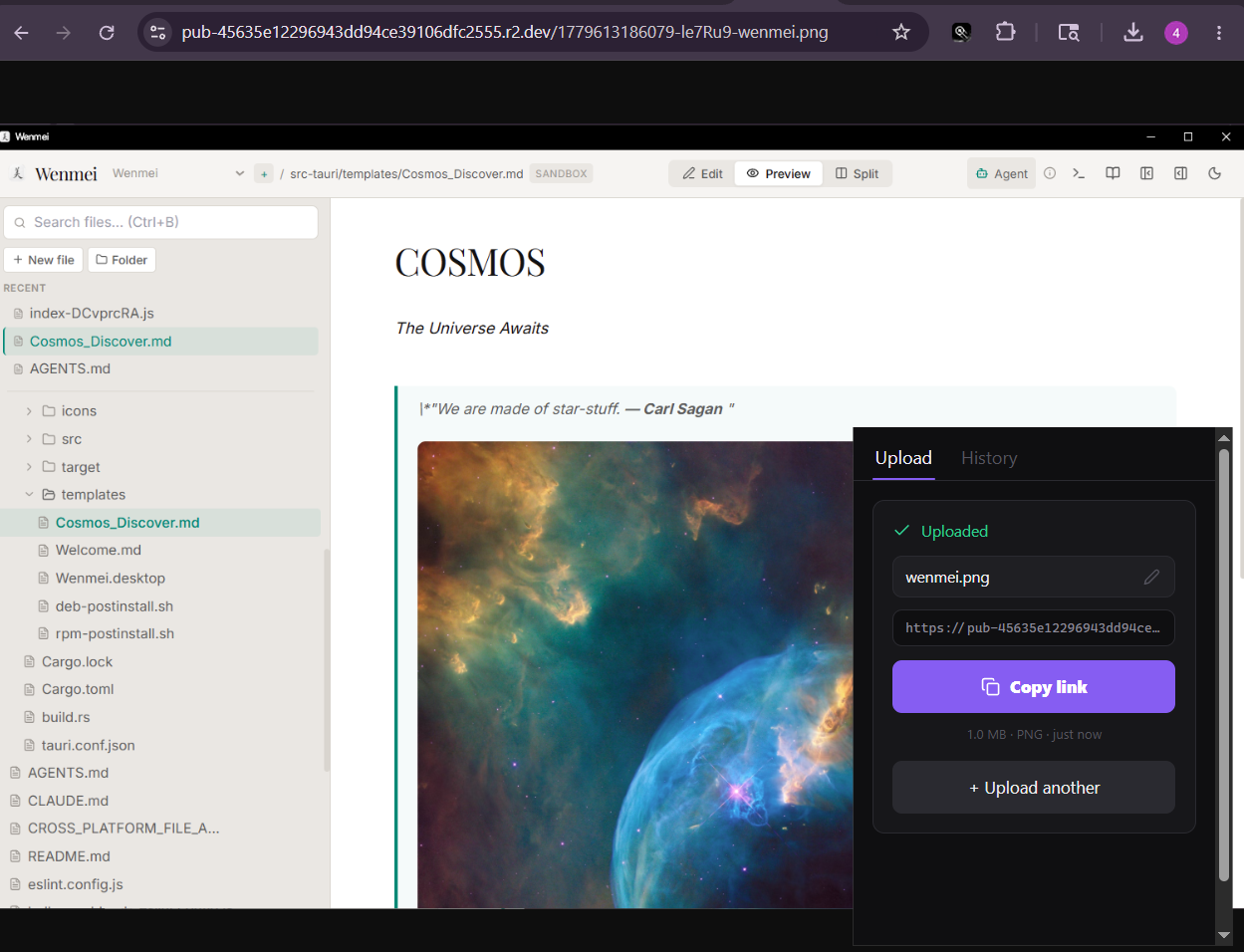
- Fast tray workflow: click the tray icon, upload, copy the link, get back to work.
- Cloudflare R2 storage with S3-compatible credentials.
- Clipboard image uploads for quick screenshots.
- Local upload history with copy and delete actions.
- Rename-after-upload flow that refreshes the public URL.
- Popover-style desktop behavior: hide with the X button or by clicking away.
Download the Windows installer from the latest GitHub release:
- NSIS installer:
r2share_0.1.0_x64-setup.exe - MSI installer:
r2share_0.1.0_x64_en-US.msi
After first launch, open Settings and enter:
- Cloudflare account ID
- R2 bucket name
- R2 access key ID
- R2 secret access key
- Public URL base, such as
https://pub-xxx.r2.dev
The app stores configuration locally in the OS app-data directory.
Requirements:
- Windows
- Rust stable toolchain
- Node.js and npm
- WebView2 Runtime
npm install
npm run desktop:build:win
Build outputs are written to:
src-tauri/target/release/r2share.exe
src-tauri/target/release/bundle/nsis/r2share_0.1.0_x64-setup.exe
src-tauri/target/release/bundle/msi/r2share_0.1.0_x64_en-US.msi
npm install
npm run devThis repository snapshot is framed by version-control.json.
Current frozen release: v0.1.0.