ptwit is a simple command-line-based Twitter client.
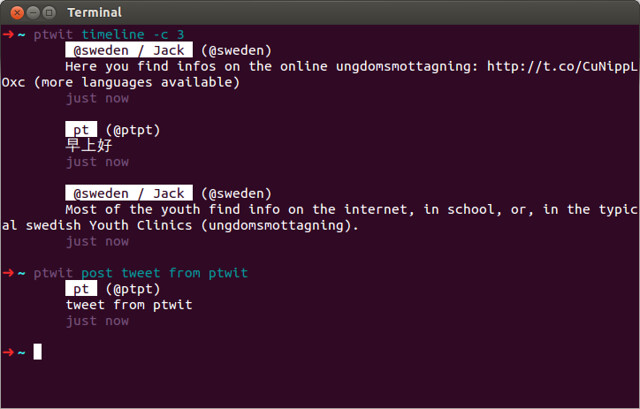
- A Twitter account
- A Twitter application registered at https://dev.twitter.com/apps
To install ptwit, simply:
python3 -m pip install ptwitFor the first time you run ptwit command, ptwit will ask for
your Twitter application information, which you can find at
https://dev.twitter.com/apps. If you don't have one, register at
https://dev.twitter.com/apps/new.
ptwit supports multiple Twitter accounts. You can easily log into
a new account, or switch between accounts you've already authorized:
ptwit login ACCOUNTUsage: ptwit.py [OPTIONS] COMMAND [ARGS]... Options: -a, --account TEXT Use this account instead of the default one. --text Print entries as human-readable text. --json Print entires as JSON objects. --help Show this message and exit. Commands: timeline* List timeline. accounts List all accounts. faves List favourite tweets of a user. follow Follow users. followers List your followers. followings List who you are following. login Log into an account. mentions List mentions. messages List messages. pop Edit or delete the latest tweet. post Post a tweet. replies List replies. search Search Twitter. send Send a message to a user. tweets List user's tweets. unfollow Unfollow users. whois Show user profiles.
ptwit is under the MIT License. See LICENSE file for full license text.