Gui Builder is a free visual editor. Currenly supports Vaadin Flow templates using Lit. The following video contains a walkthrough of the UI of GUI Builder:
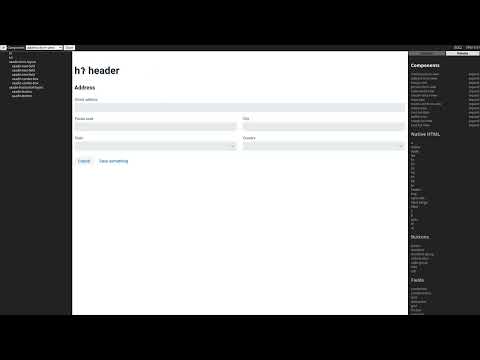
The GUI Builder application can be found at gui-builder.com and some documentation for it at gui-builder.com/docs
Follow the author at twitter for the latest updates @mjvesa
Clonen the repository and performen the usual npm install and then npm run dev. The contents of the public folder need
to be served over HTTPS. I use the live server extension for VSCode for this. A Vaadin project with Lit template files
is needed as well to have something to edit. There is support for Java templates, check the docs for that.
Instructions nicked from rollup docs:
npm run build builds the application to public/bundle.js, along with a sourcemap file for debugging.
npm start launches a server, using serve. Navigate to localhost:3000.
npm run watch will continually rebuild the application as your source files change.
npm run dev will run npm start and npm run watch in parallel.