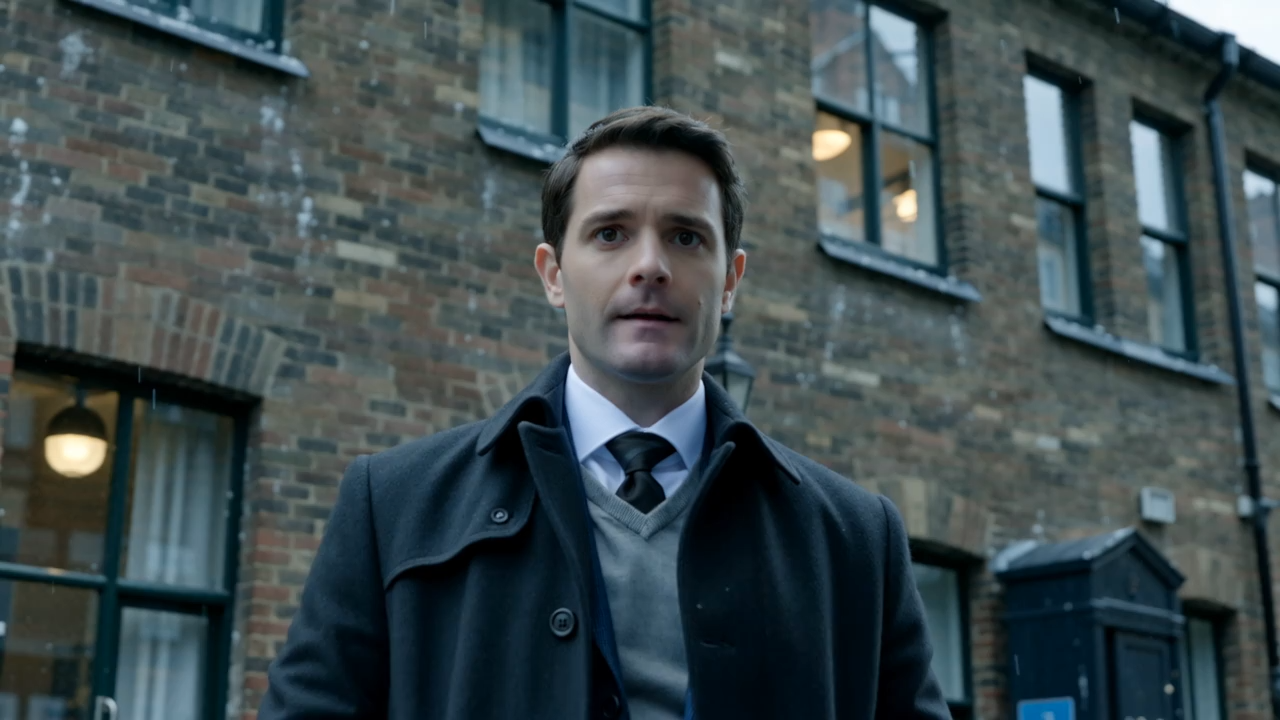
Transform simple text or complex research papers into high-fidelity cinematic masterpieces.


ScriptaAI is a cutting-edge, end-to-end platform for generating high-fidelity cinematic videos. Unlike traditional video editors, ScriptaAI leverages a sophisticated multi-model AI pipeline to automate the entire creative process—from initial scriptwriting and scene breakdown to high-resolution image synthesis and smooth video animation.
Whether you're a content creator, a researcher looking to visualize your work, or a filmmaker prototyping scenes, ScriptaAI provides a premium, "Dark Mode" native workspace to bring your vision to life.
- Prompt-to-Script: Transform a single sentence into a multi-scene cinematic narrative using Qwen2.5-72B.
- Research-to-Video (PDF): Upload complex research papers or technical documents. Our AI extracts core concepts and generates a structured, academic-grade storyboard automatically.
- Scene Breakdown: Intelligently subdivides narratives into sequential, visually consistent scenes with specific visual and motion prompts.
- High-Fidelity Stills: Generates stunning base frames using FLUX.1-dev models for maximum detail.
- Cinematic Motion: Animates stills into 5-second cinematic clips using the Wan-AI/Wan2.2-I2V video generation engine.
- Visual Continuity: The pipeline maintains character and environment consistency across scenes by passing visual context between generation steps.
- Directorial Guidance: An integrated, context-aware assistant that understands your storyboard.
- Real-Time Refinement: Ask the bot to "make the mood darker" or "change the character's outfit," and watch it update your scene prompts instantly.
- Multi-Track Editing: Manage Video, Text, and Audio tracks on a professional-grade, zoomable timeline.
- Advanced Tools: Split, Trim, and Move clips with precision. Features "Snap-to-Edges" logic for seamless stitching.
- Dynamic Overlays: Add italicized cinematic text overlays with custom positioning, scaling, and rotation.
- Canvas-Based Export: Render and download your final creation as a high-quality MP4/WebM file directly from the browser.
- Framework: React 19 (Vite-powered)
- Animations: GSAP (GreenSock) for high-performance UI/UX transitions.
- Backgrounds: Three.js / React Three Fiber for interactive 3D particle environments.
- Styling: TailwindCSS 4.0 with Glassmorphism and premium dark-mode aesthetics.
- Server: Node.js & Express.
- AI Engines:
- Hugging Face Inference: LLM (Qwen) & Image (FLUX) generation.
- SiliconFlow API: Primary engine for advanced Wan-AI Video Generation.
- AI Horde: Decentralized fallback for image generation during peak traffic.
- Infrastructure: Intelligent API key rotation and job-based status tracking for long-running AI tasks.
- Node.js (v18 or higher)
- npm or yarn
- API Keys required in
backend/.env:HF_TOKEN: Hugging Face access token.SILICONFLOW_API_KEY: SiliconFlow API key for video generation.
# Clone the repository
git clone https://github.com/your-username/ScriptaAI.git
cd ScriptaAI

# Install Frontend dependencies
cd ScriptaAI
npm install

# Install Backend dependencies
cd ../backend
npm installCreate a .env file in the backend/ directory:
PORT=5000
HF_TOKEN=your_huggingface_token
SILICONFLOW_API_KEY=your_siliconflow_key
HORDE_API_KEY=0000000000 (optional)Open two terminals:
Terminal 1 (Backend):
cd backend
npm start
Terminal 2 (Frontend):
cd ScriptaAI
npm run dev- Vision: Enter a prompt or upload a PDF research paper on the landing page.
- Storyboard: Review the AI-generated narrative. Use the Chat Bot to refine the script until it's perfect.
- Breakdown: The AI splits the script into 4 visual scenes, generating unique image and motion prompts for each.
- Orchestrate: Click "Generate Visuals." The backend handles the sequential generation of FLUX images and Wan-AI videos.
- Edit: Fine-tune your movie in the Editor. Adjust timing, add transitions, and place text overlays.
- Export: Hit "Export" to render your cinematic masterpiece into a shareable video file.
- AI Voiceover Integration: Generate high-quality narration from scene text.
- Custom Character Training: Upload your own character photos for consistent AI casting.
- Audio Library: Integrated cinematic music and sound effect tracks.
- Collaboration Mode: Shared workspaces for creative teams.
This project is licensed under the ISC License.