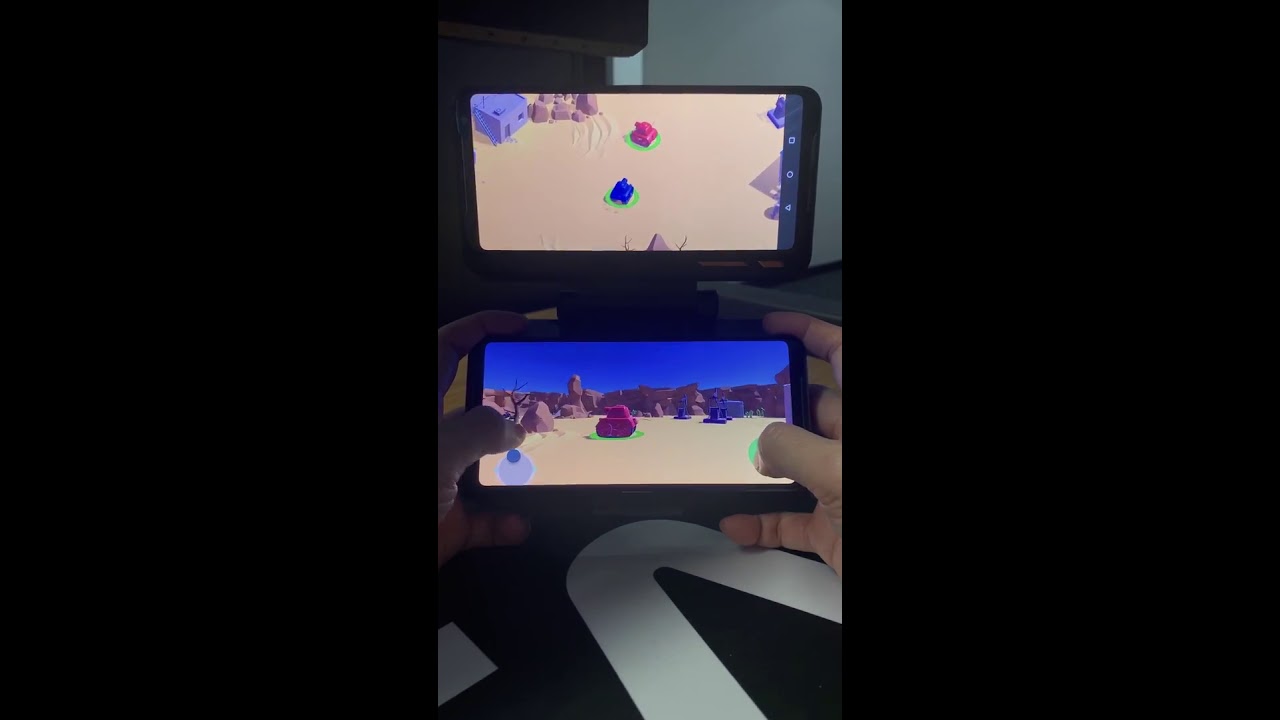
This example project is built upon the Tanks! Tutorial project and demonstrates how to implement simple multi-screen functionality by rendering the overhead camera to a second display.
This project was tested on the ASUS ROG Phone II with TwinView Dock II.
Rendering to a specific display was easily achieved by using Camera.SetTargetBuffers with a target display found in Display.displays. More information about Multi-Display support can be found in the official documentation.
- Unity version: 2019.3.2f1
- Platform: Android
Assets/_Multi-Screen/This folder contains most of the project files (code, prefabs, scenes etc.)Assets/Scripts/Managers/TankManager.csThis original Tanks! Tutorial script was edited to insert some setup code
Virtual Plug and Play Joystick on the Unity Asset Store