This is a solution to the Time tracking dashboard challenge on Frontend Mentor. Frontend Mentor challenges help you improve your coding skills by building realistic projects.
Users should be able to:
- View the optimal layout for the site depending on their device's screen size
- See hover states for all interactive elements on the page
- Switch between viewing Daily, Weekly, and Monthly stats
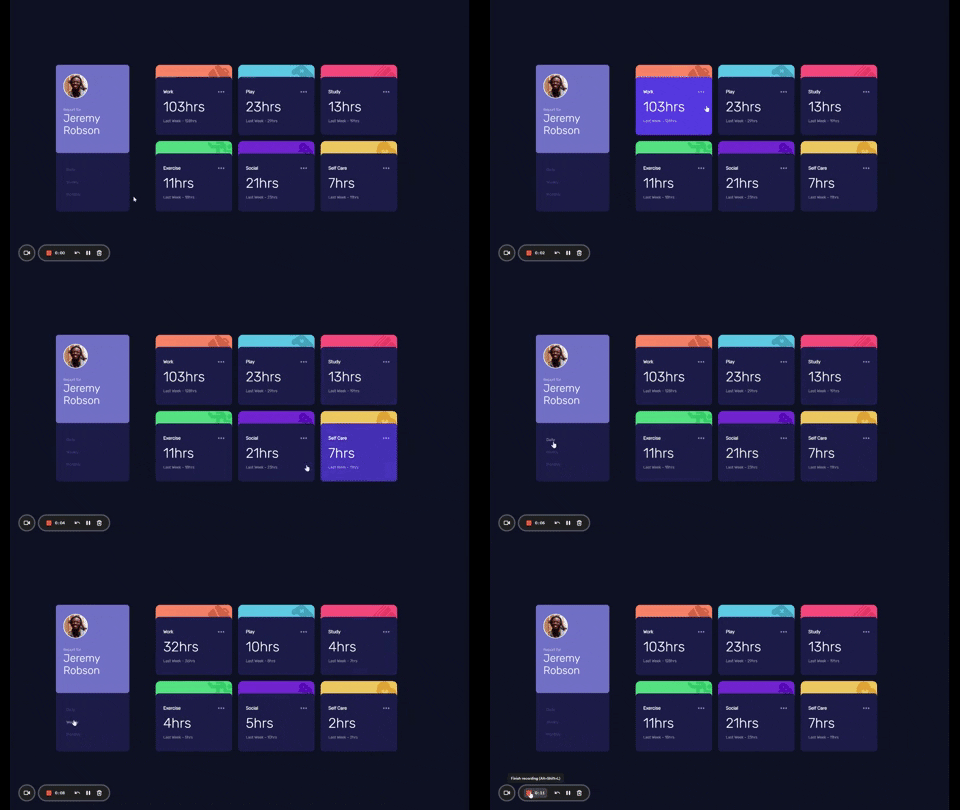
- Code Source: (https://github.com/ervn12/timeTrackingDashboard)
- Live Site URL: (https://time-tracking-dashboard99.netlify.app/)
- Semantic HTML5 markup
- CSS custom properties
- Flexbox
- CSS Grid
- Desktop-first workflow
- JavaScript
This project really enforced the structure of formatting my HTML and really giving thought to class names and ID's so that they are easily accessible when styling and running JavaScript. This was also my first time dealing with JSON data locally. I had a tough time figuring out where to start and how to access the data, but I referenced previous projects and played around with the console and was able to figure it out. I really struggled getting the data to load on the DOM, however after really examining my HTML structure, I was able to identify which elements I needed to manipulate. To access the current and previous information on load i first initiated the elements containing information with the class selector 'current' and 'previous' as so:
<h1 class="current">32hrs</h1>
<p class="previous">Last Week - 36 hrs</p>
I then used querySelectorAll to select all the elements with the same class:
let current = document.querySelectorAll('.current');
let previous = document.querySelectorAll('.previous');
}
Lastly, I ran a for loop to iterate through the elements and place data where it was needed:
  for (let i = 0; i < data.length; i++) {
    current[i].textContent = `${data[i].timeframes.weekly.current}hrs`;
    previous[i].textContent = `Last Week - ${data[i].timeframes.weekly.previous}hrs`;
  }
}When time allows, I would like to refactor my code. I ran 4 for loops for the current, daily, weekly and montlhly data with very slight changes and I feel that could be optimized with less code.
My Portfolio

|
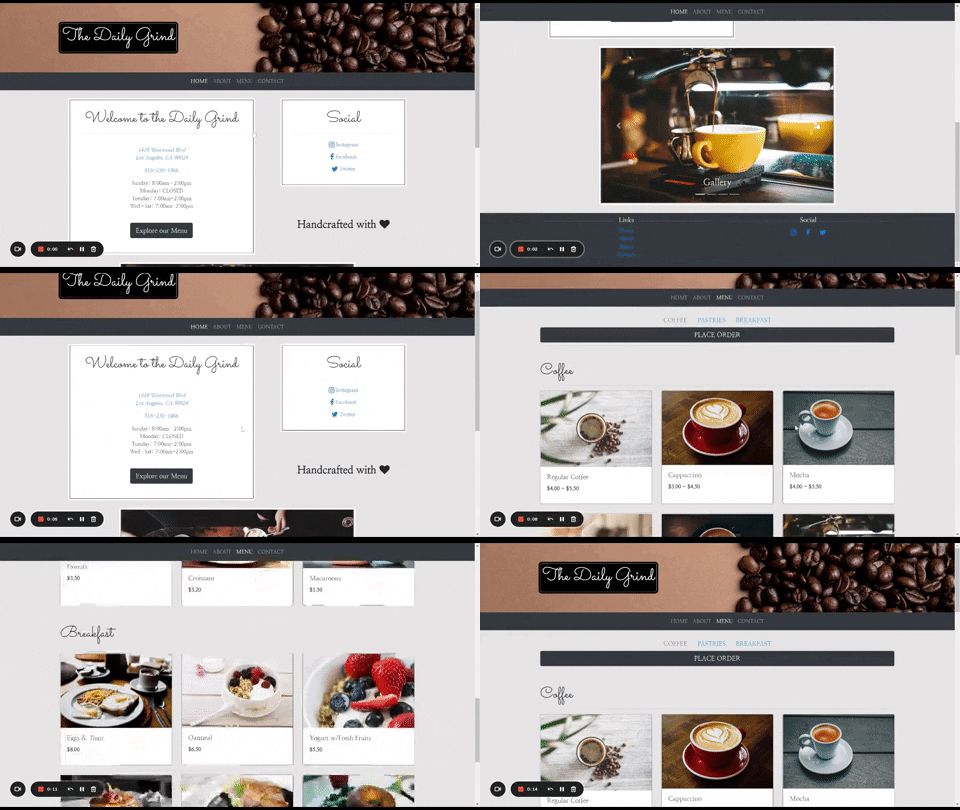
The Daily Grind
|
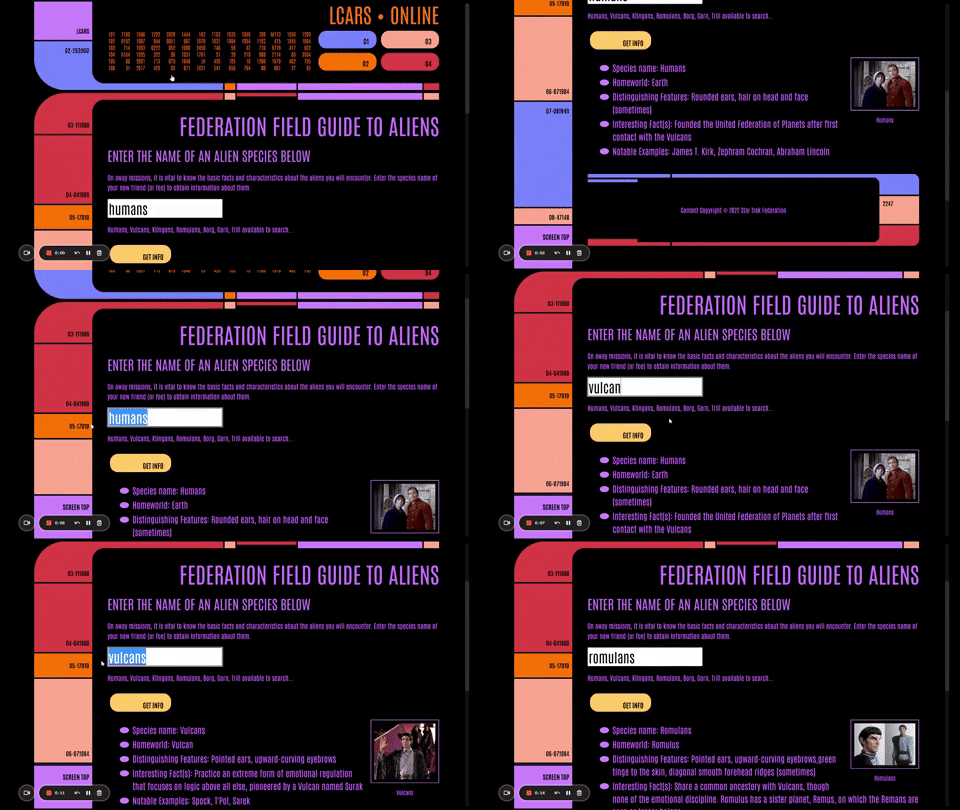
Star Trek - A Field Guide to Aliens
|