
An add-on that simplifies the use of Google's Material Symbols (formerly known as Material Icons) in Unity. The goal is to provide a lightweight, uniform set of icons to ensure consistent design throughout the application’s user interface, ultimately enhancing the user experience.
Recommended Unity version: 2022 or higher
Supported Unity version: 2017 or higher
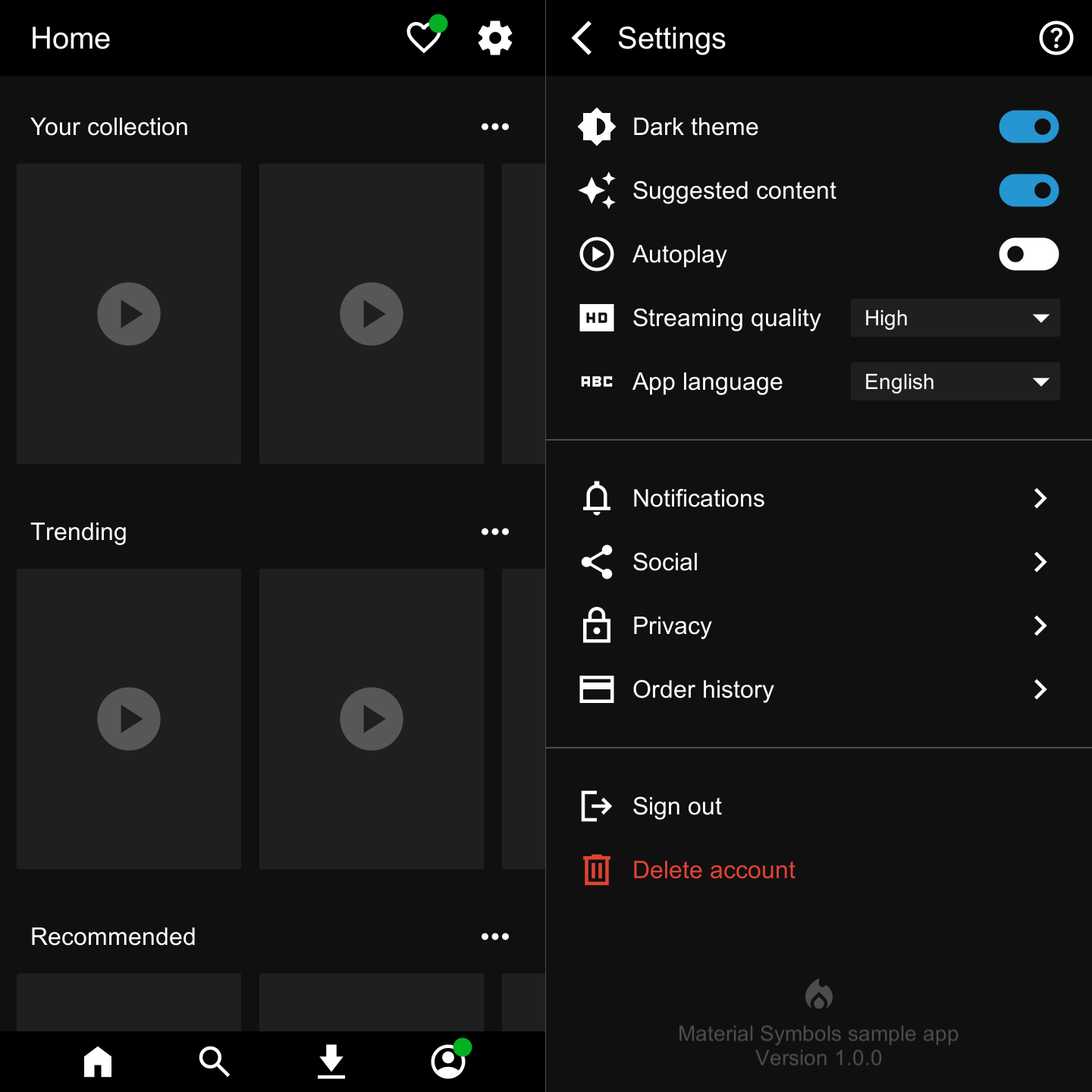
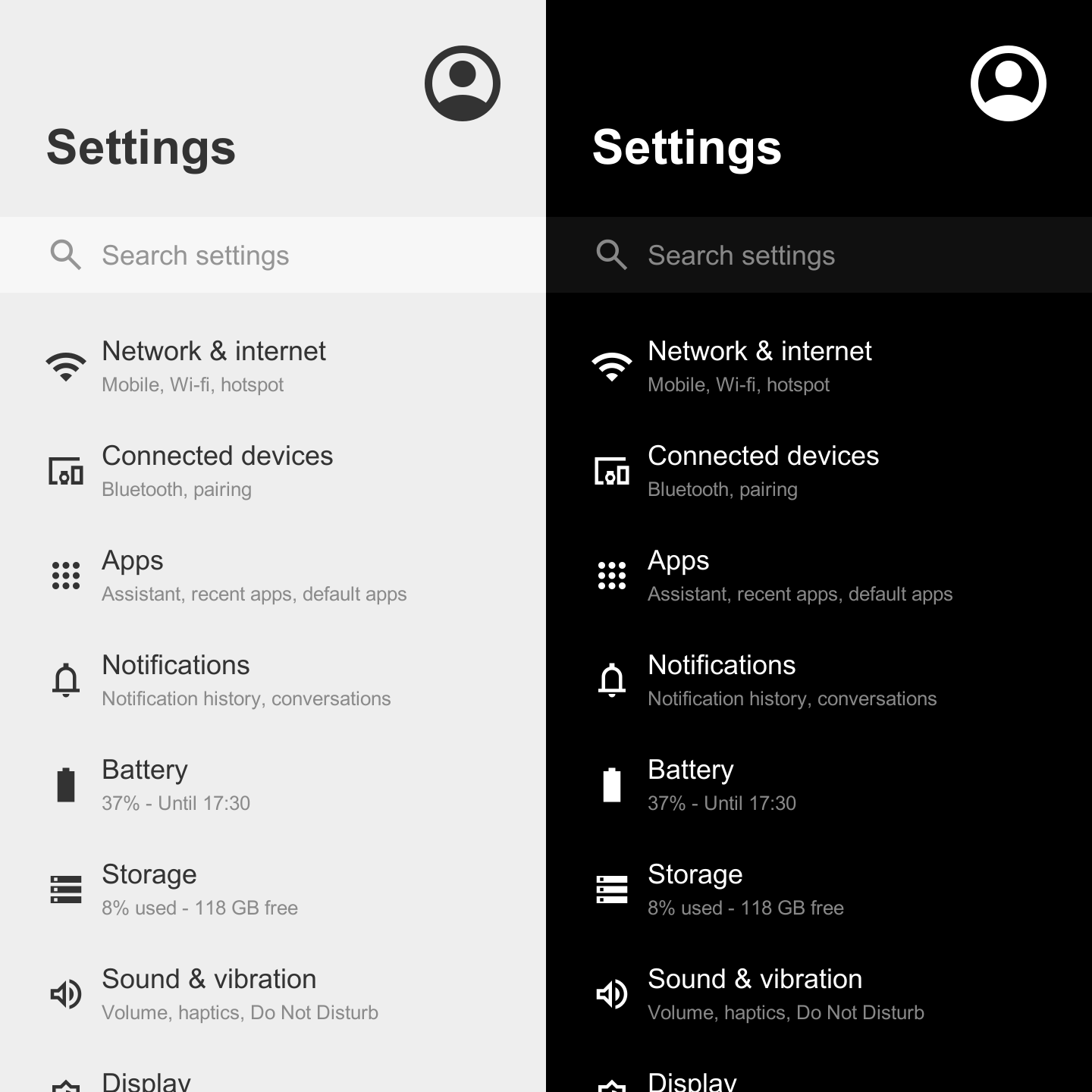
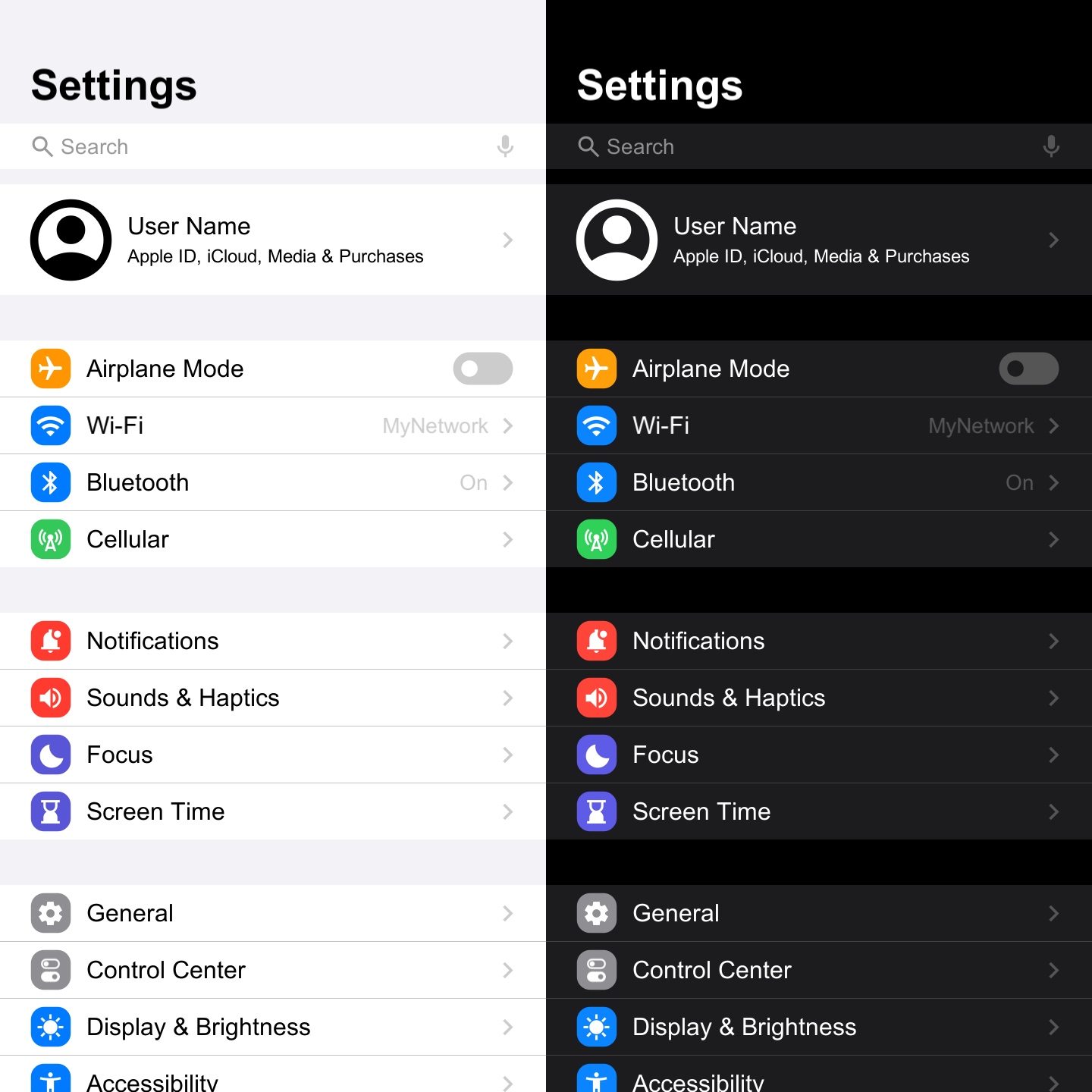


Initial Forked Version - v226.0.0
Based on the original project by Convalise
URL: https://github.com/convalise/unity-material-symbols
This forked version introduces significant updates organized into this: branch
Inside the Unity Editor using the Package Manager:
- Click the (+) button in the Package Manager and select "Add package from Git URL" (requires Unity 2019.4 or later).
- Paste the Git URL of this package into the input box: https://github.com/ebukaracer/UnityMaterialSymbols.git#feature
- Click Add to install the package.
- If your project uses Assembly Definitions, make sure to add a reference to this package under Assembly Definition References.
- For more help, see this guide.
- Simply add the
MaterialSymbolcomponent to your UI GameObject, and you are good to go. - Alternatively, a new object can be added to the scene by right-clicking on the hierarchy window and selecting
UI > Google > New Material Symbol. - The inspector provides a window to easily select between the available symbols or icons.
The MaterialSymbol class inherits from UnityEngine.UI.Text, so it has all properties and methods available here such as color and raycast target.
Each icon is made up of two values: a unicode-escaped char for the symbol itself, and a boolean to indicate whether it's filled or outlined.
The icon can be set programmatically by assigning a new MaterialSymbolData object to the symbol field:
public class Demo : MonoBehaviour
{
	private MaterialSymbol _materialSymbol;

	private void Start()
	{
		_materialSymbol.Symbol = new MaterialSymbolData('\uEF55', false);
	}
}
It can also be set directly by assigning the code and fill properties:
_materialSymbol.Code = '\uEF55';
_materialSymbol.Fill = false;
Additionally, a serialized MaterialSymbolData field can be used to expose the icon inspector in any class:
public class Demo : MonoBehaviour
{
	private MaterialSymbol _materialSymbol;

	[SerializeField]
	private MaterialSymbolData symbolData;

	private void Start()
	{
		_materialSymbol.Symbol = symbolData;
		_materialSymbol.color = Color.blue;
	}
}Locate the Config Asset under Packages > MaterialSymbols > Resources > MaterialSymbolConfig to edit certain fields, such as the location to store the generated symbol images and so on. Assuming the fields are greyed out(non-editable), then enable Debug mode while the asset is focused in the inspector, then switch back to Normal mode. The non-editable fields will become editable afterwards.
To remove this package, navigate to: Racer > Google > Remove Package
This project was created originally by Conrado (https://github.com/convalise) as an improvement of the deprecated Unity Material Icons.
It makes usage of the Material Design icons by Google (Material Symbols).
More information on the Google's project can be found at the Material Symbols Guide.
See Original Docs.
See FAQs.