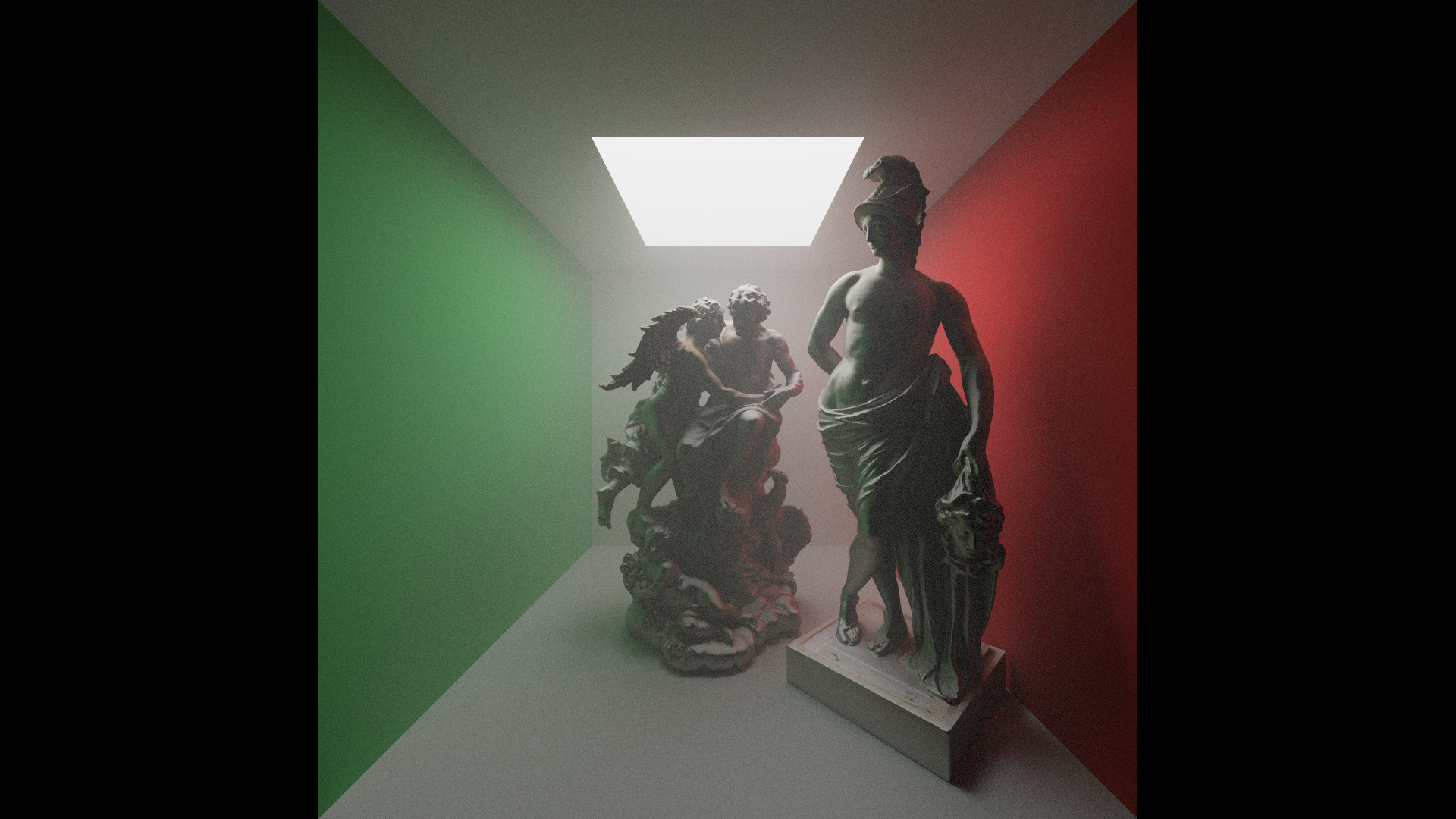
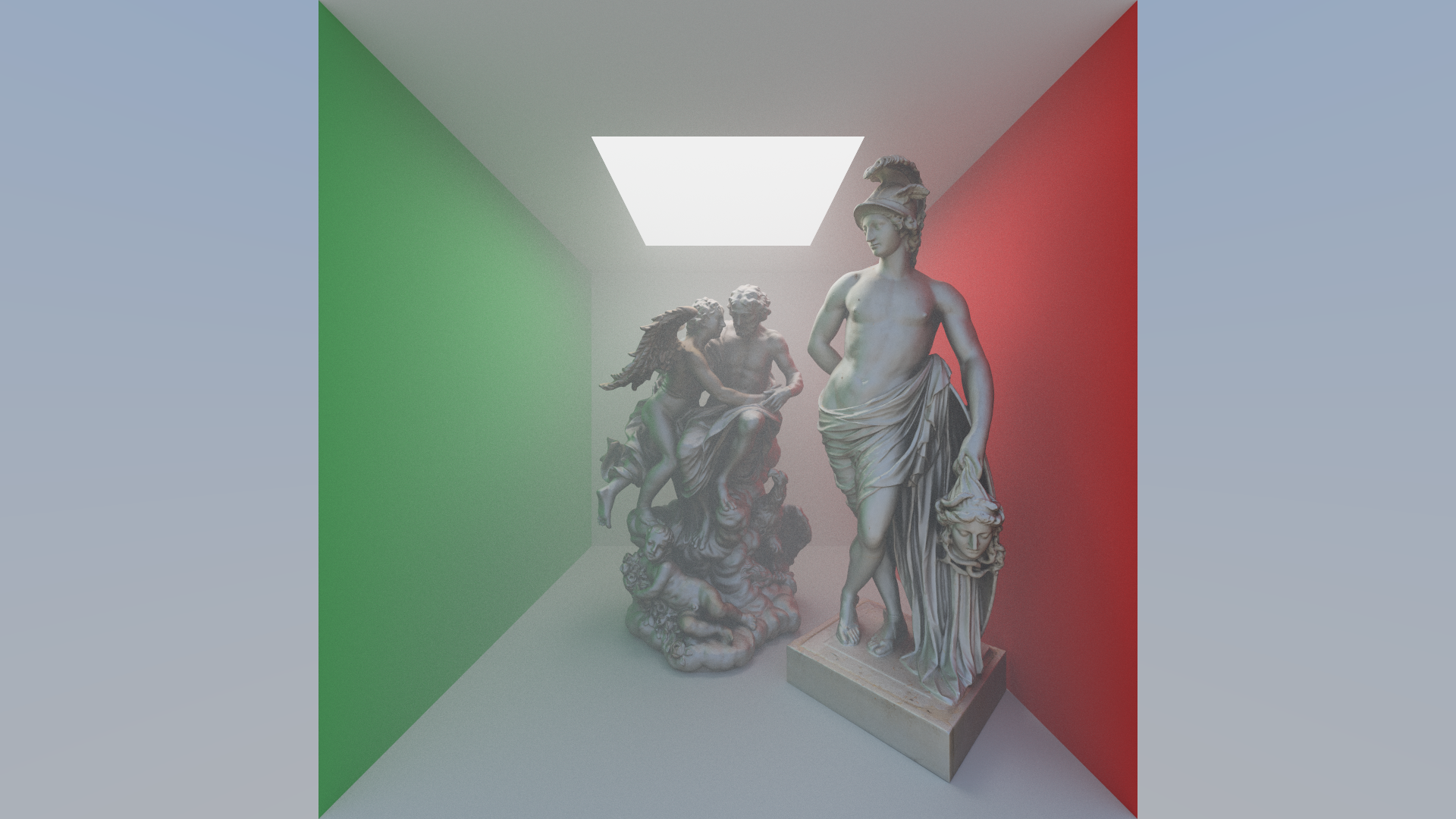
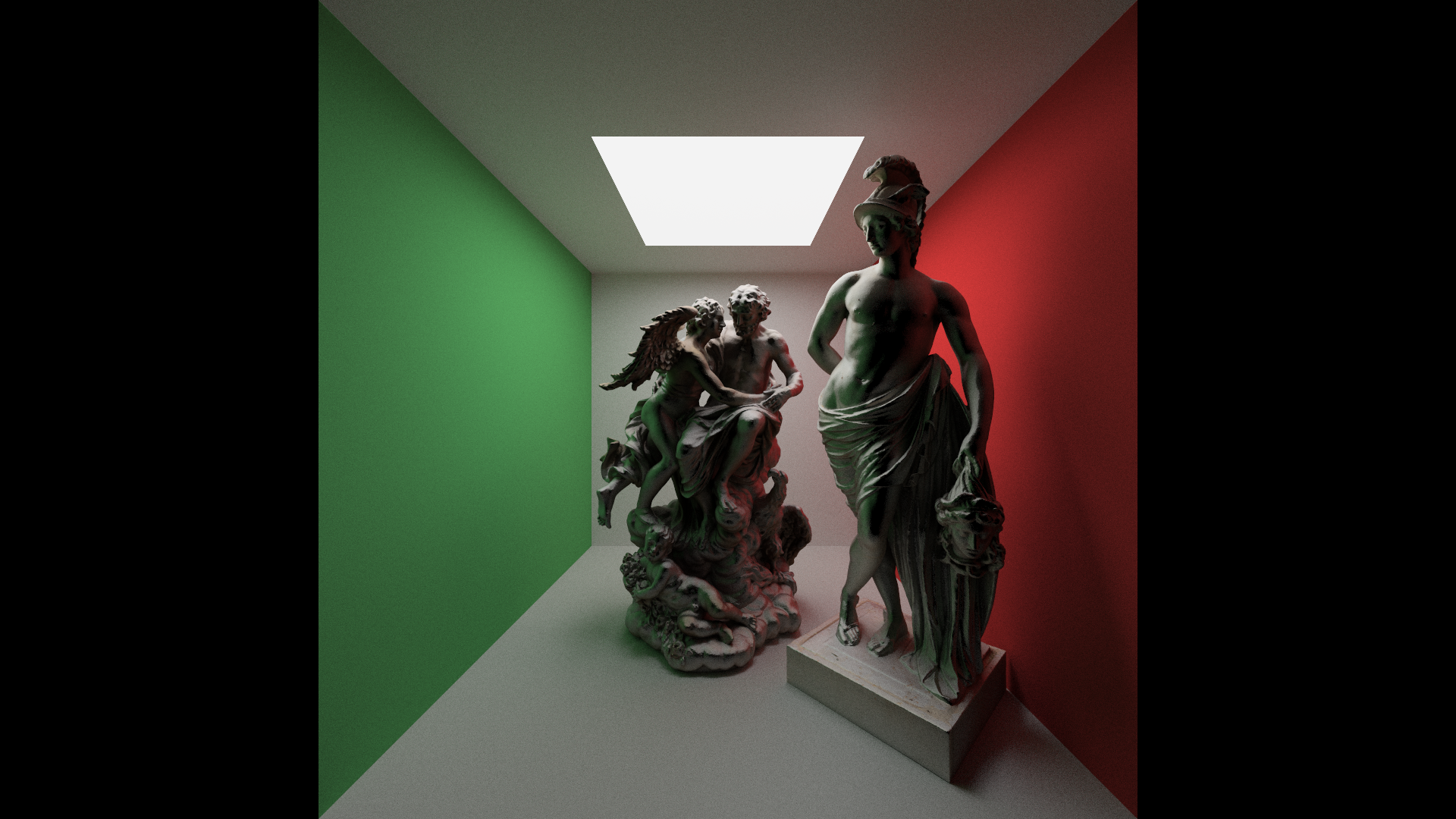
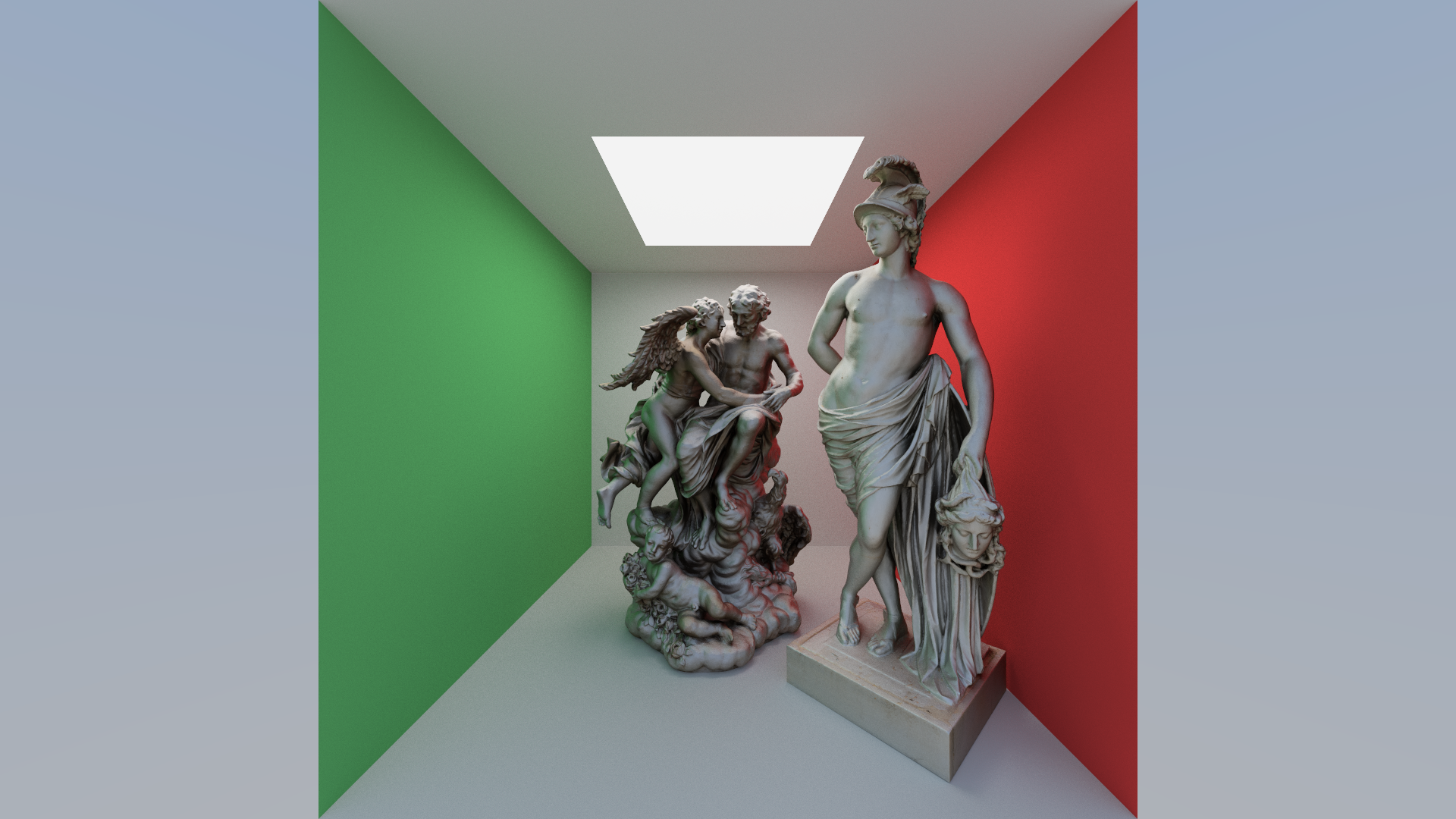
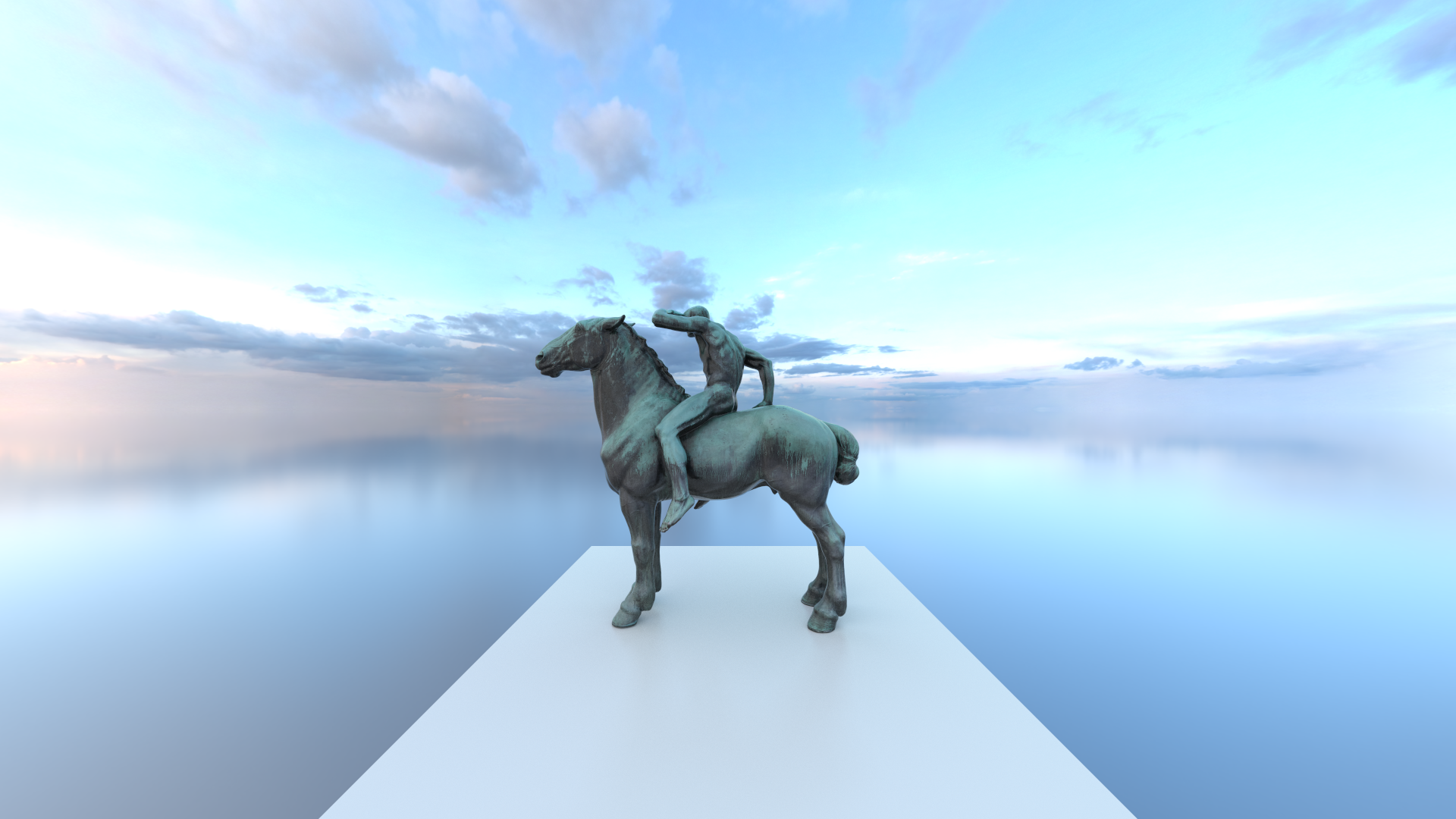
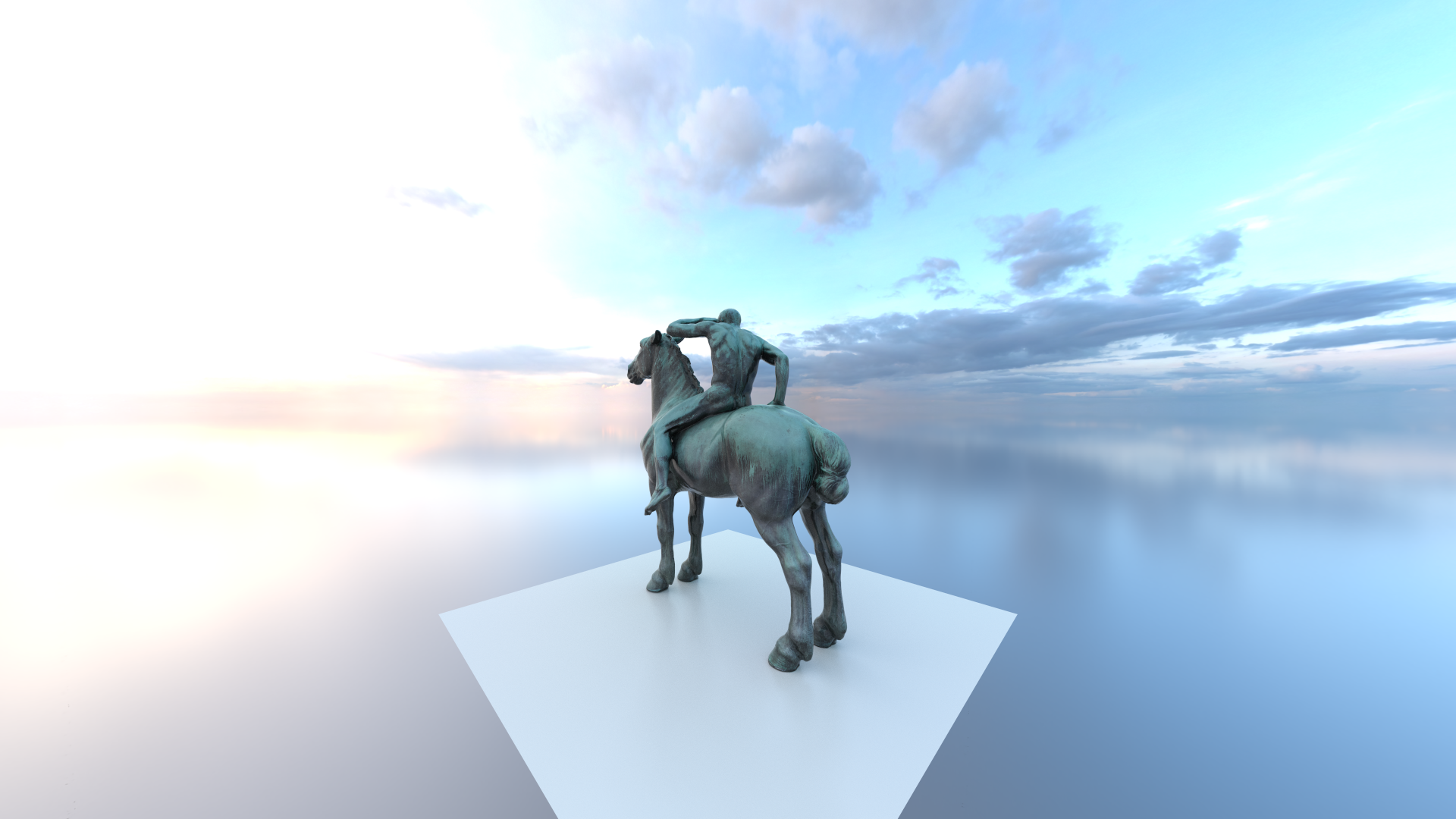
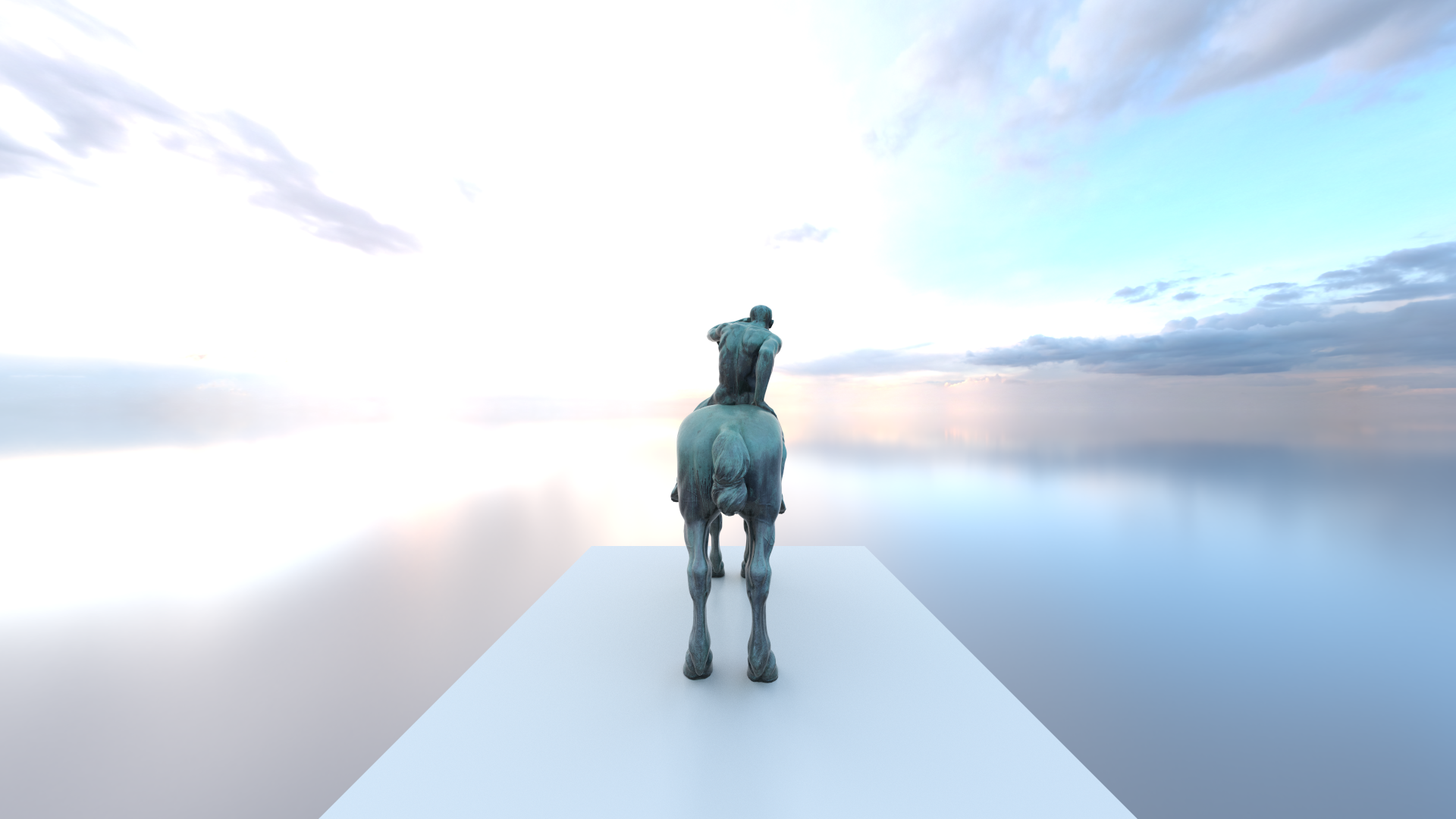
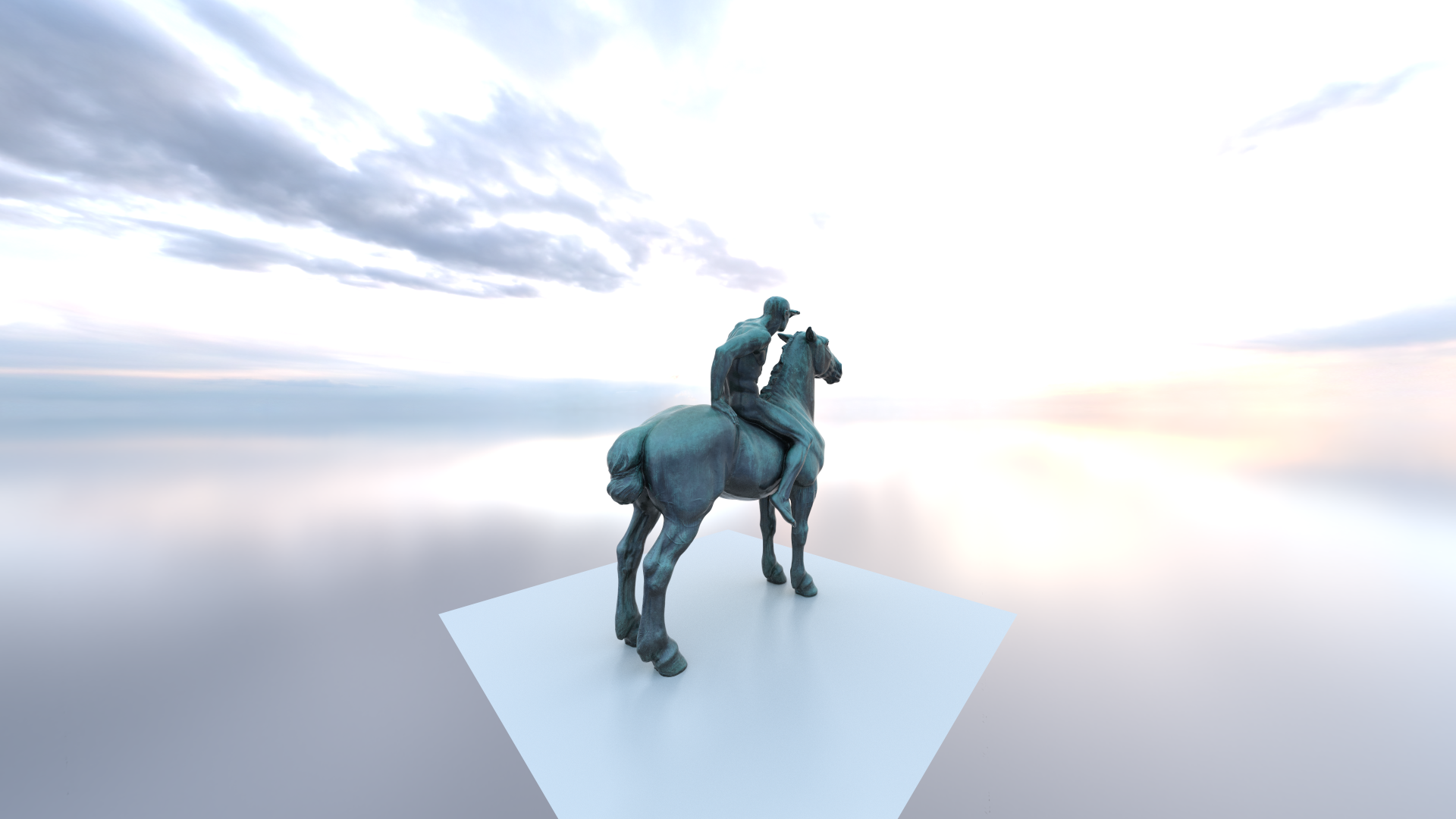
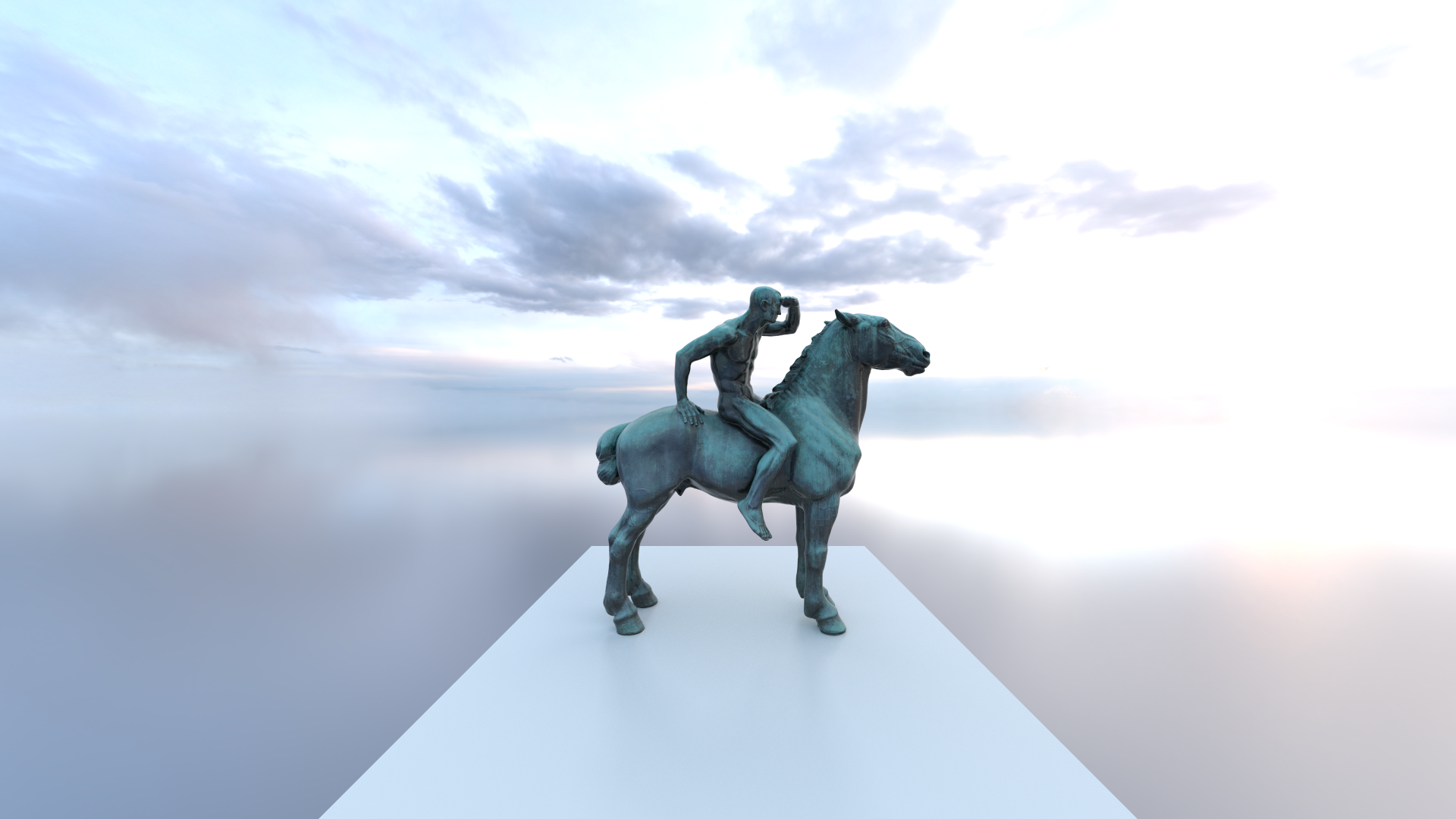
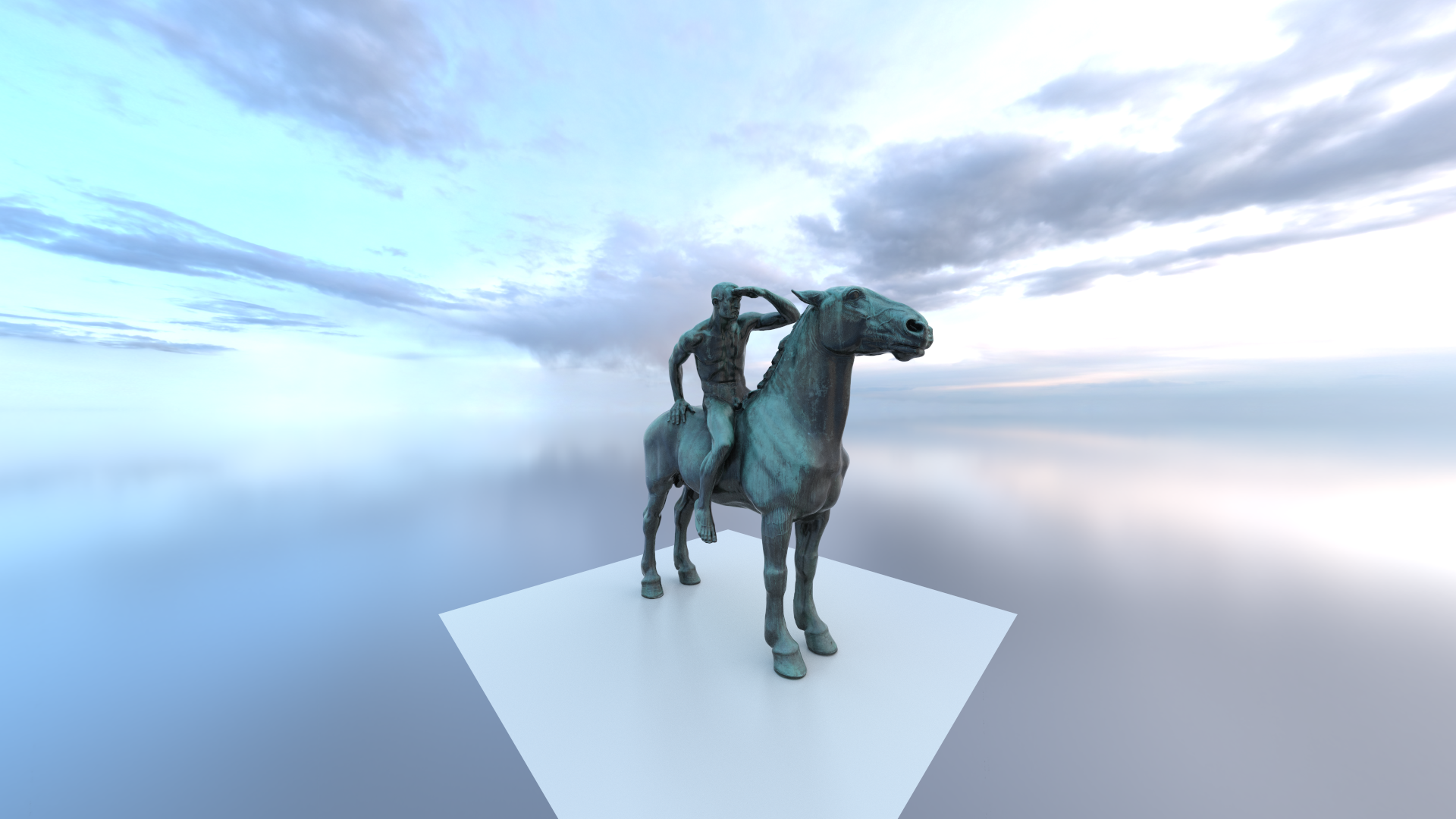
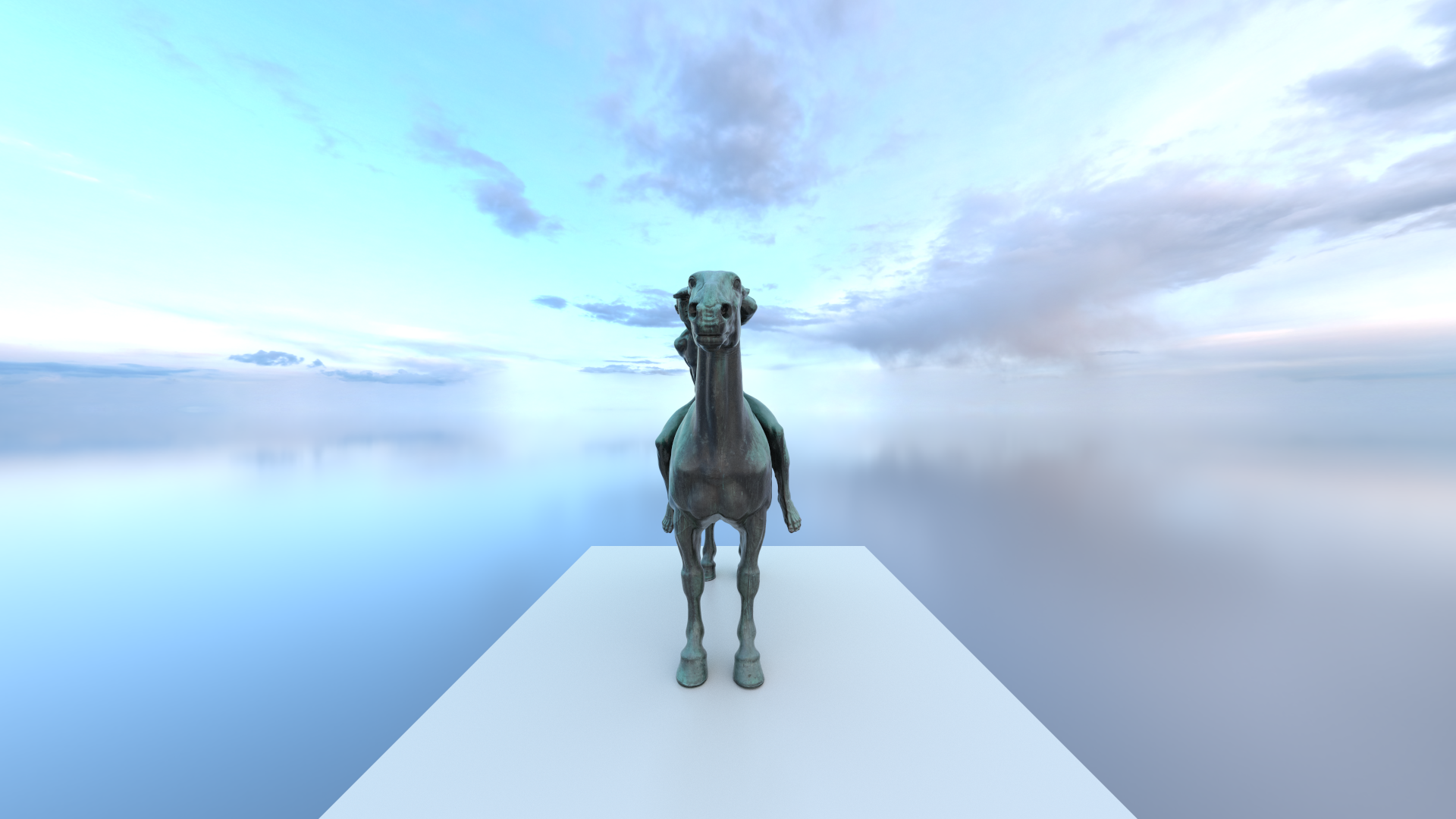
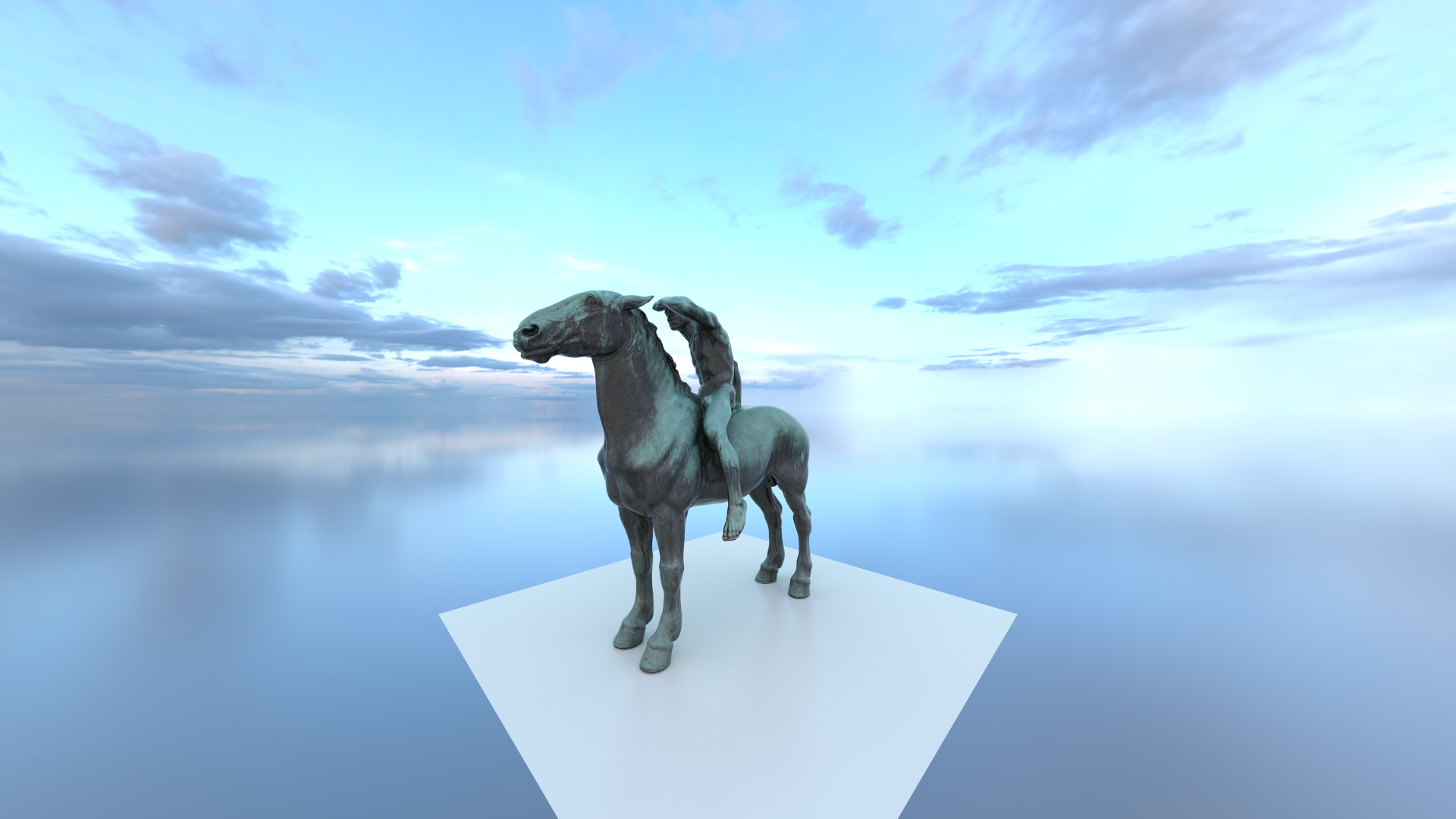
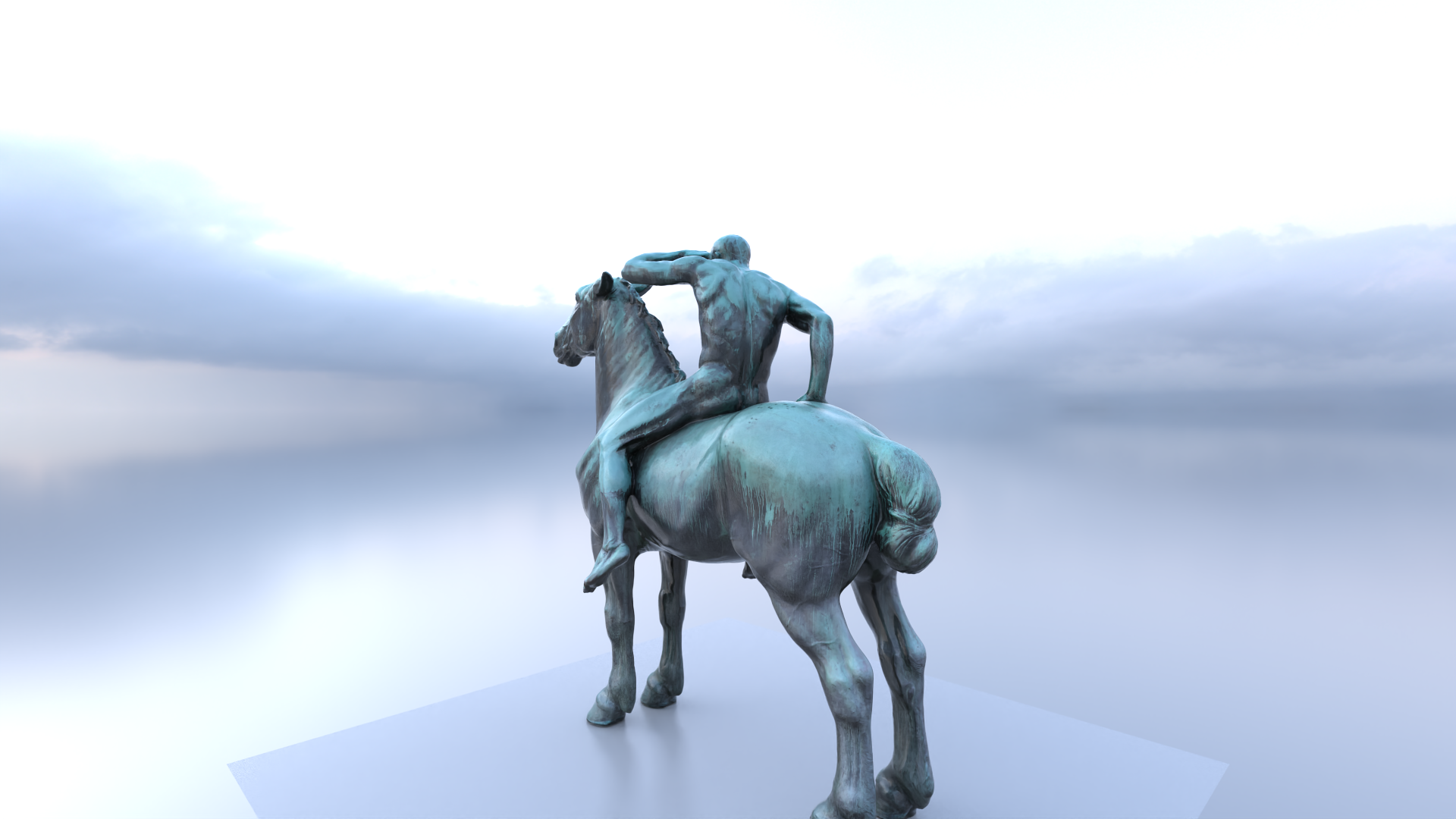
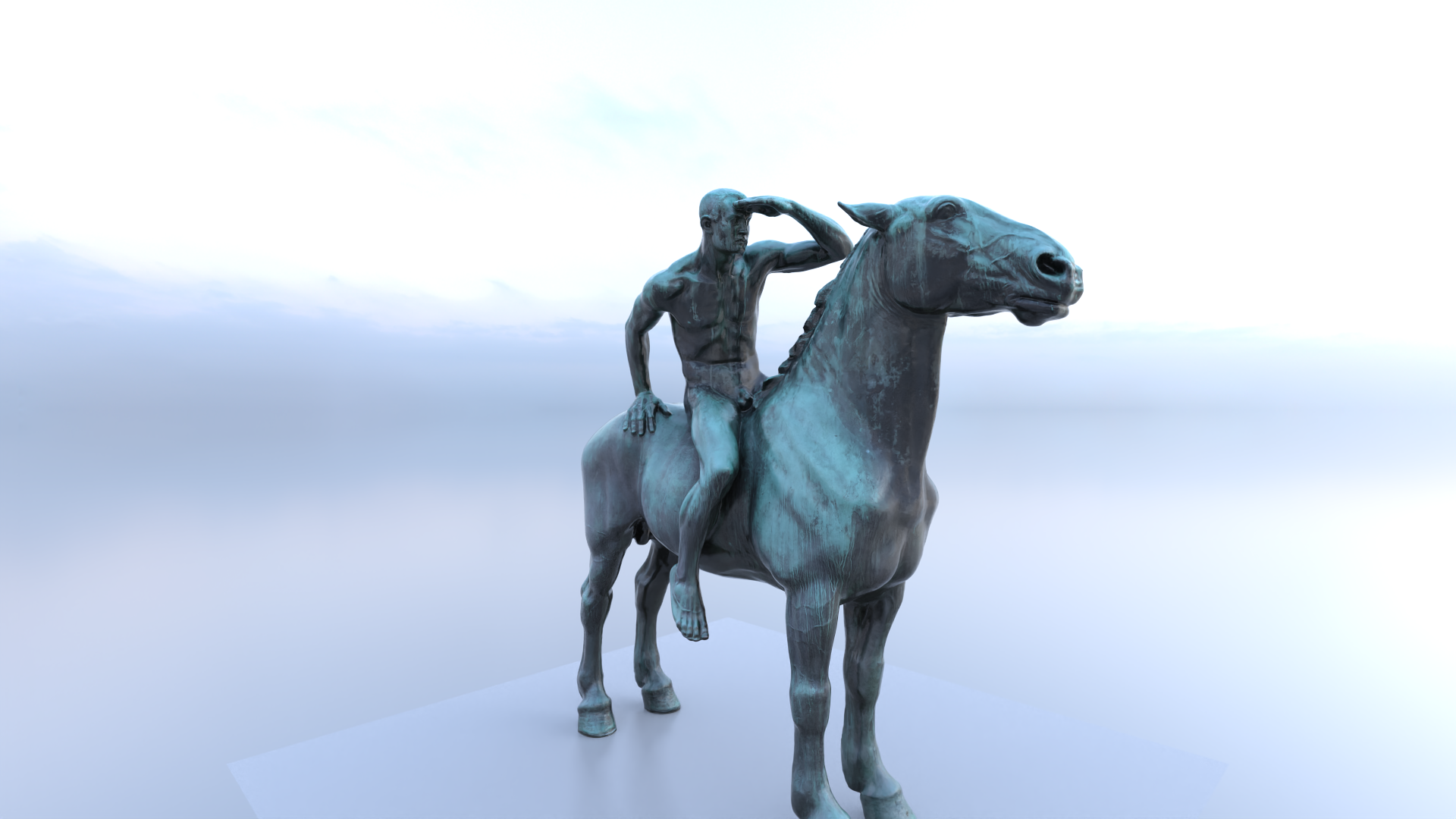
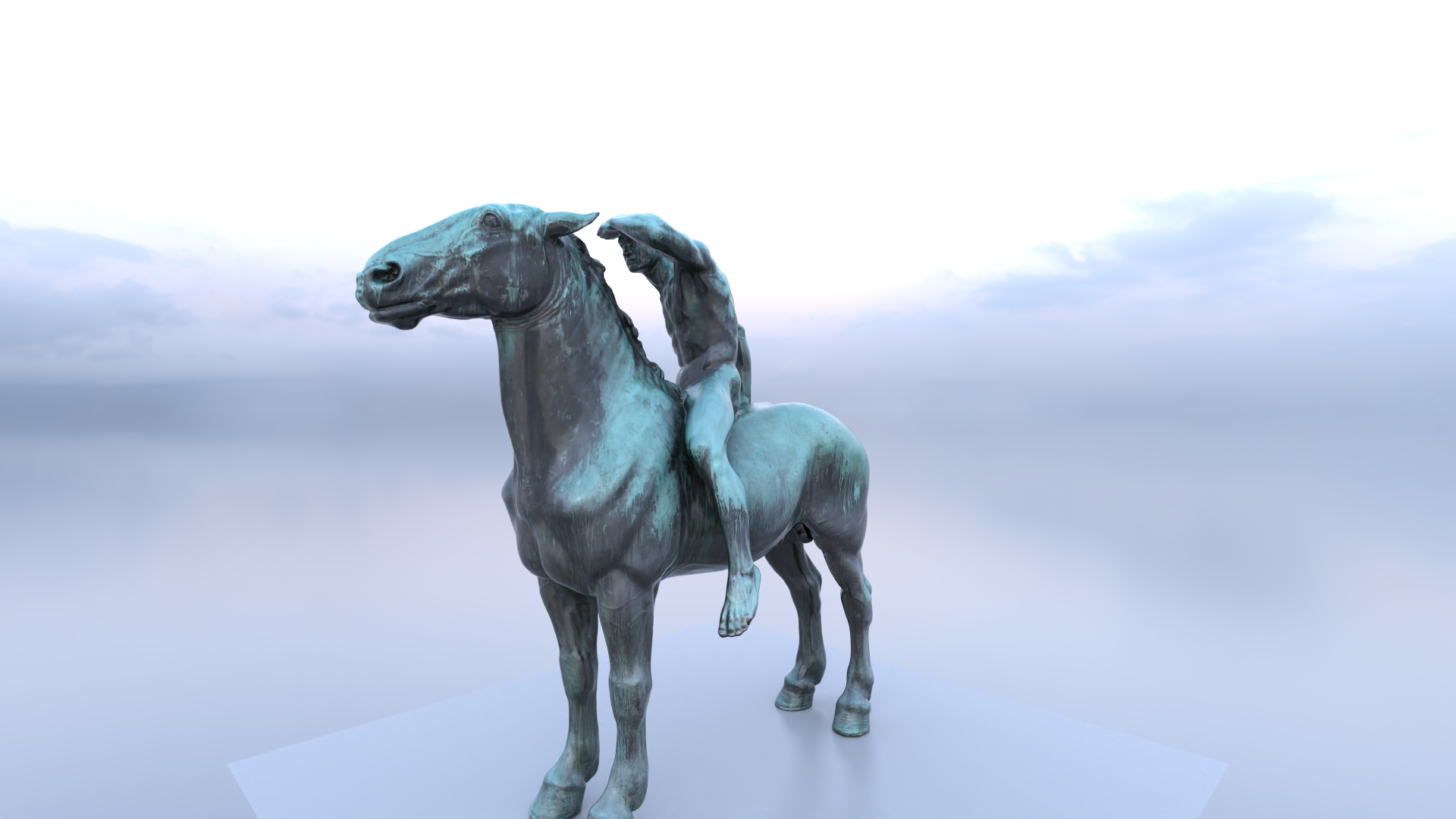
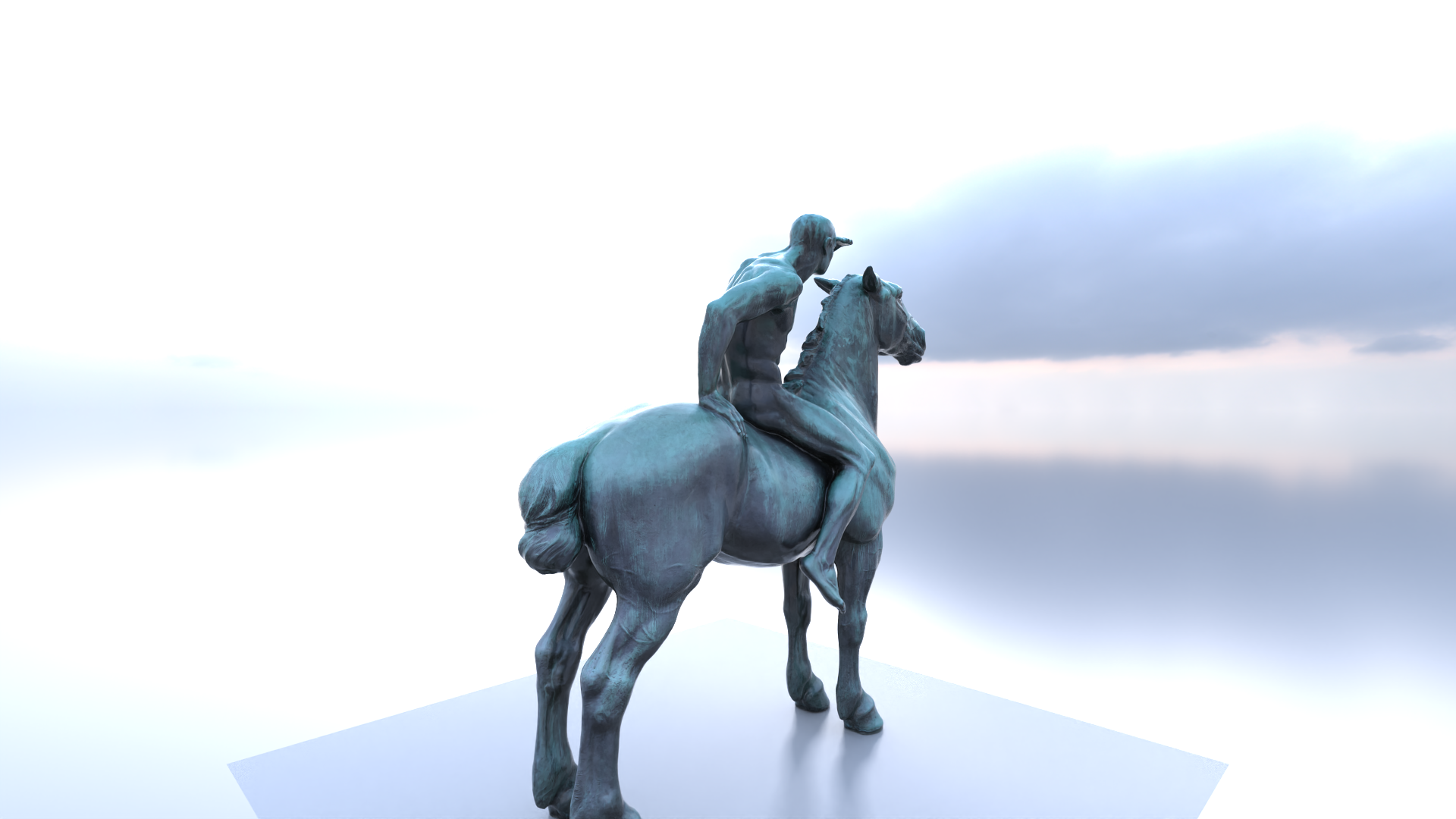
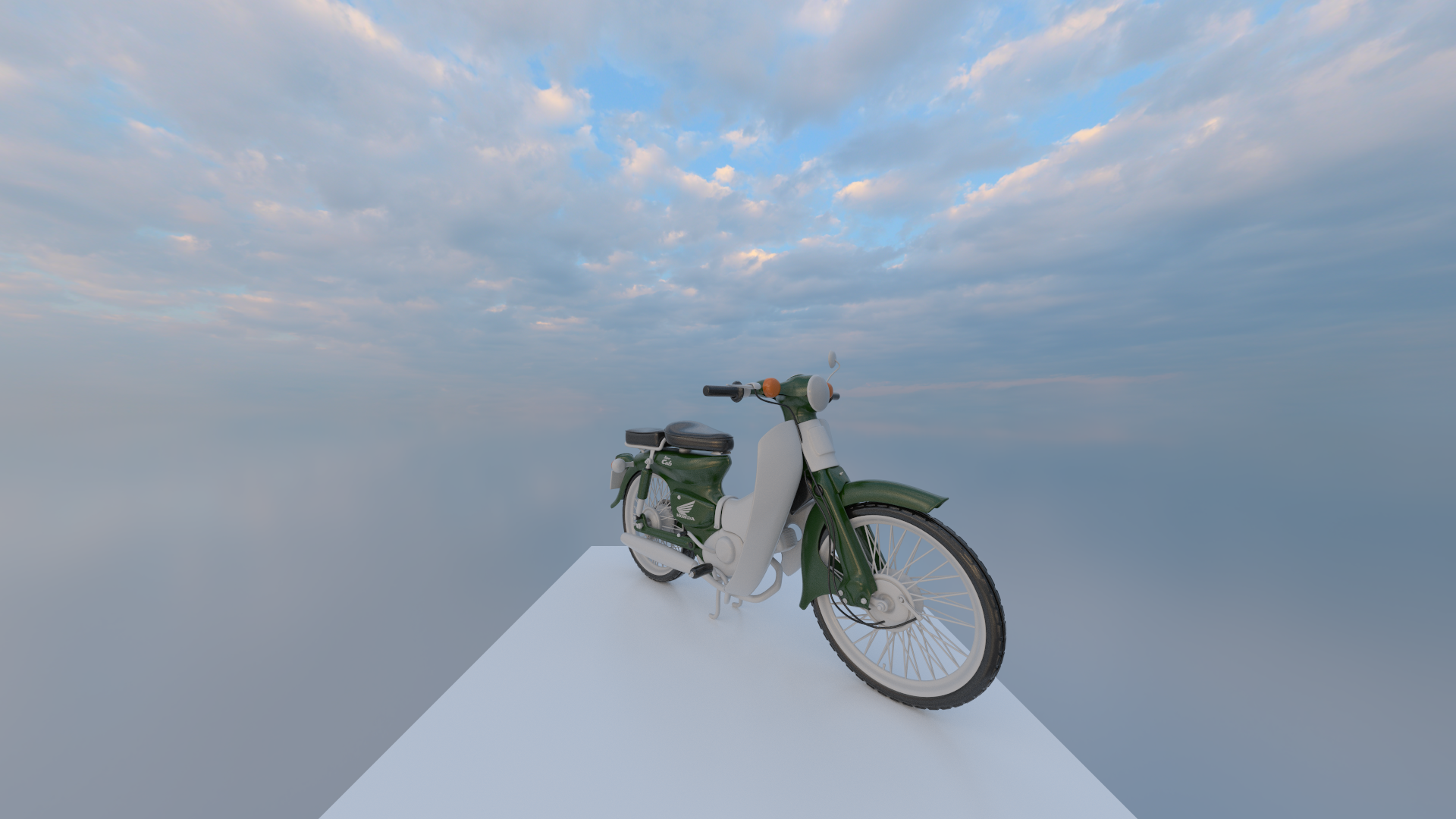
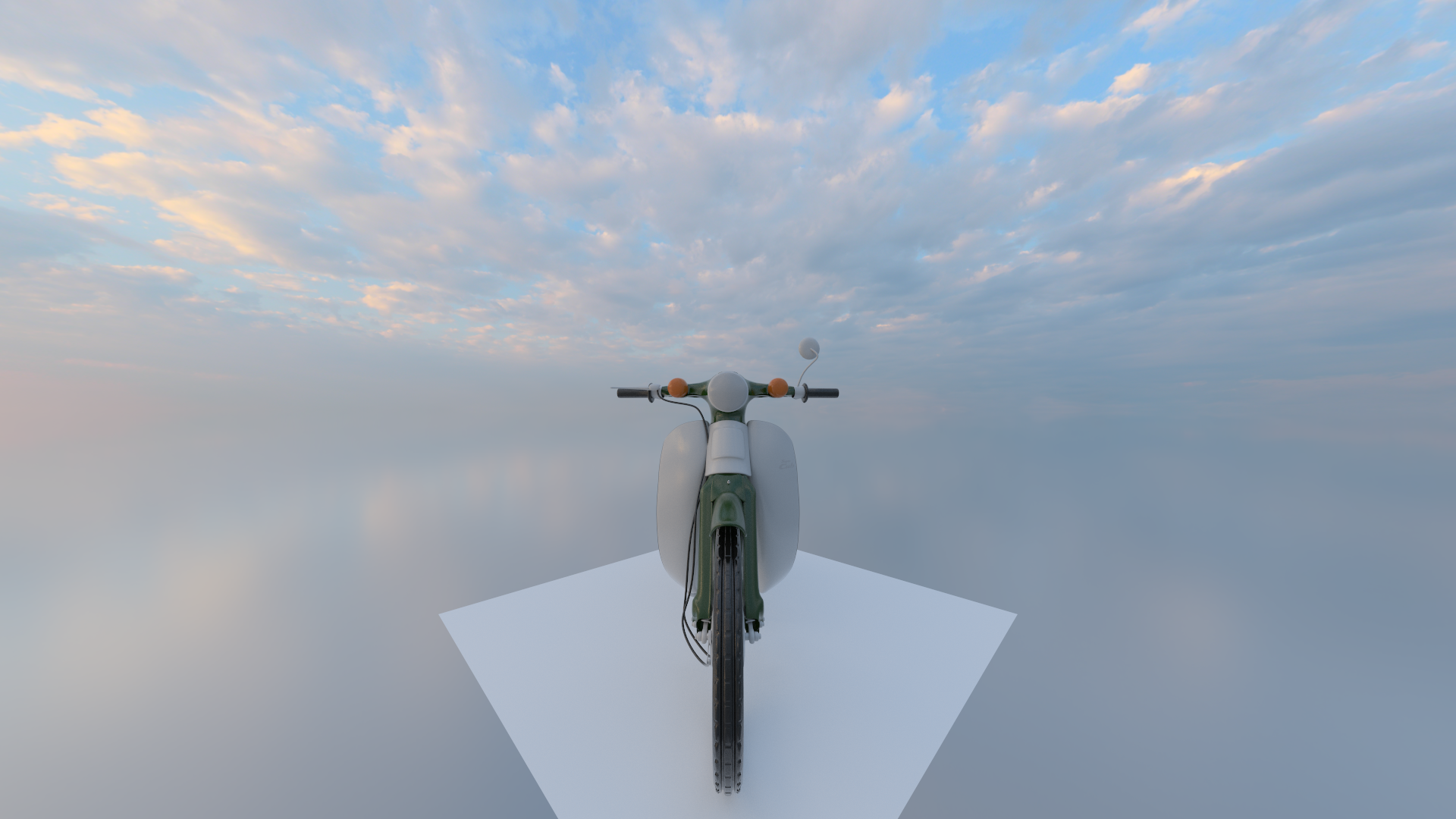
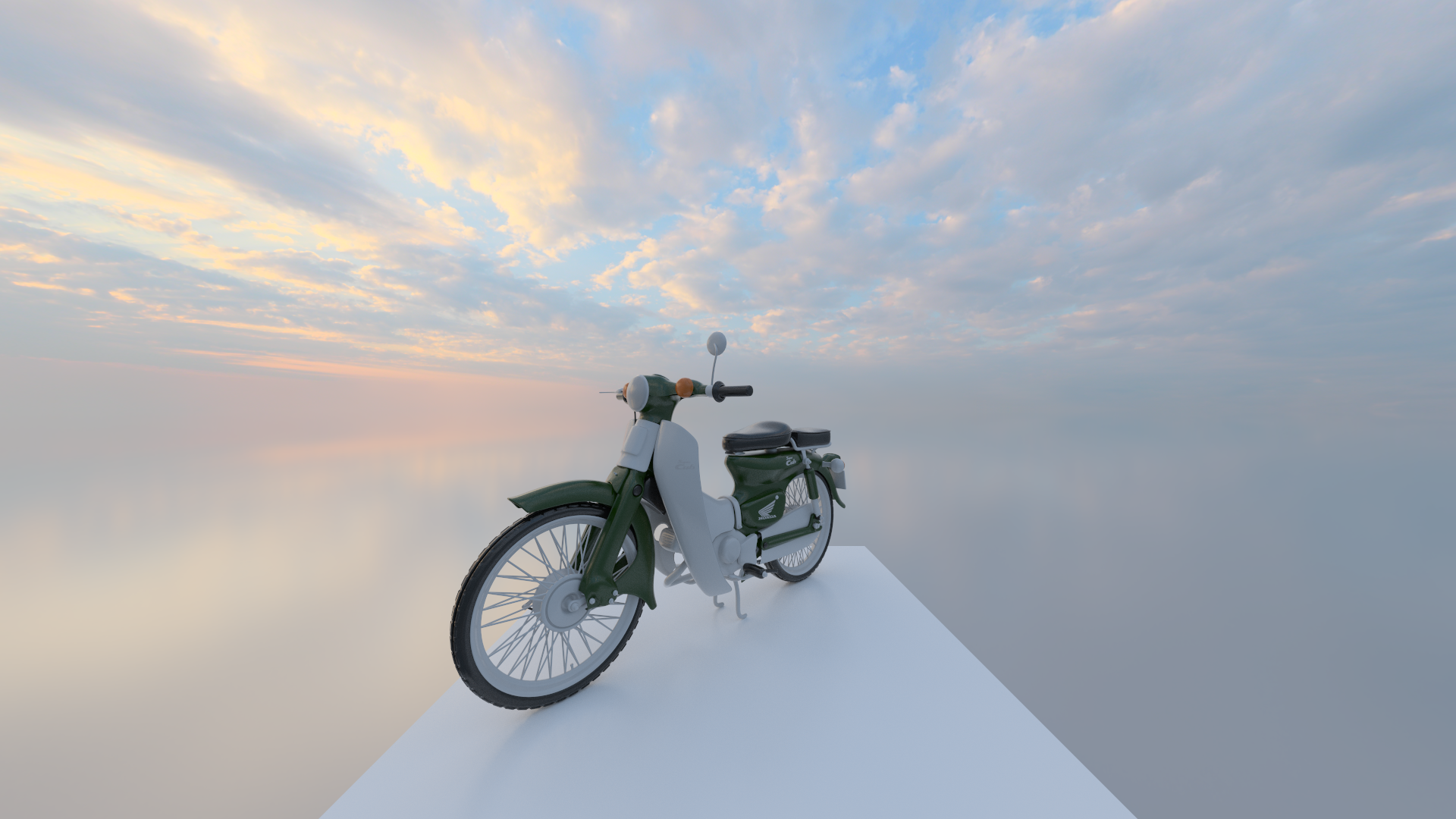
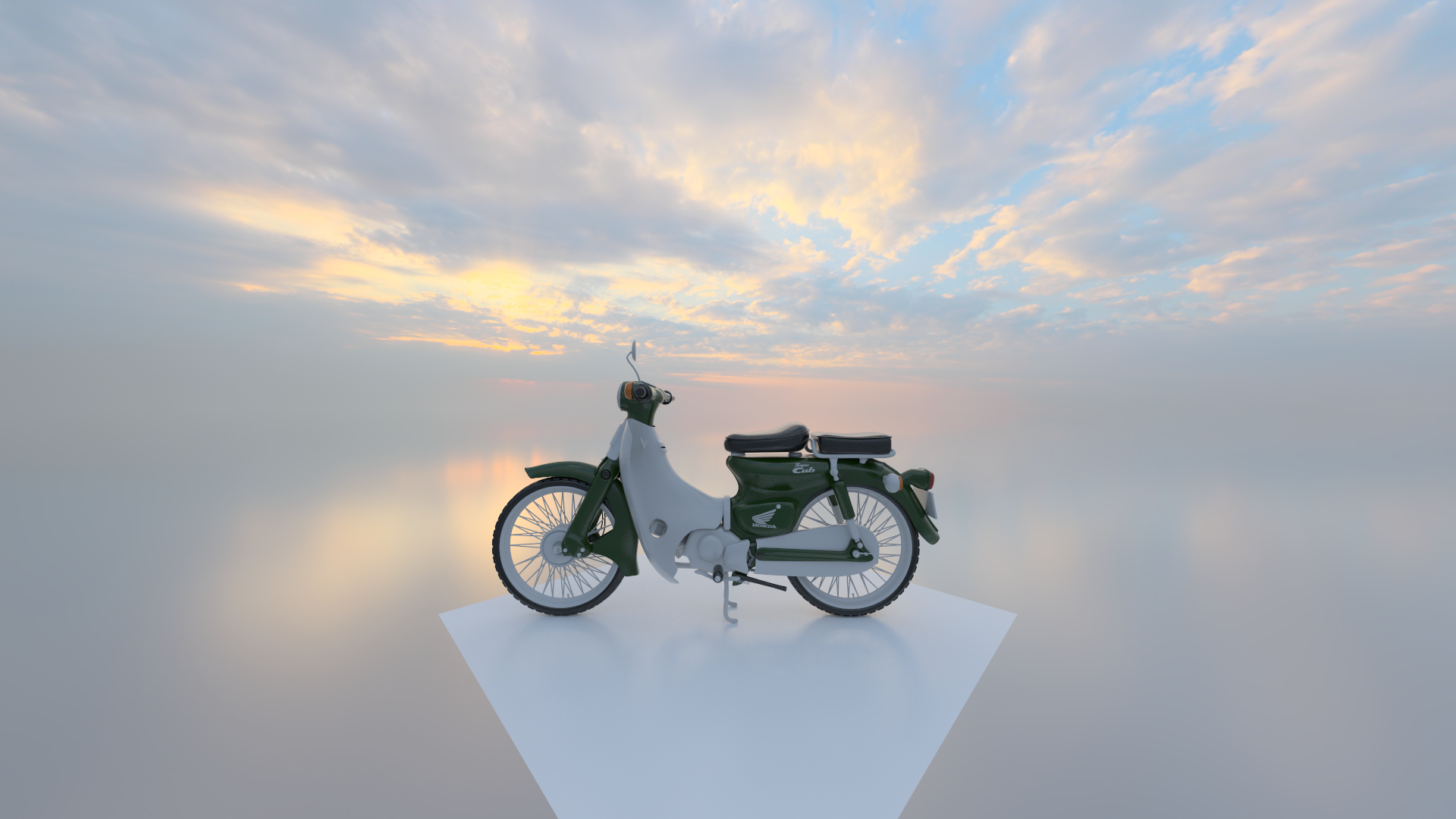
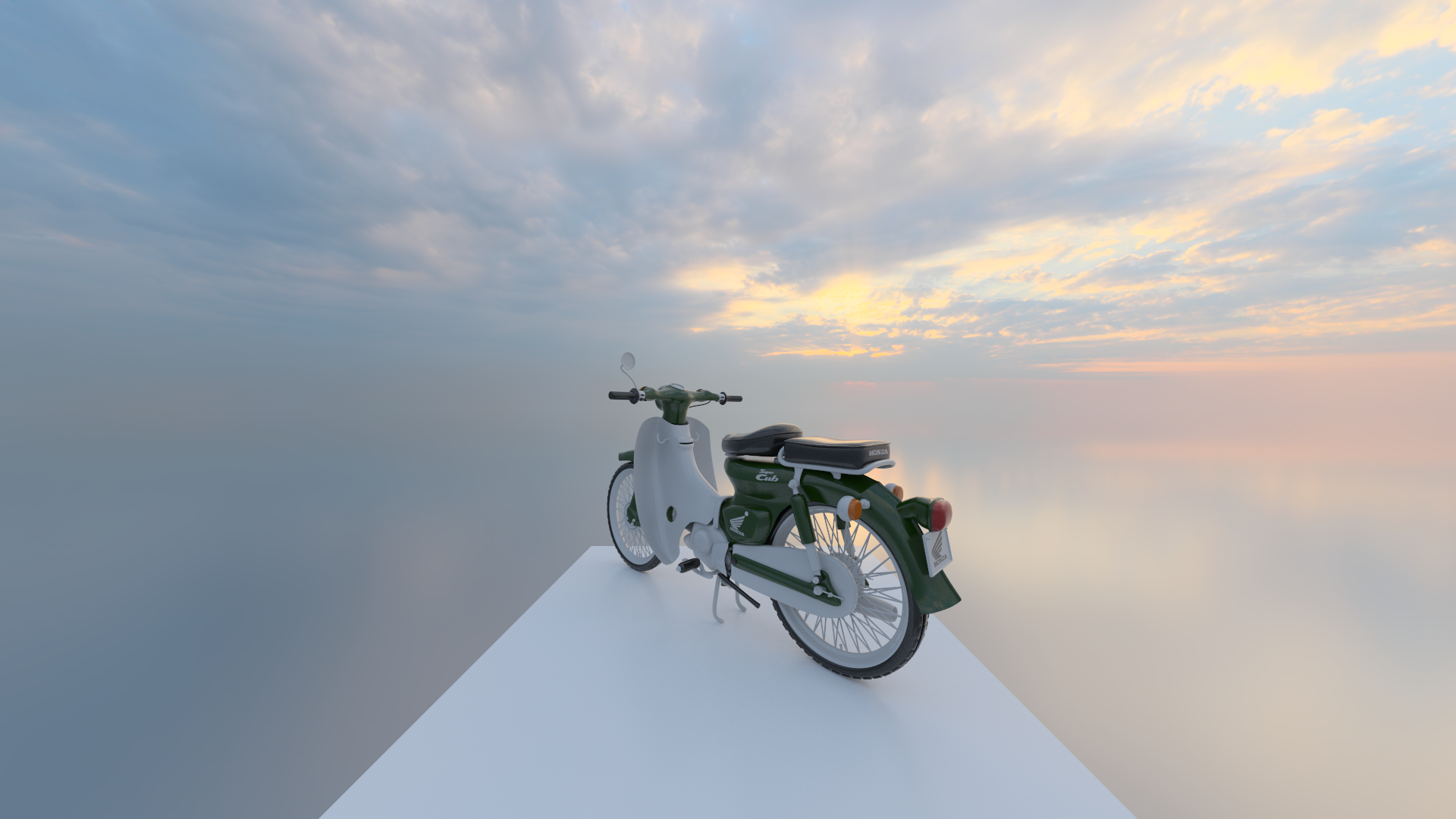
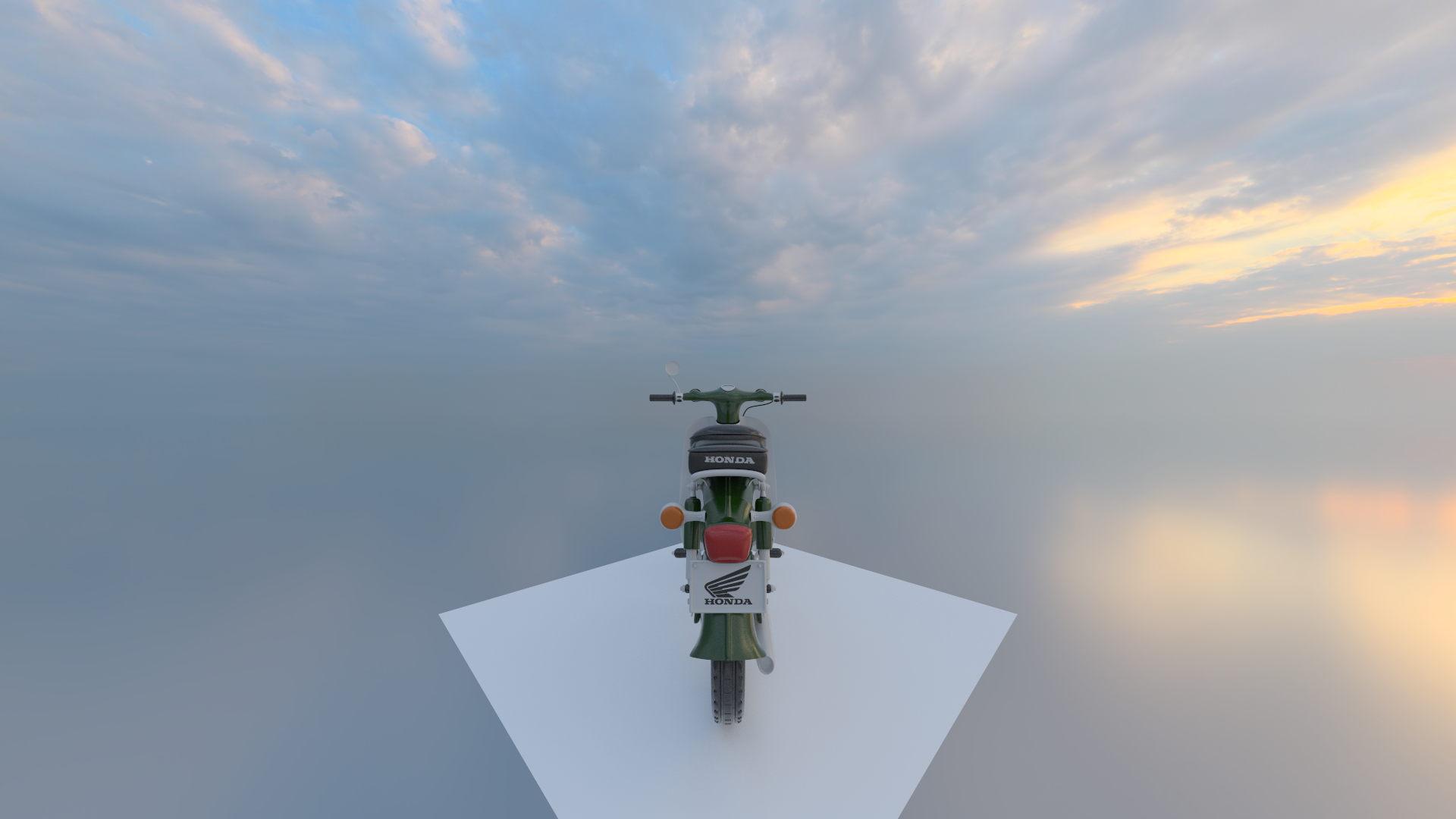
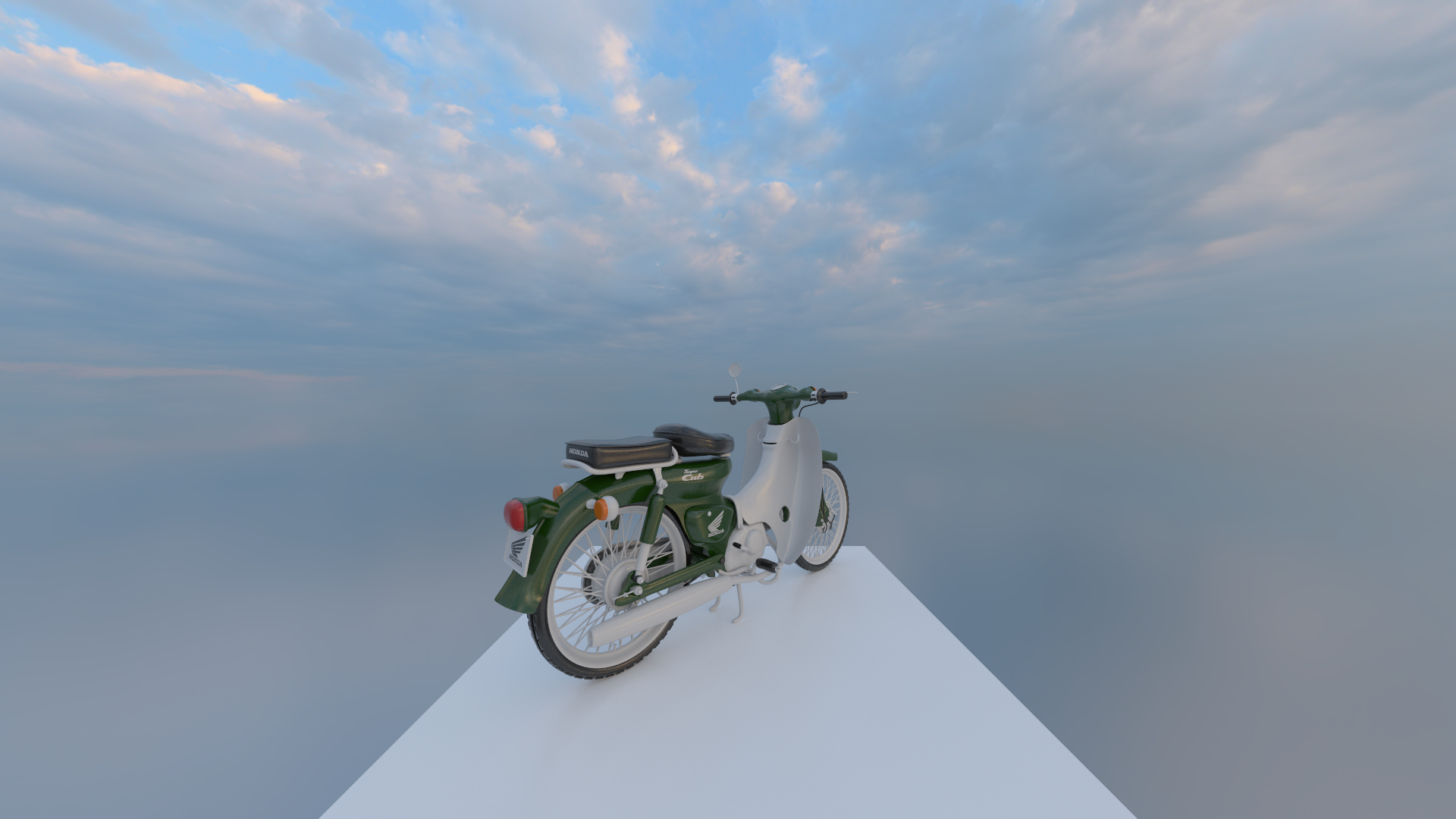
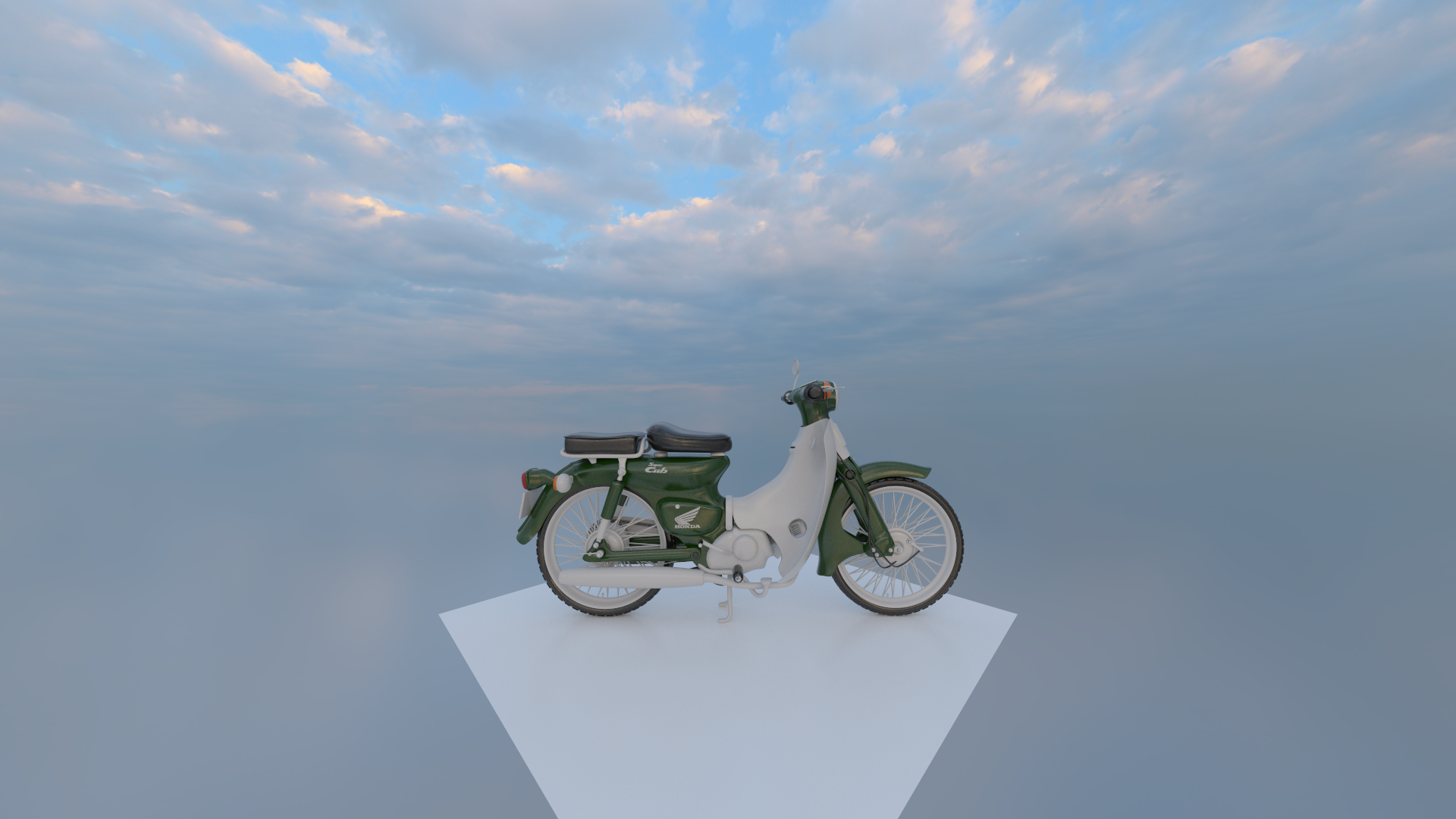
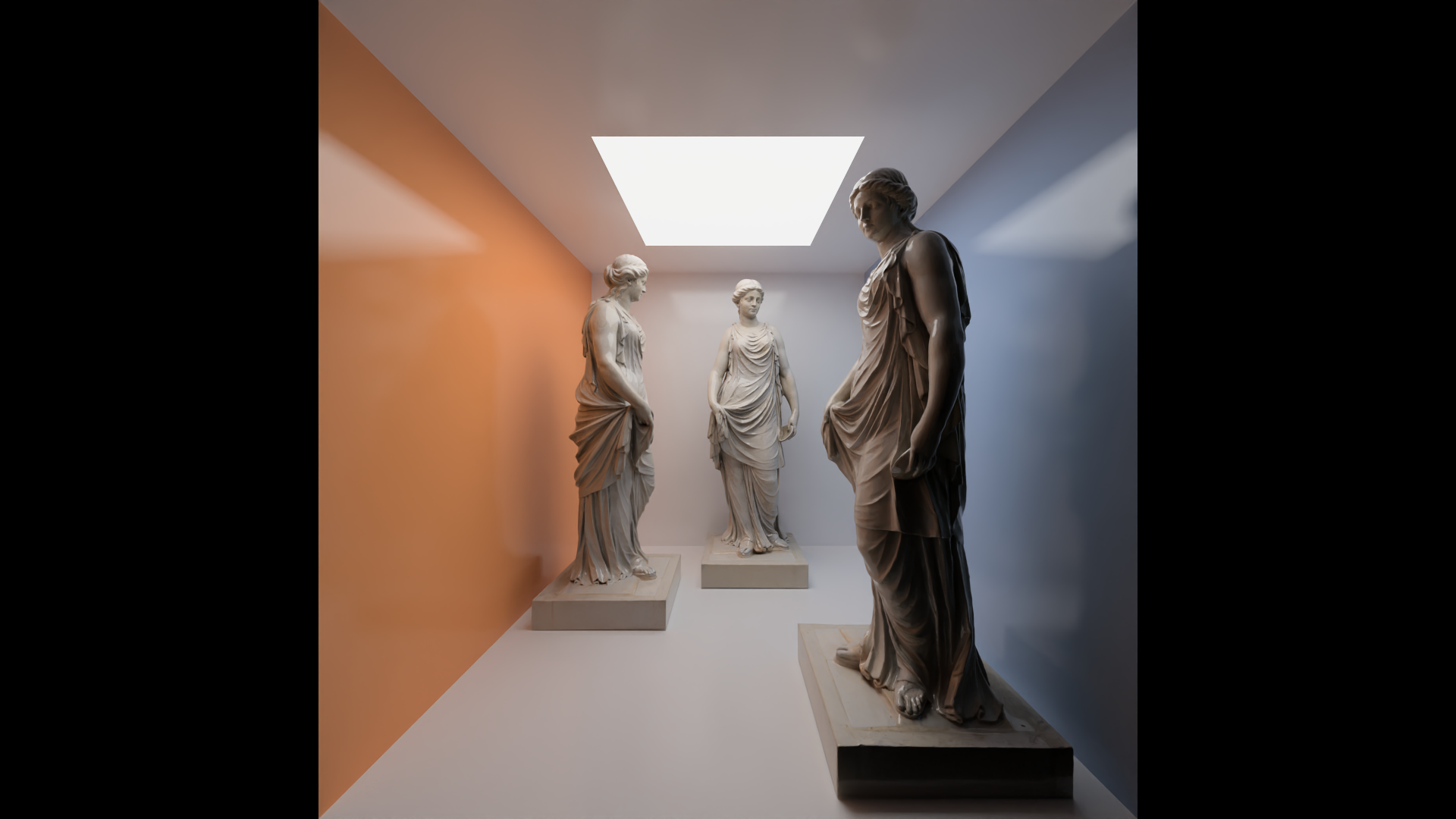
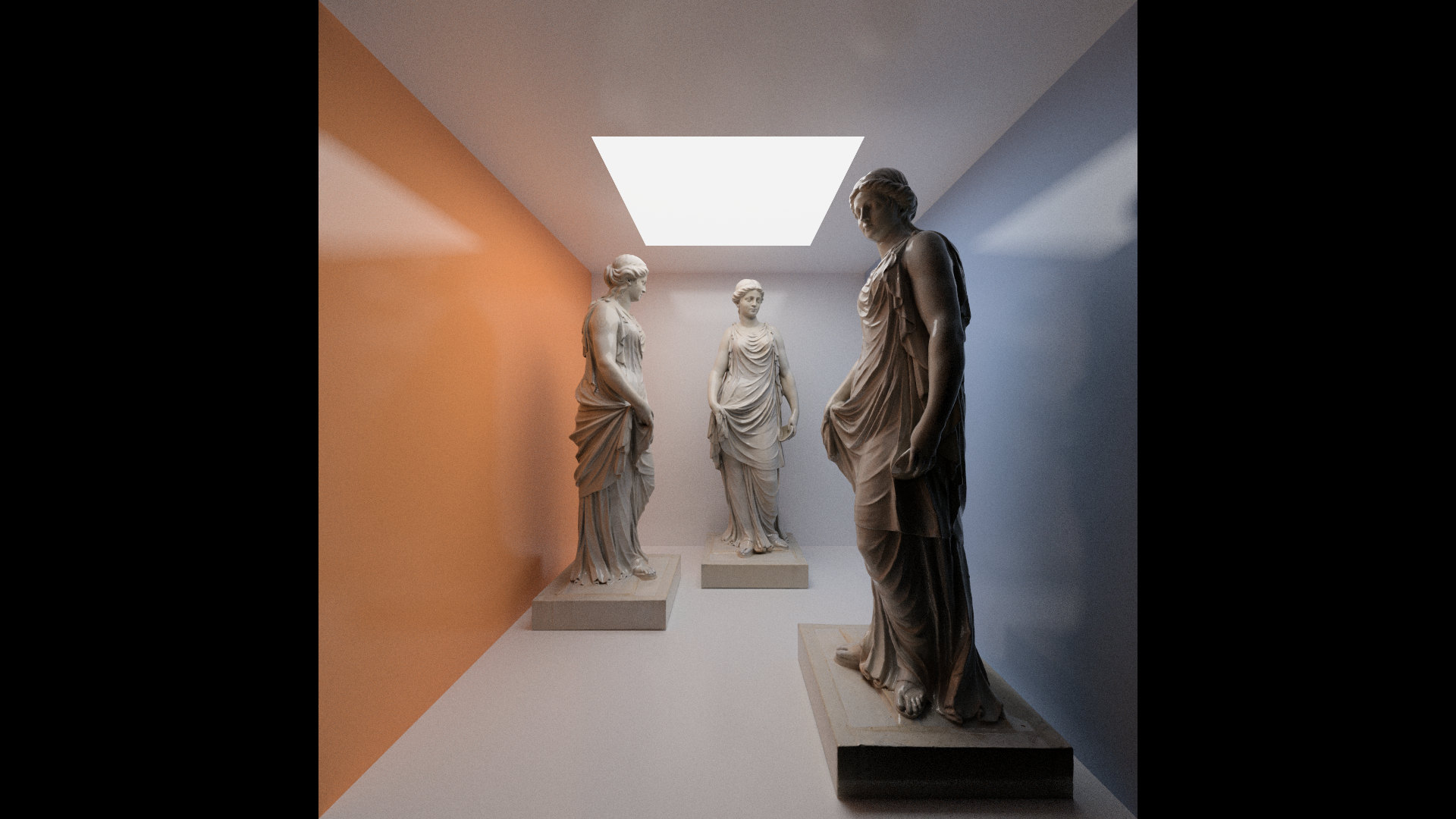
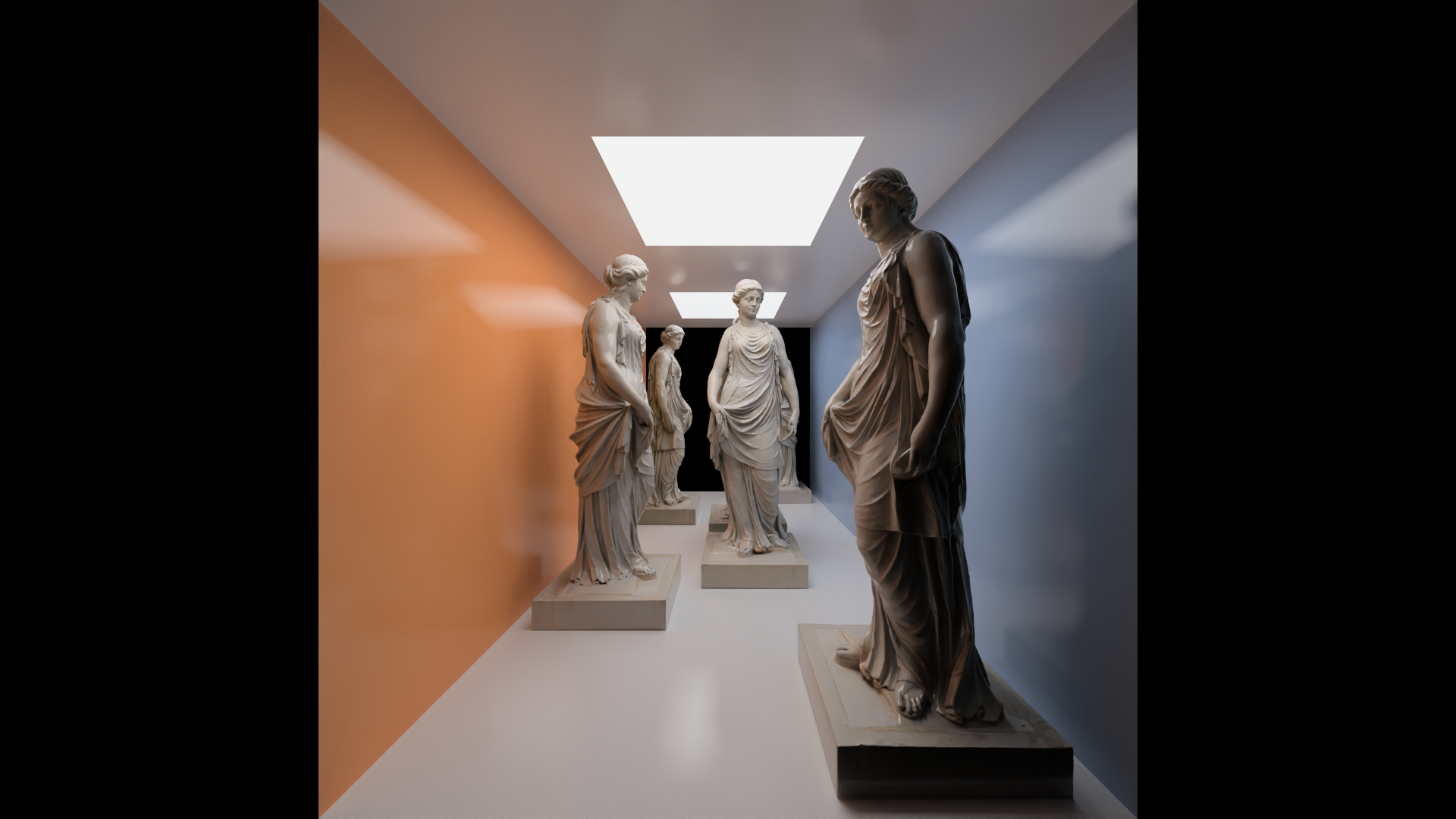
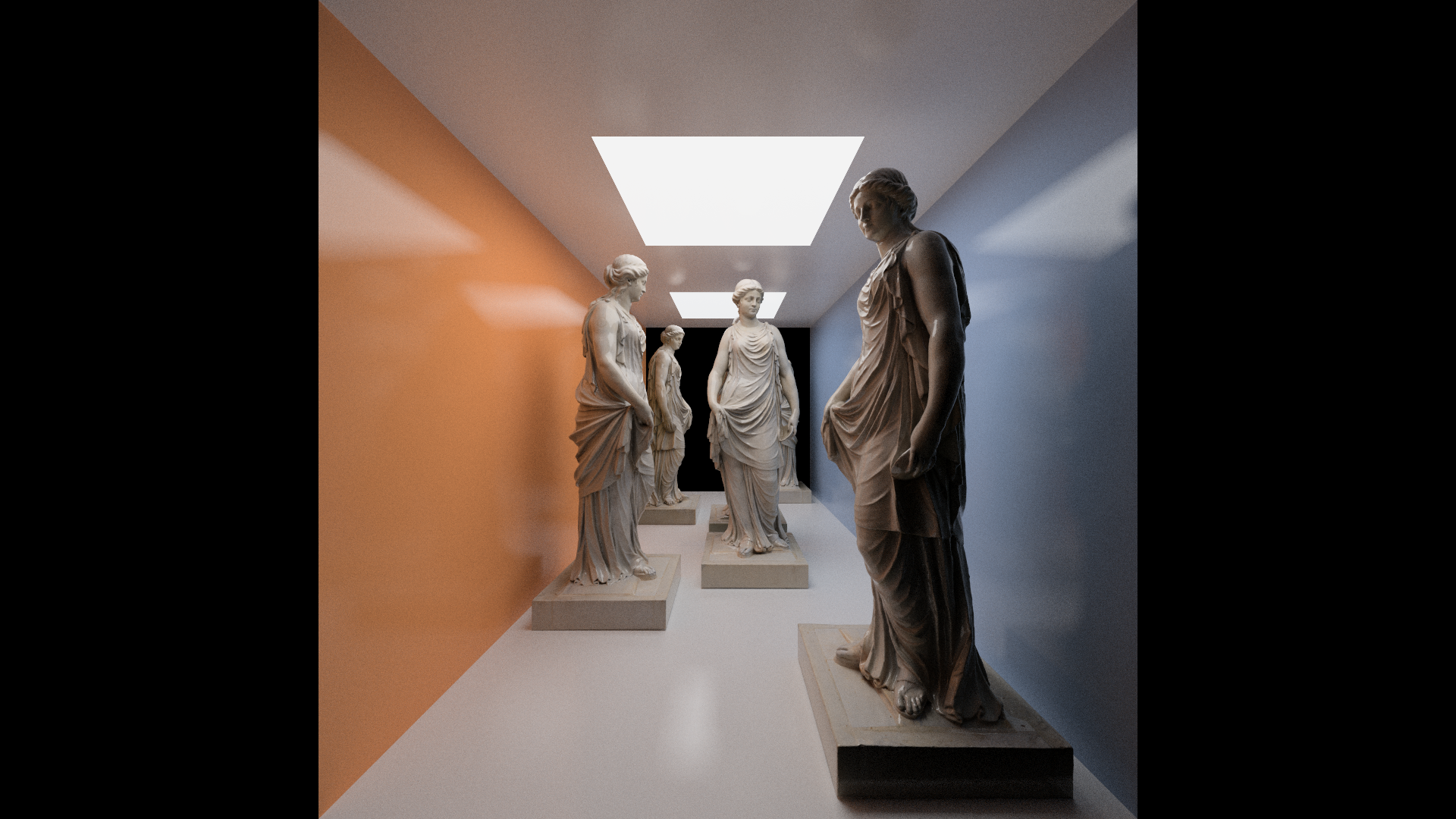
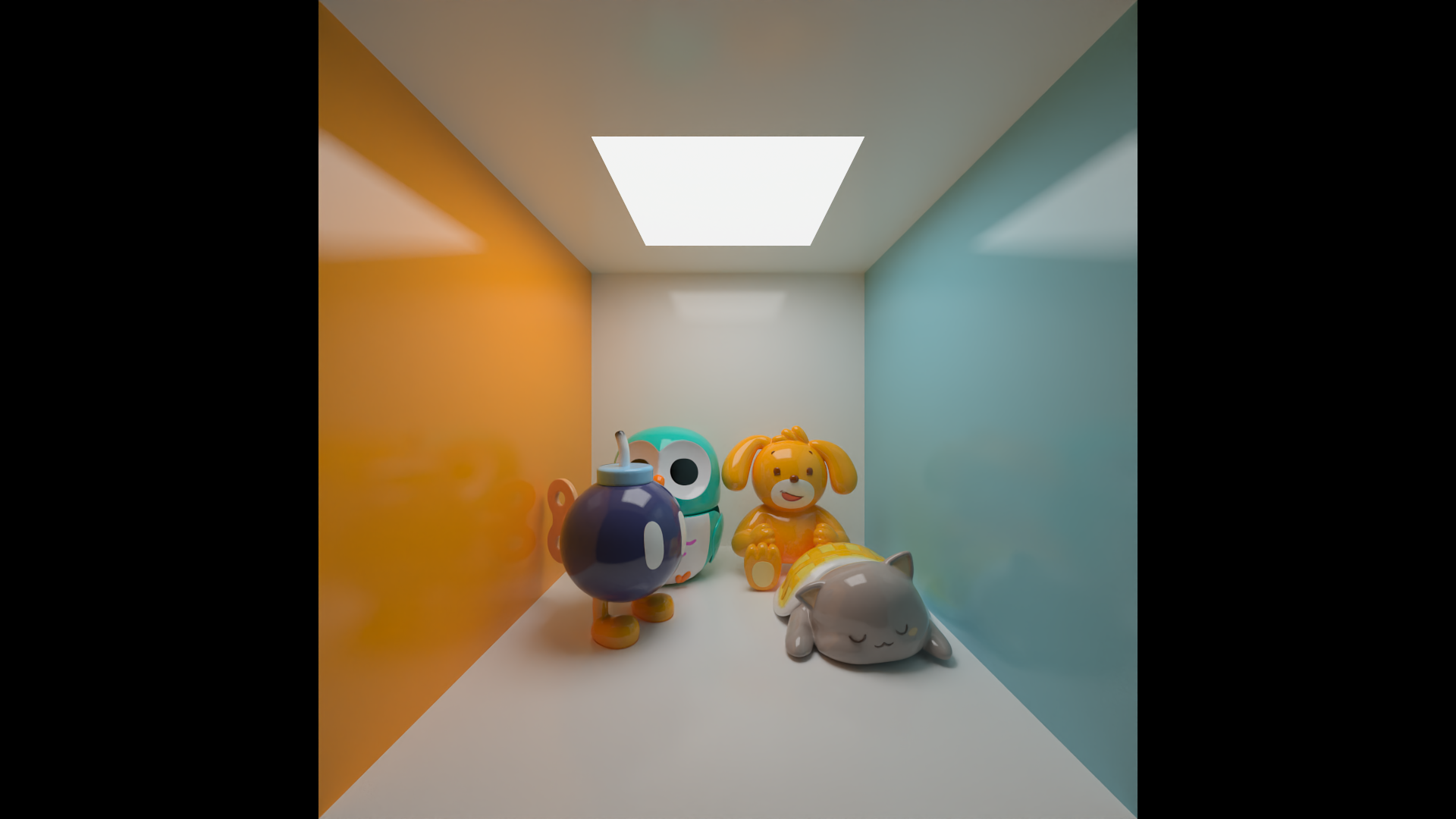
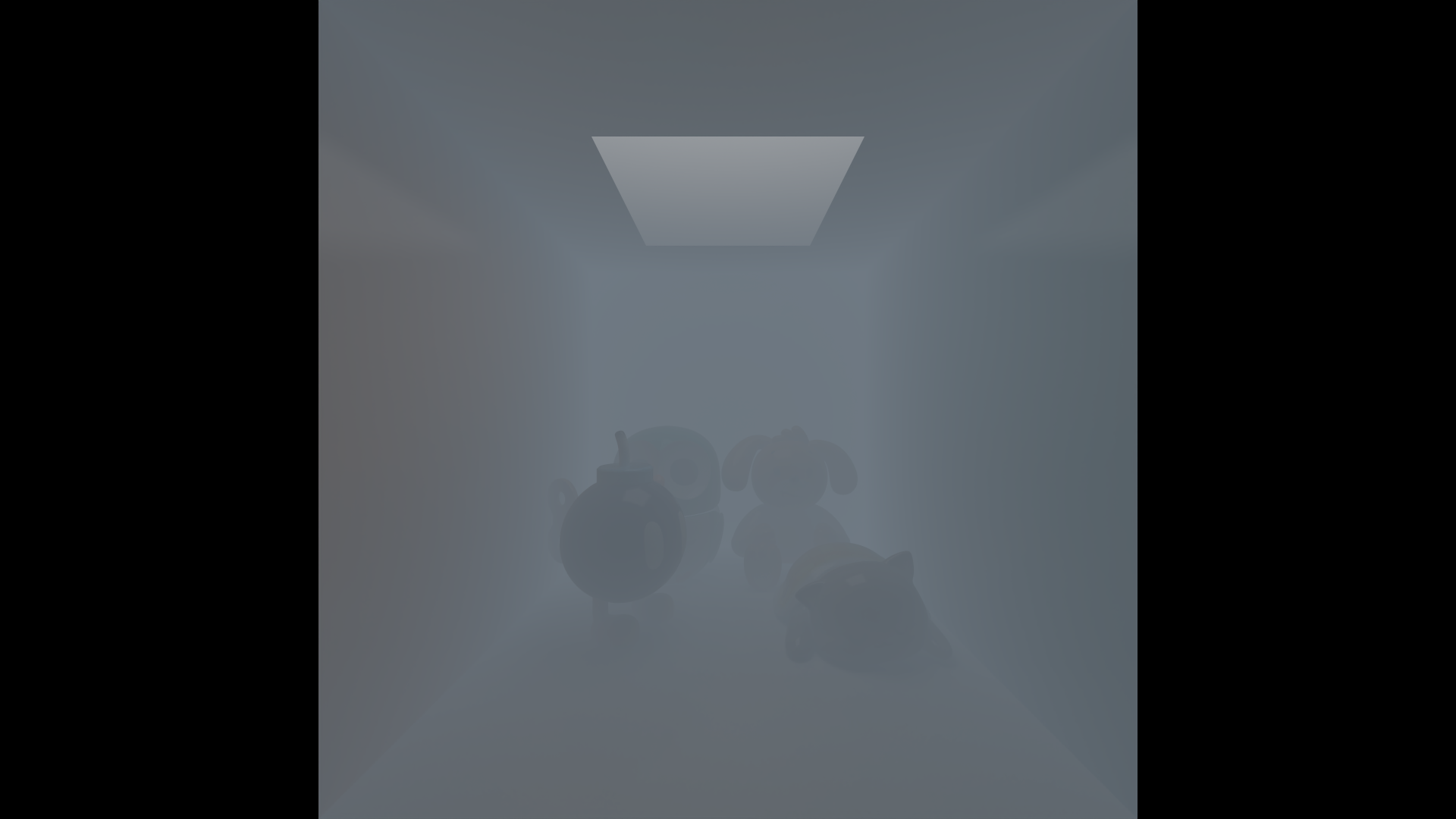
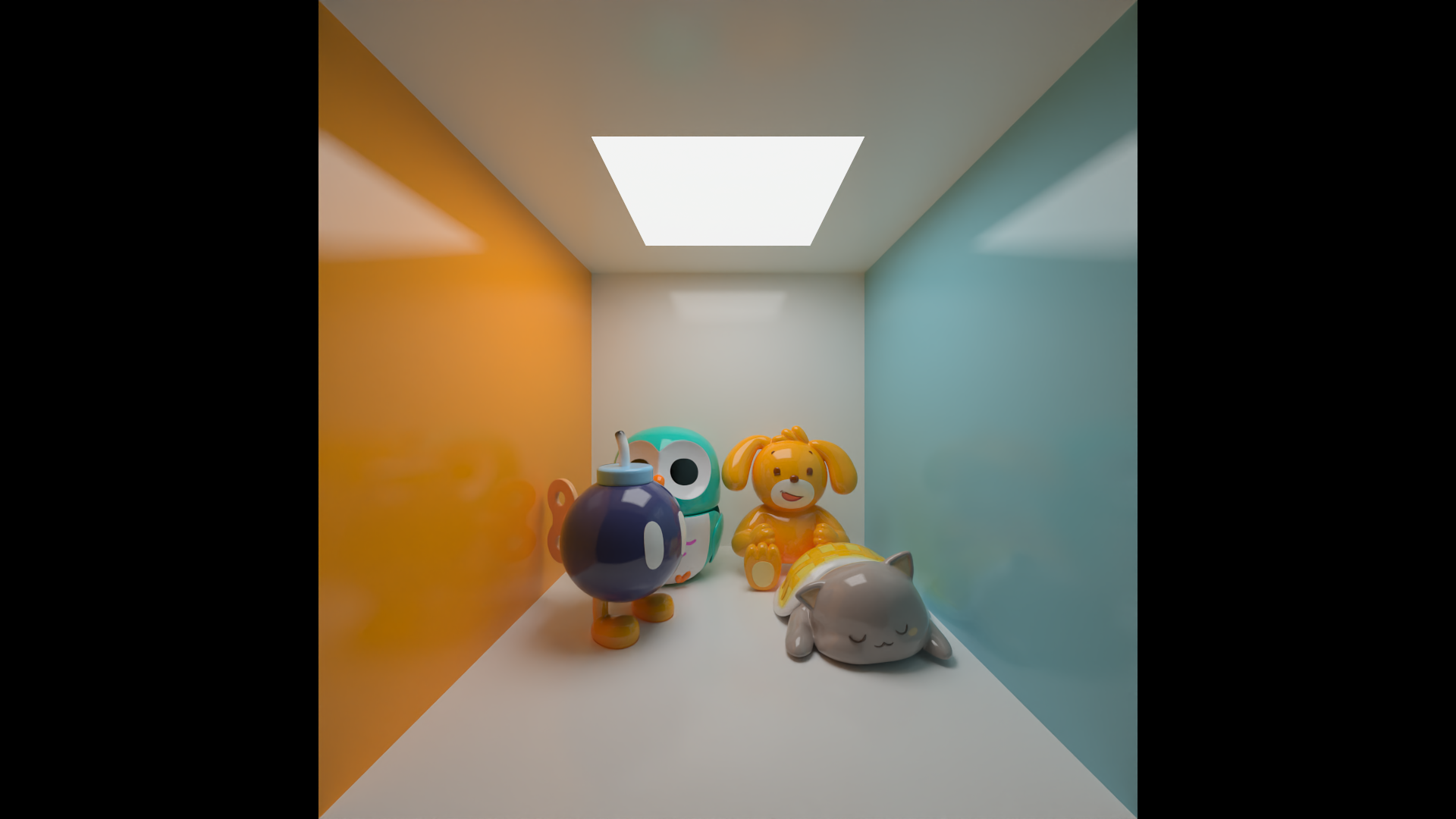
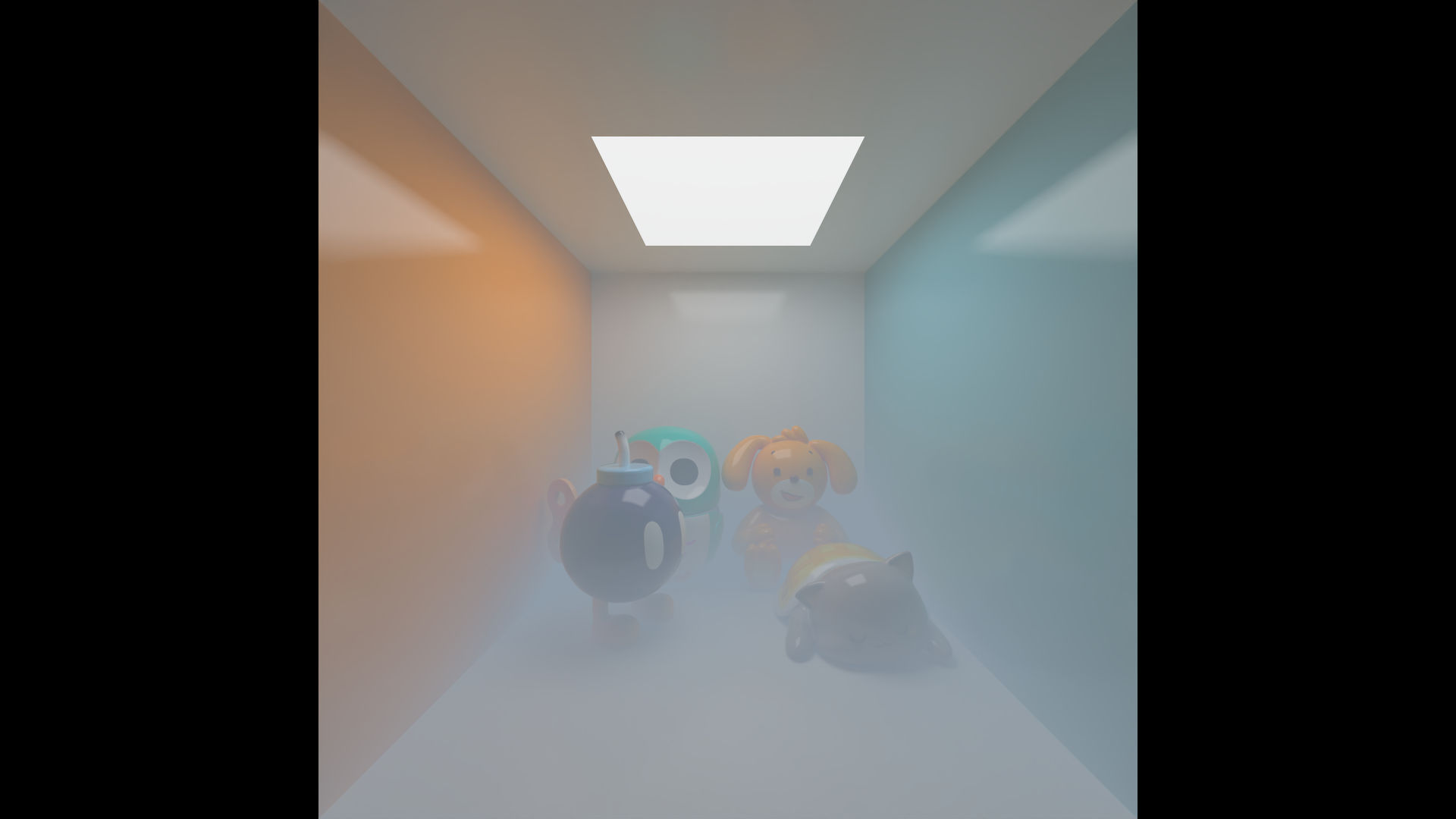
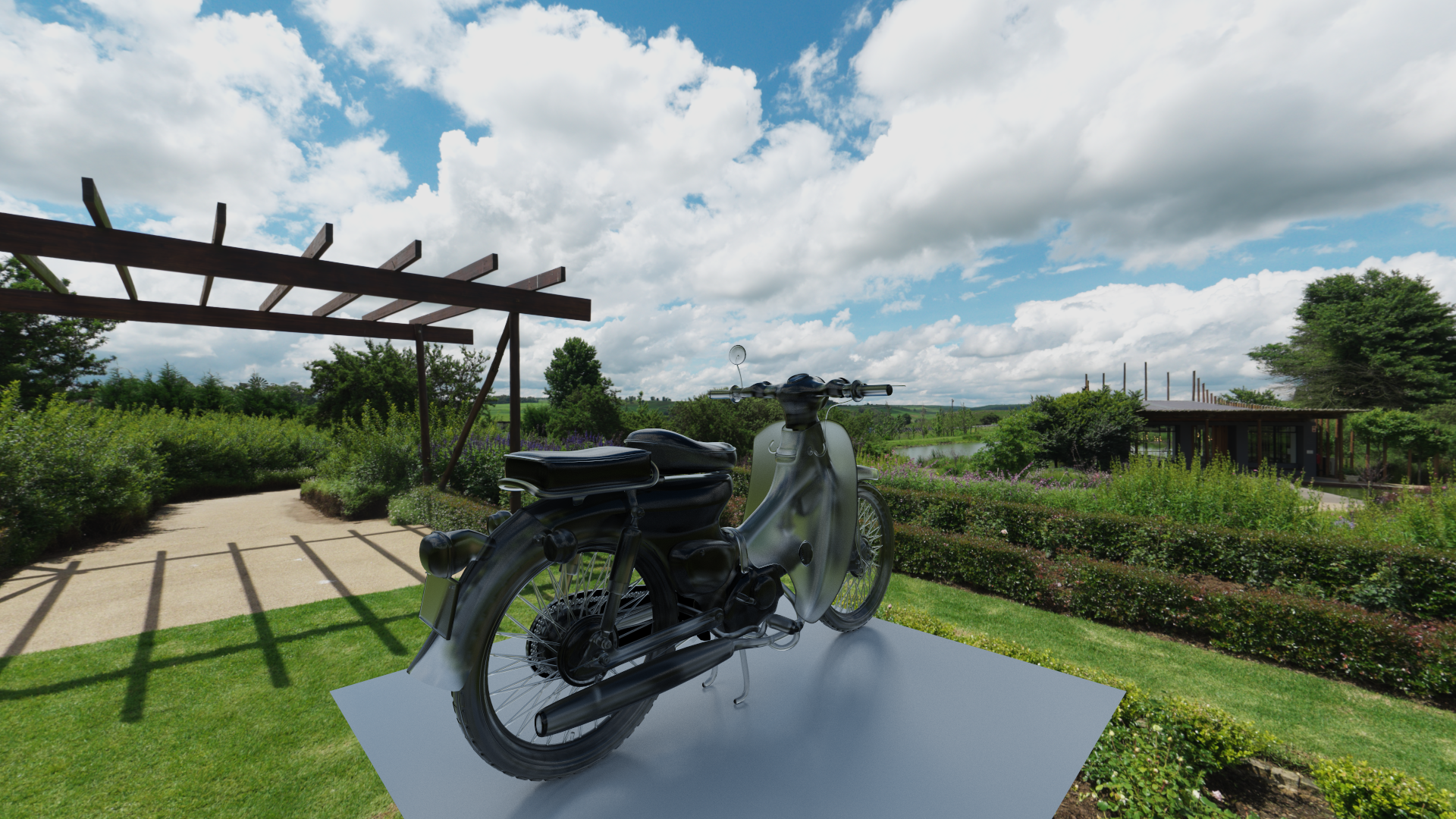
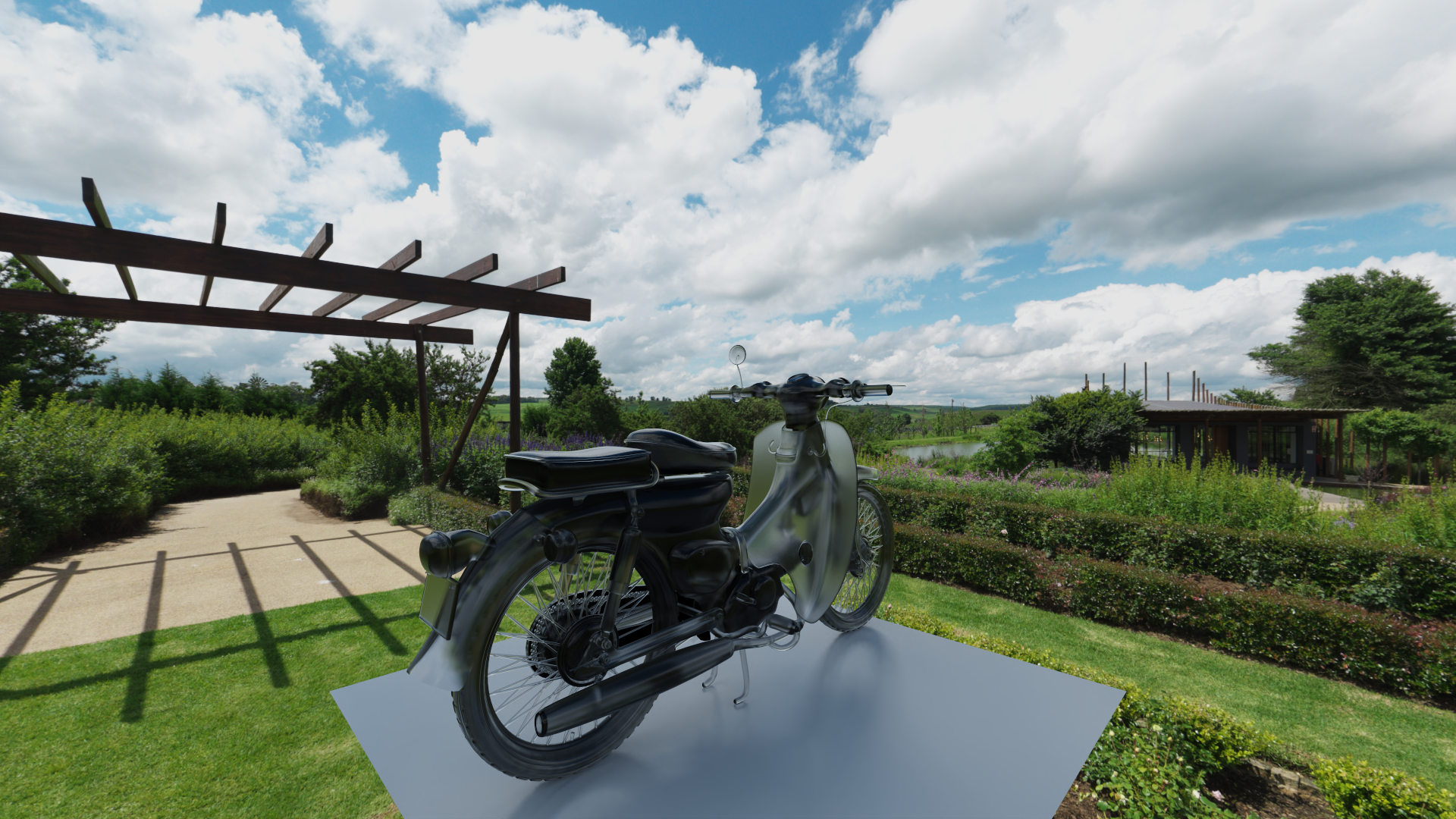
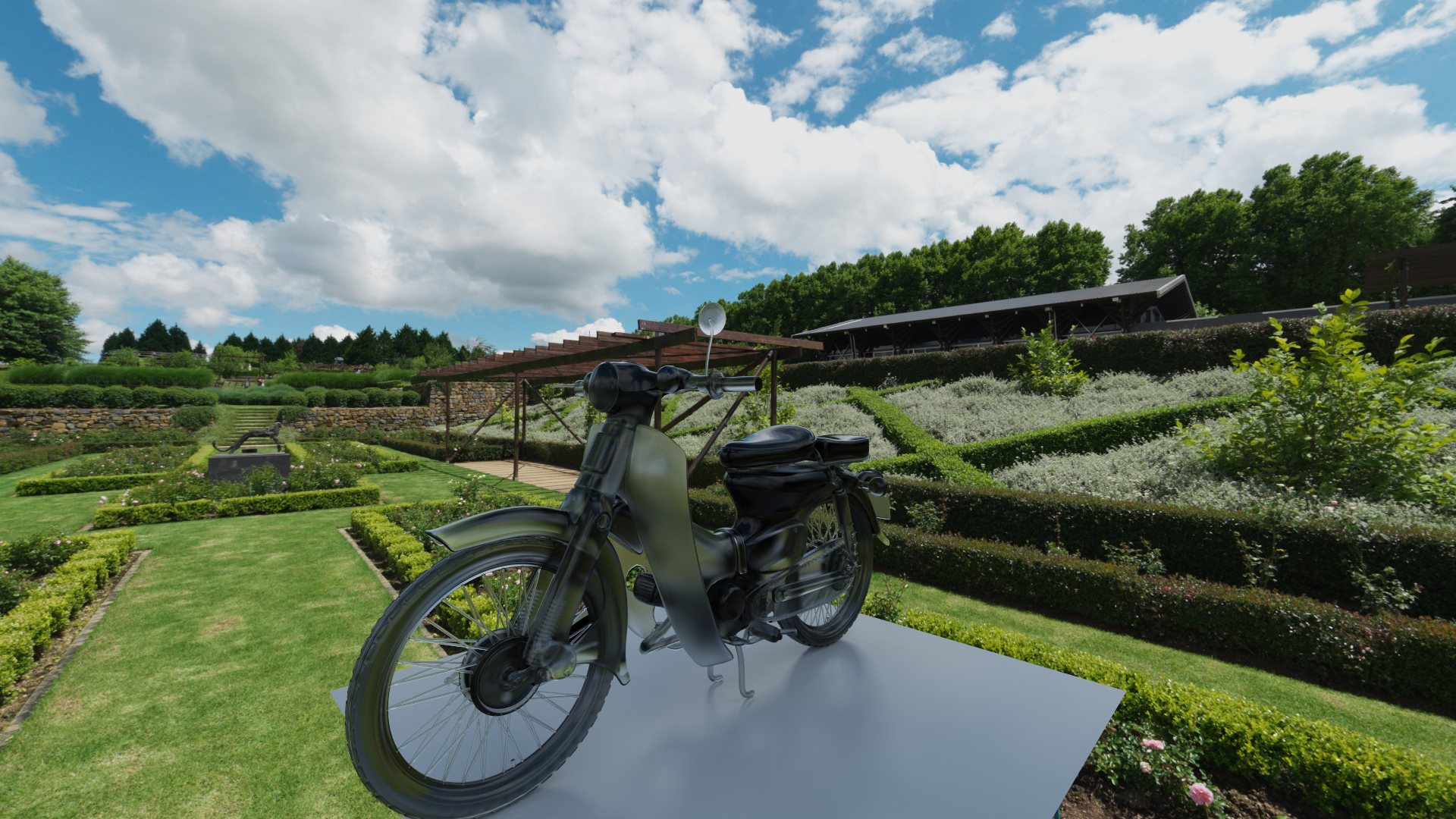
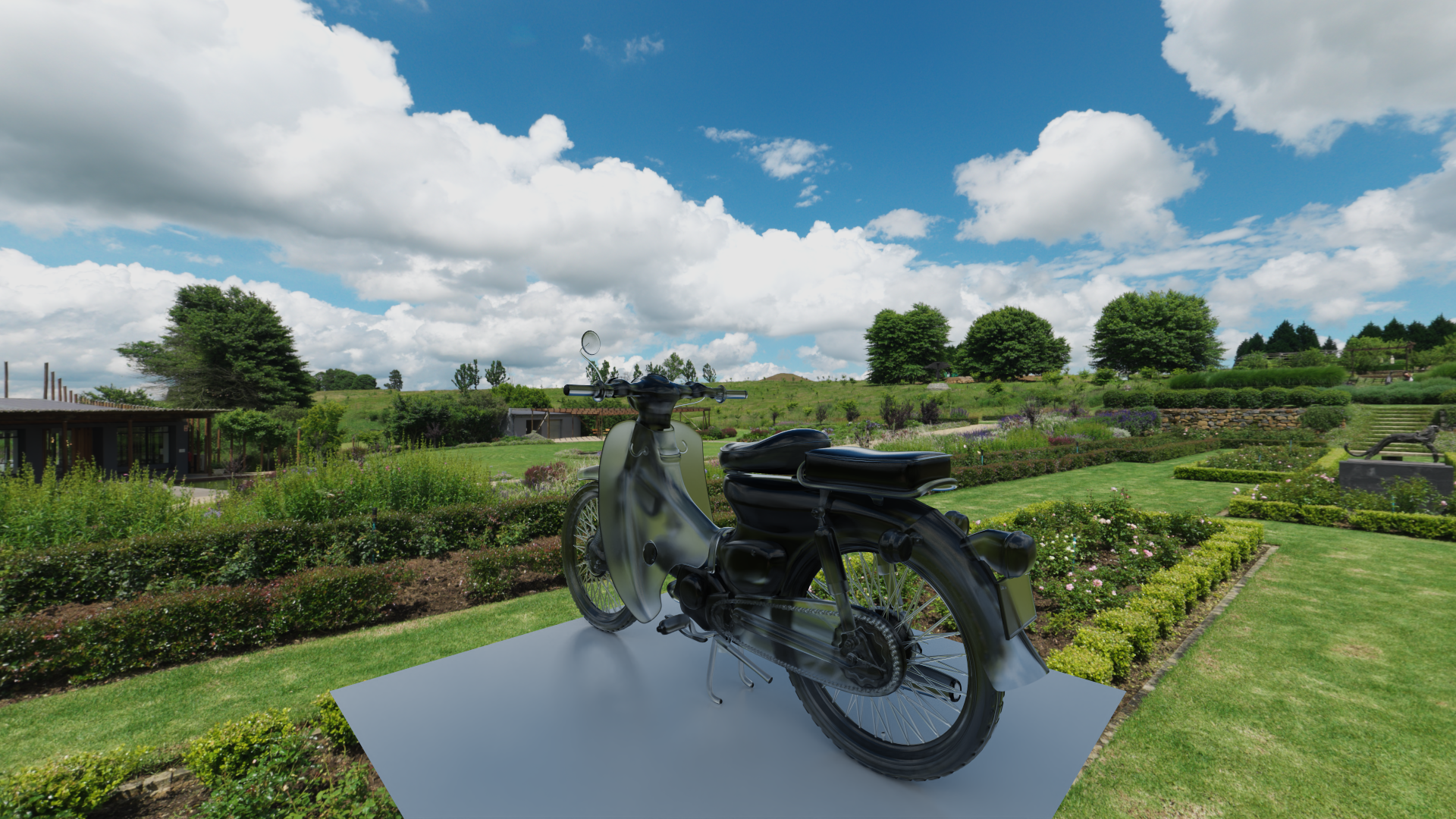
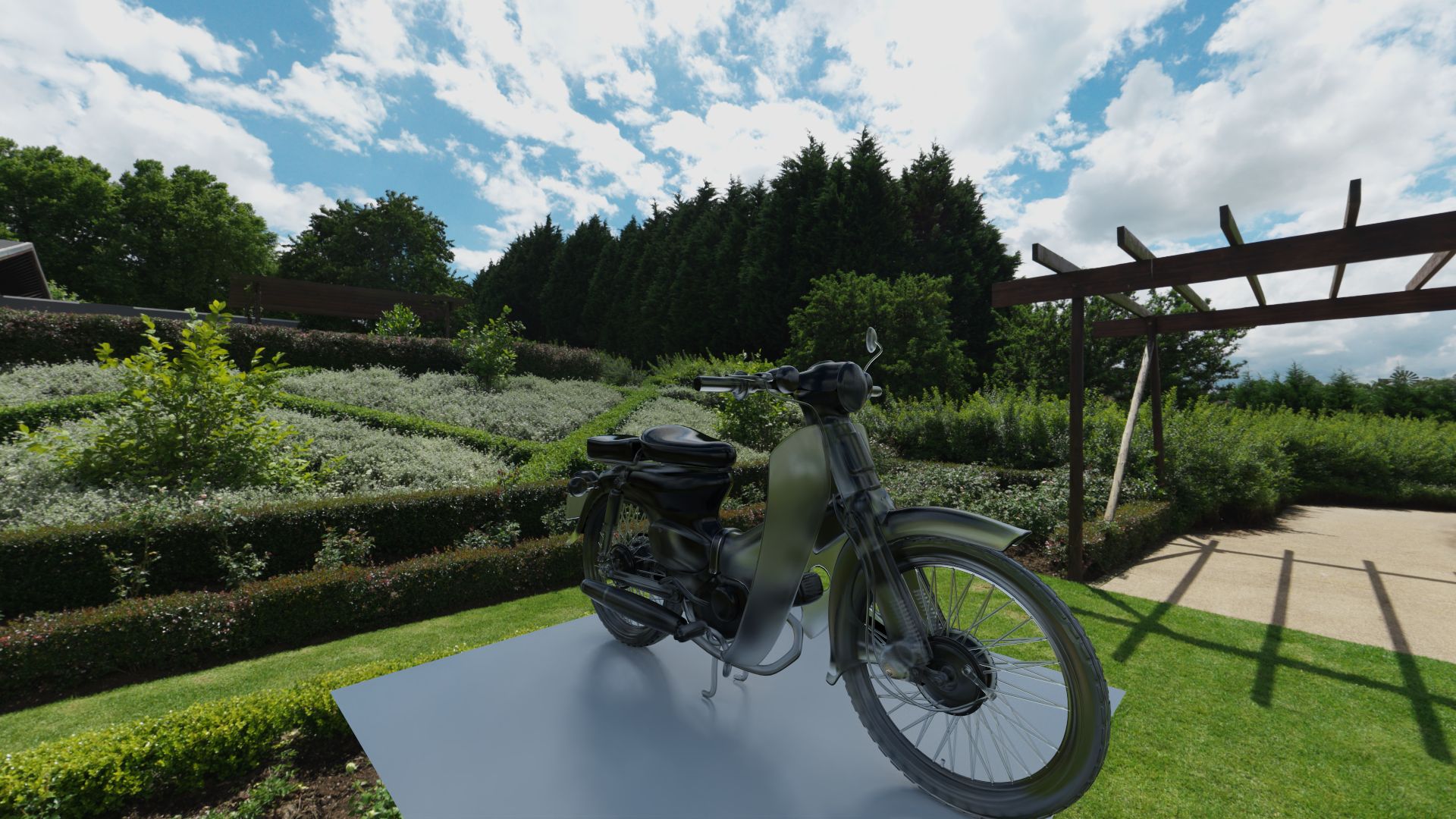
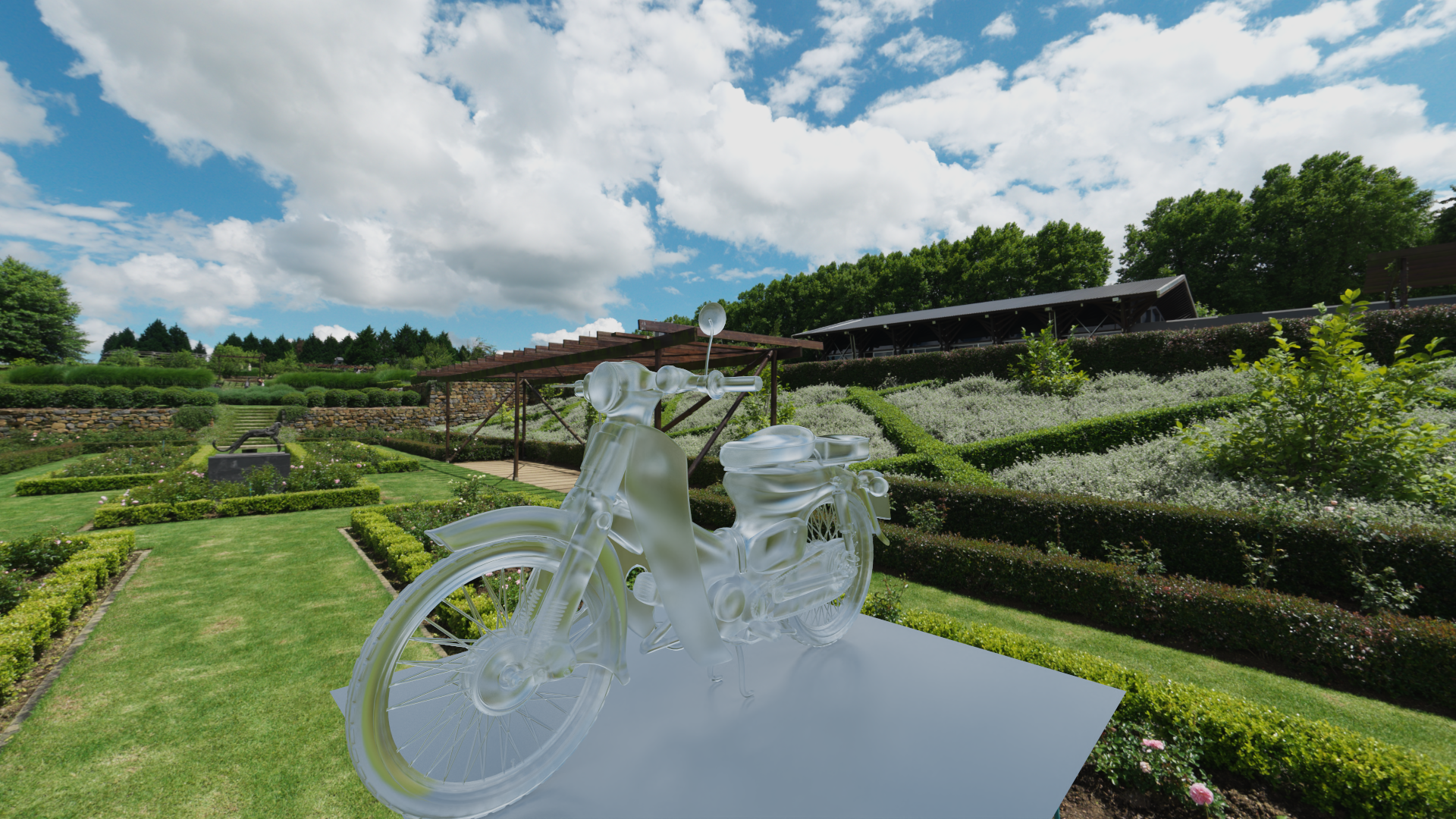
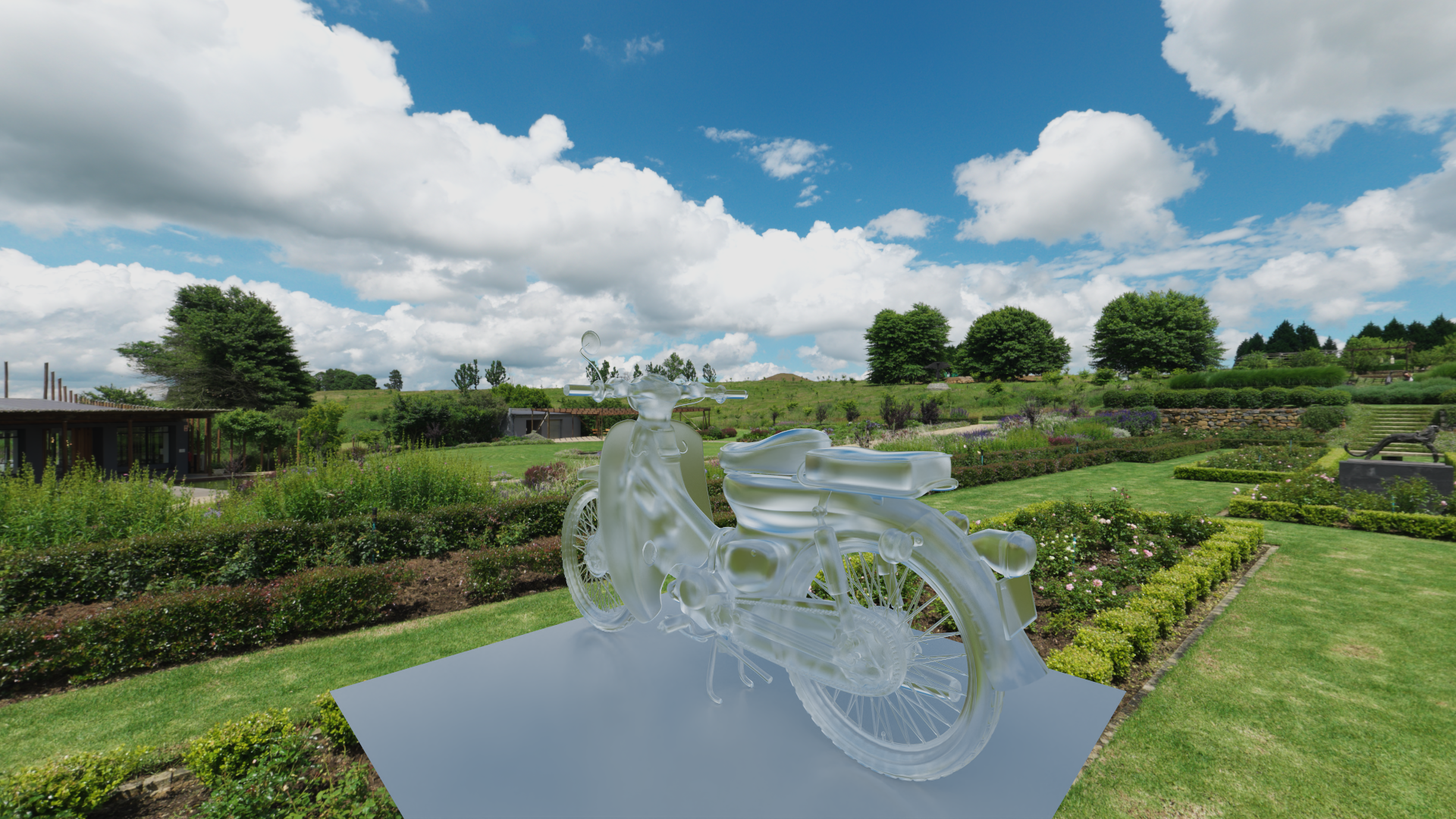
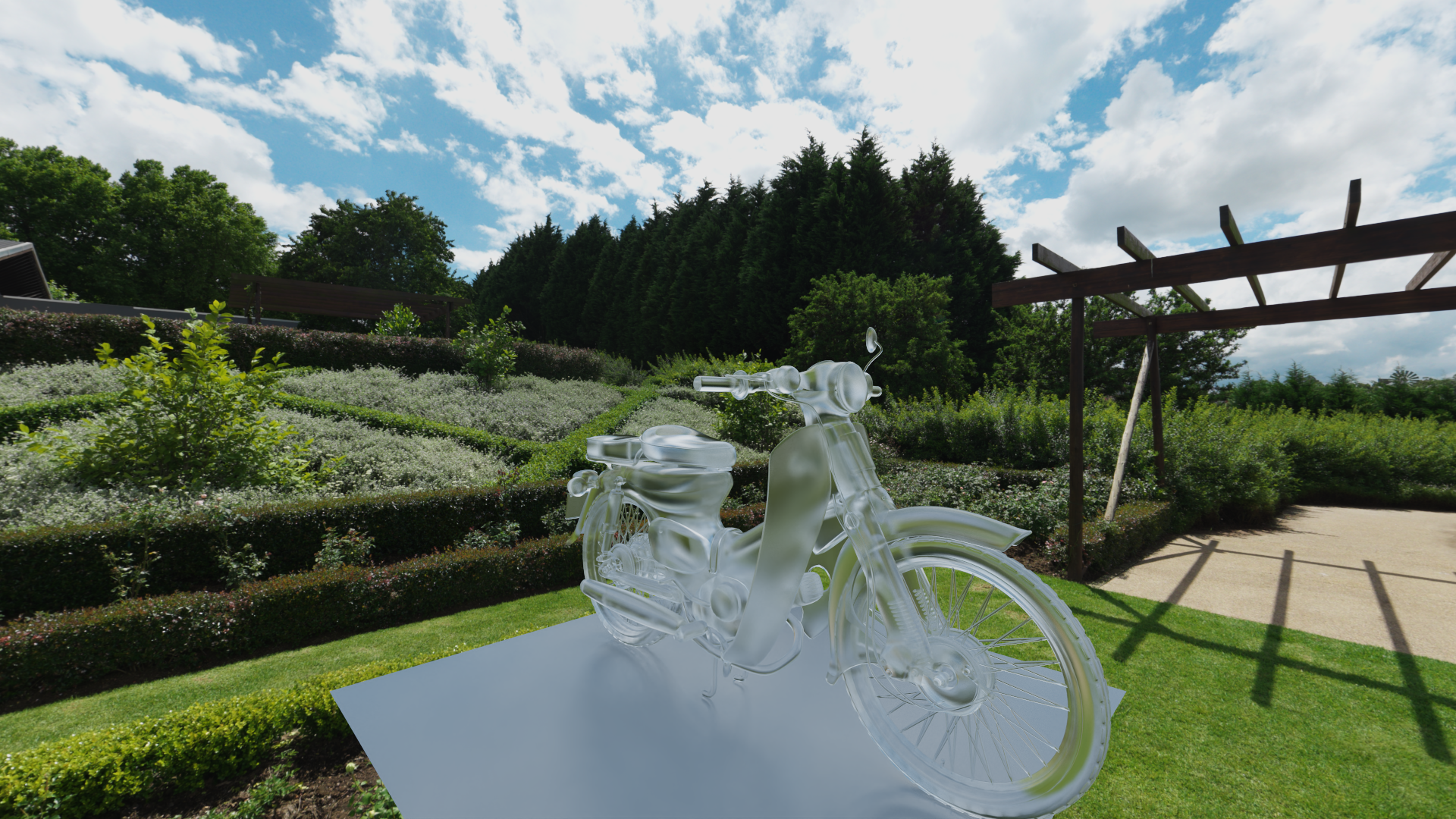
A C++20 Monte Carlo Path Tracer implementation exploring various rendering techniques.
This project is a custom ray tracing engine built from scratch in C++. It demonstrates advanced rendering concepts including path tracing, global illumination, and material systems. The project is designed for experimentation with different rendering algorithms and optimization techniques.
Core Rendering Engine
Monte Carlo Path Tracing: Unbiased physically based rendering engine.
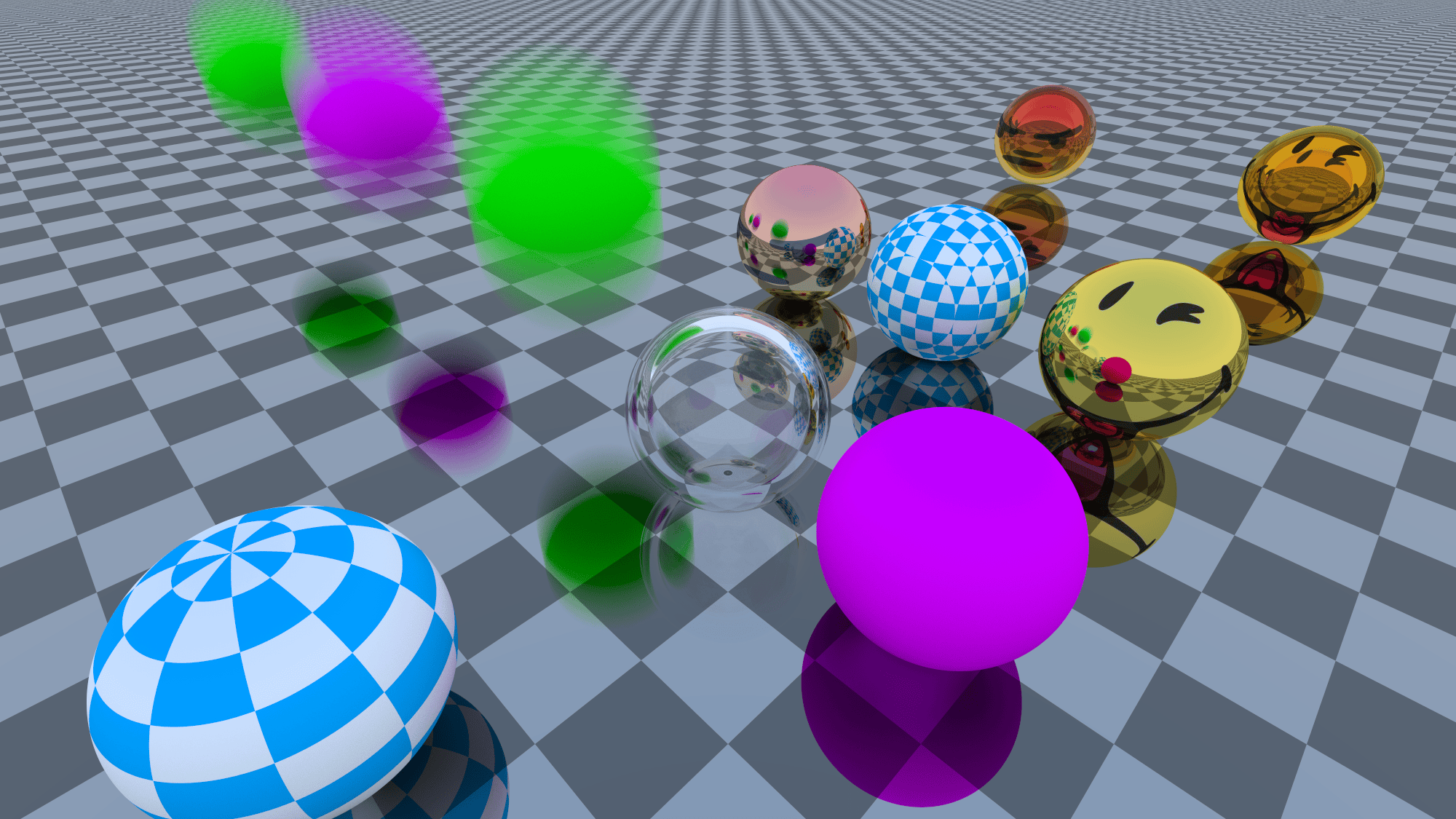
Motion Blur: Linear motion blur support for geometric primitives (Spheres, Meshes).
Multithreading: Custom ThreadPool implementation with dynamic task queuing for efficient parallel rendering.
BVH (Bounding Volume Hierarchy): High-performance acceleration structure for fast ray-scene intersection.
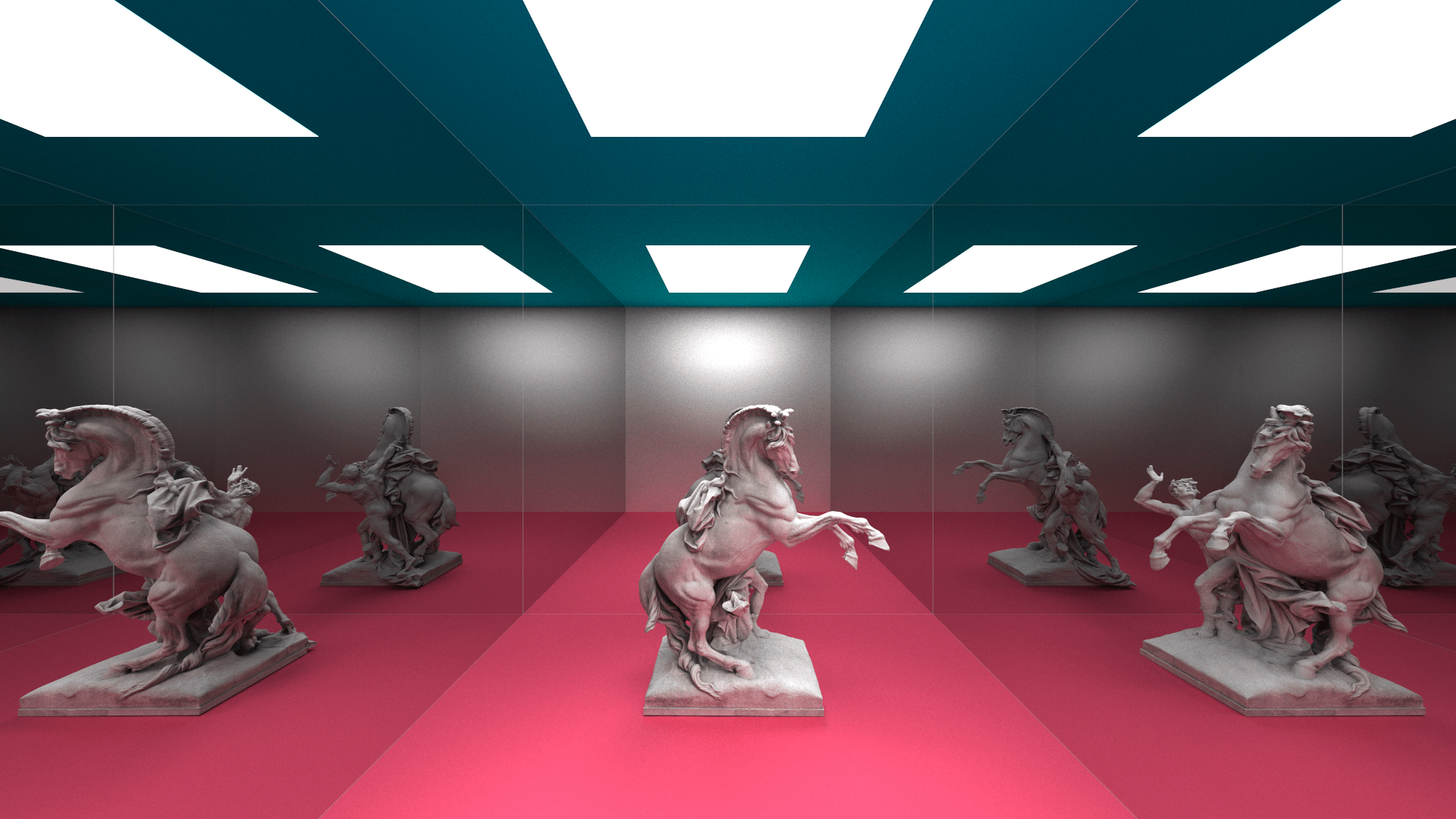
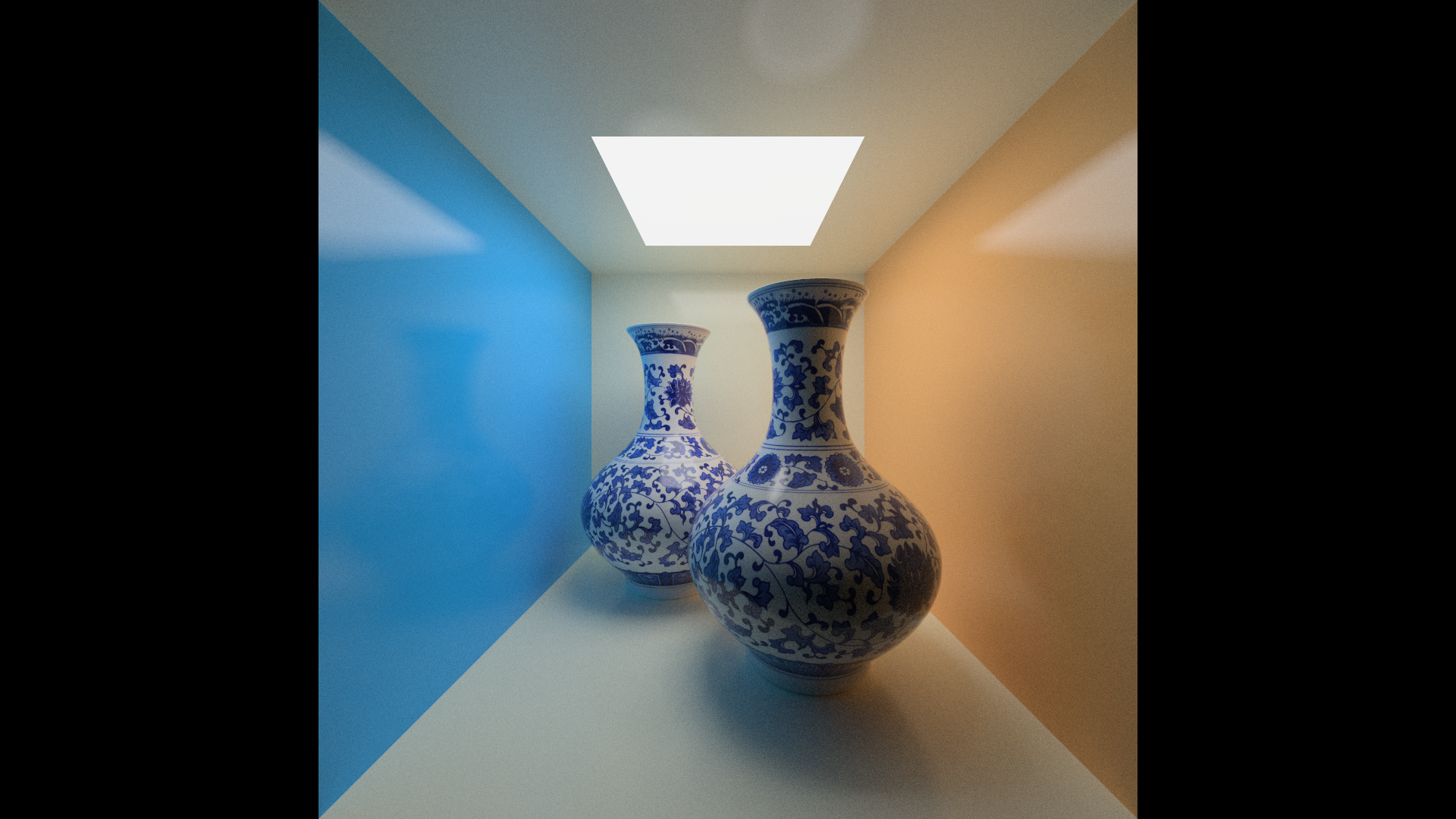
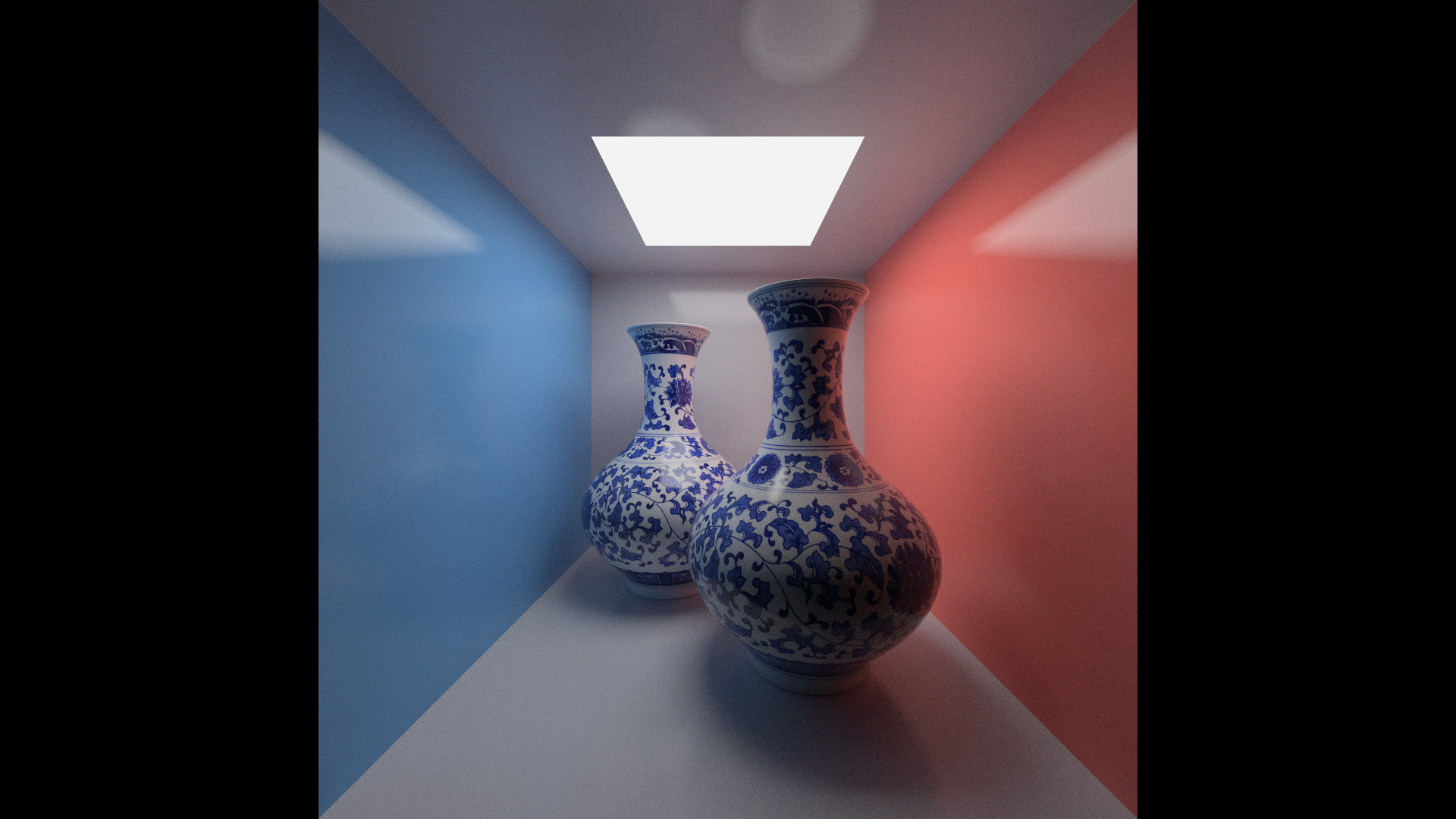
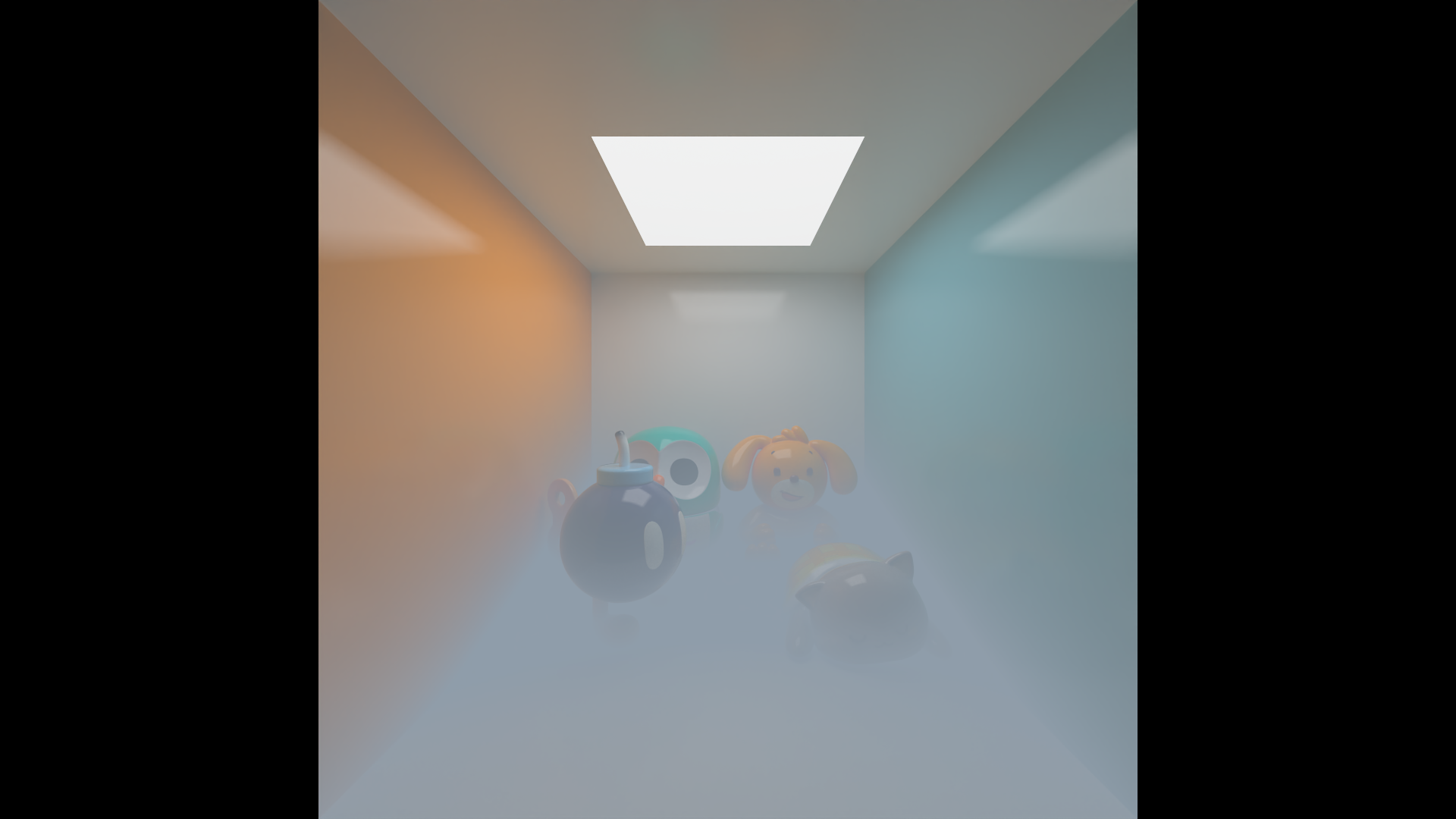
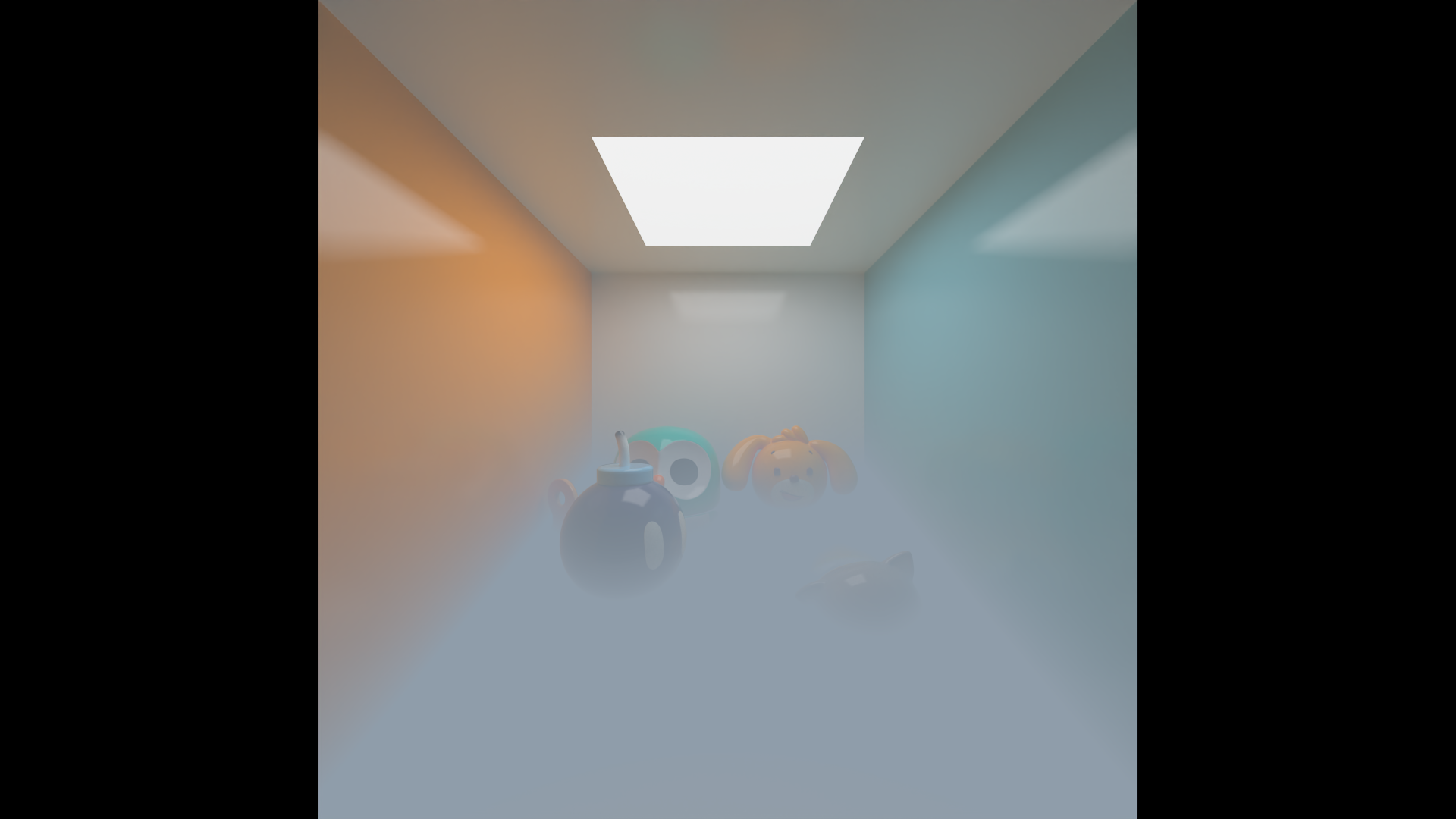
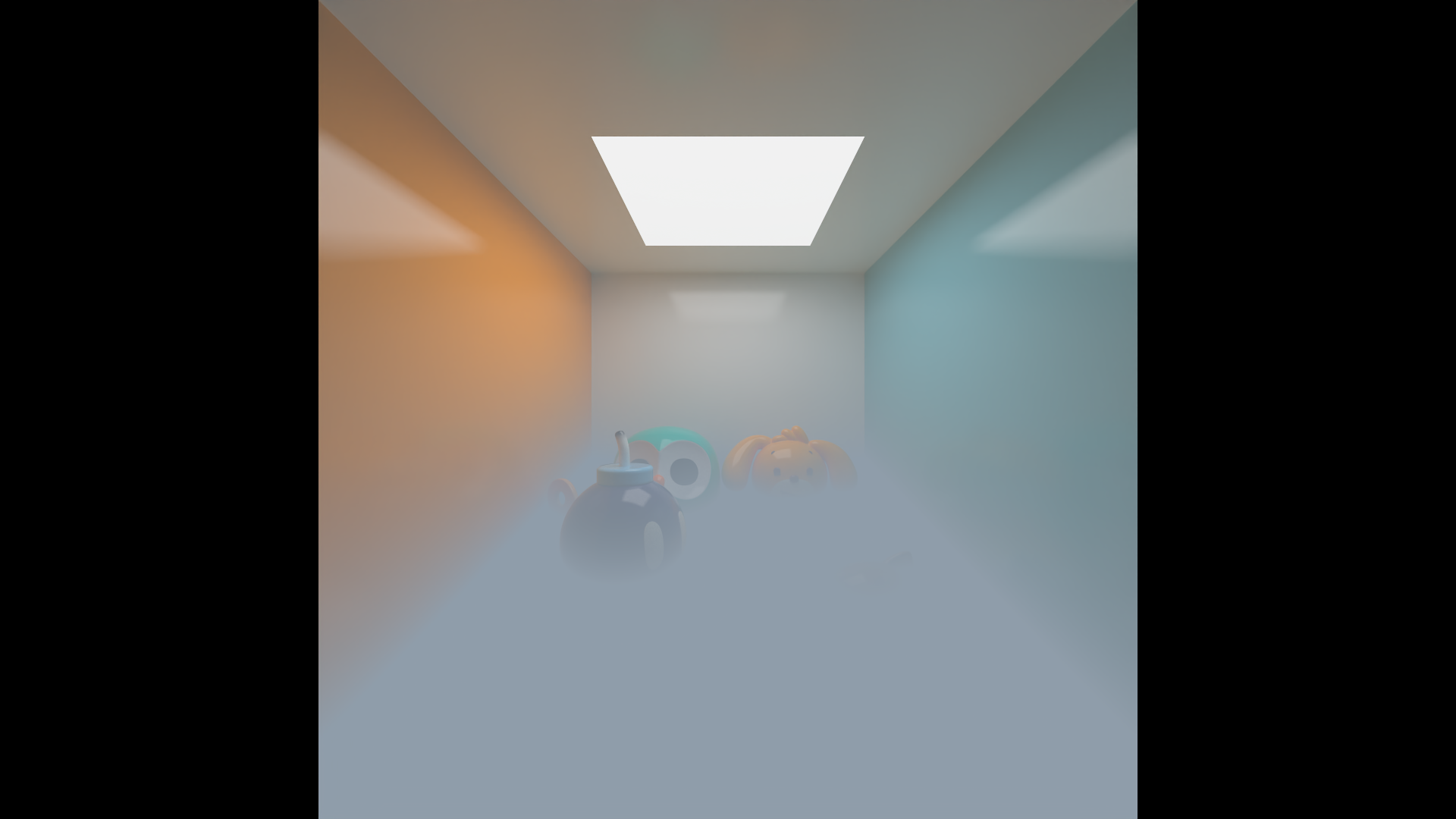
Global Illumination: Indirect lighting, soft shadows, and color bleeding.
SDF (Signed Distance Fields) & Implicit Surfaces
Primitives: Extensive library including Sphere, Box, RoundBox, BoxFrame, Torus, CappedTorus, Link, Cylinder (Infinite/Vertical/Arbitrary/Rounded), Cone (Exact/Bound/Infinite/Capped), Plane, HexPrism, TriPrism, Capsule, SolidAngle, and CutSphere.
Operations: Smooth Union (blending), Metaballs, and Domain Warping.
Terrain Generation: Heightmap-based terrain using noise functions.
Advanced Material System
Physical Materials:
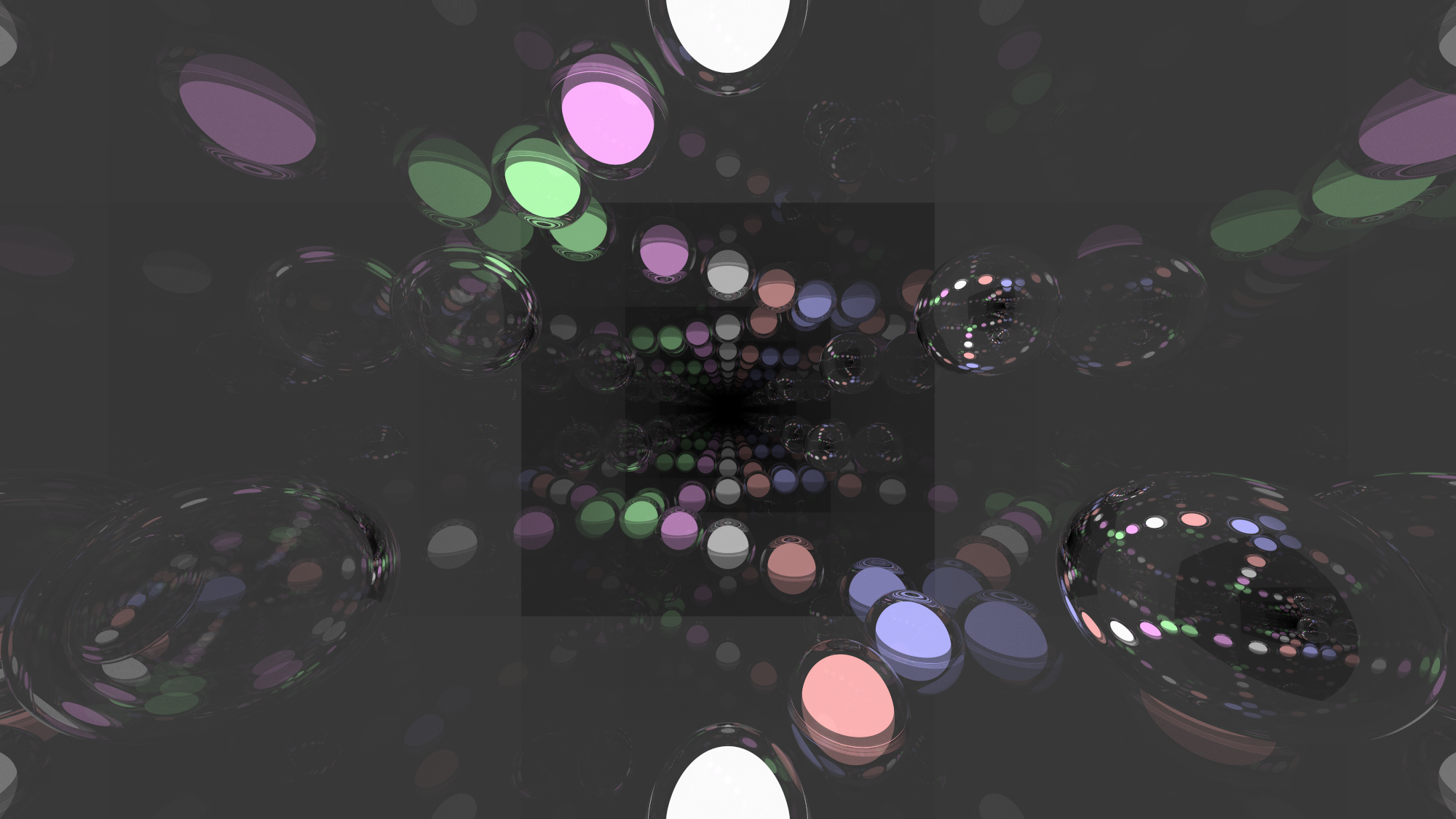
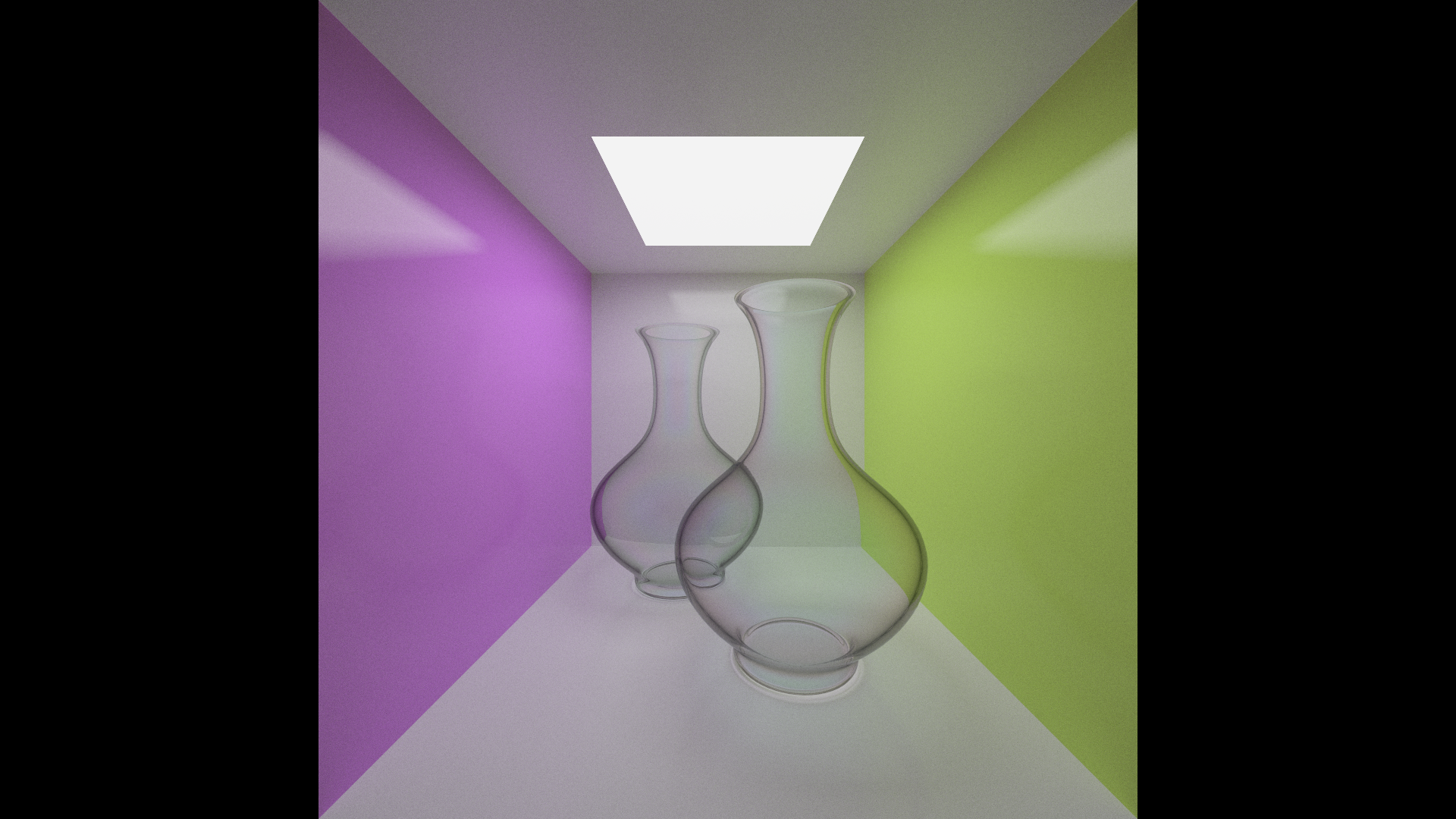
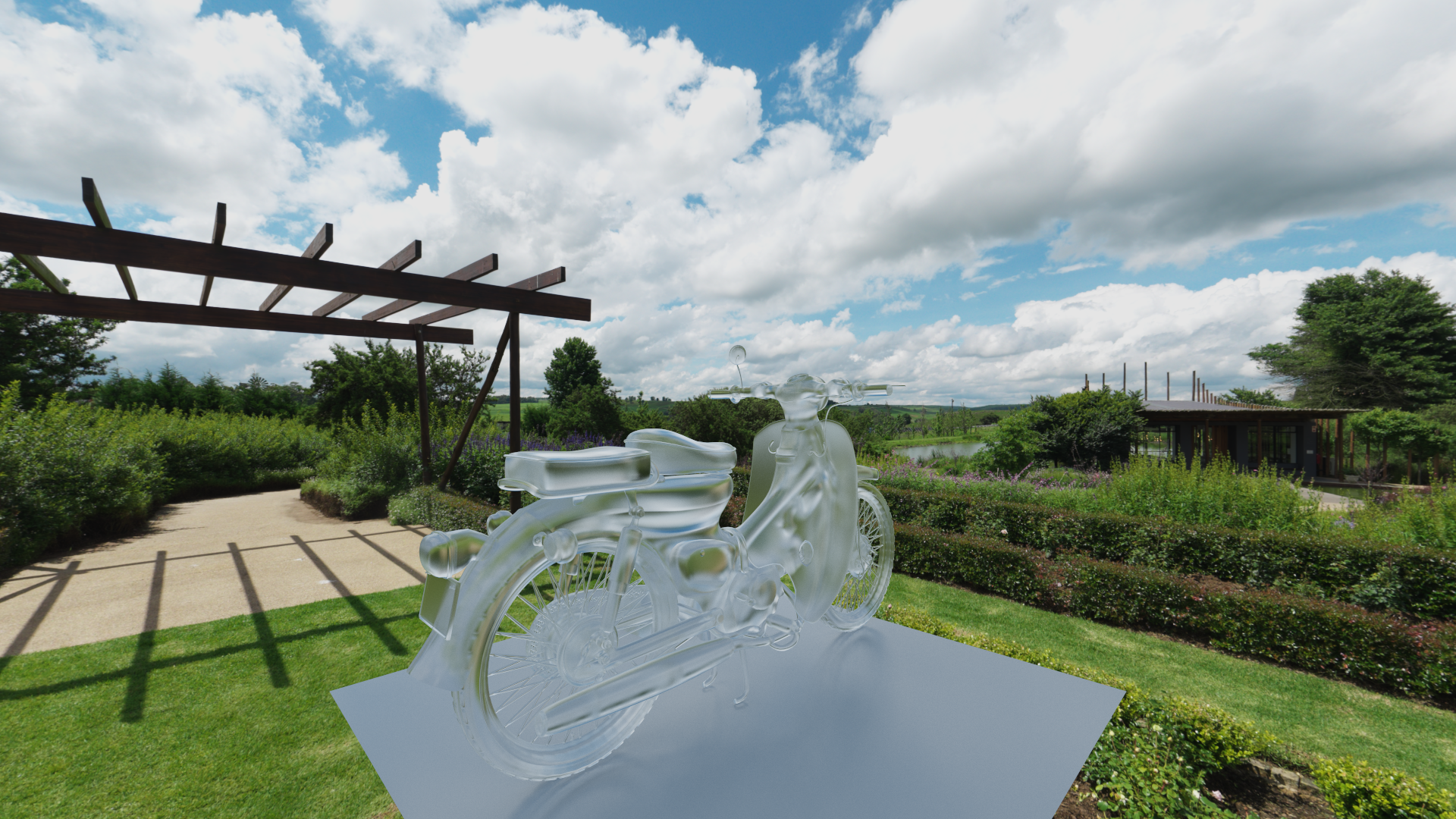
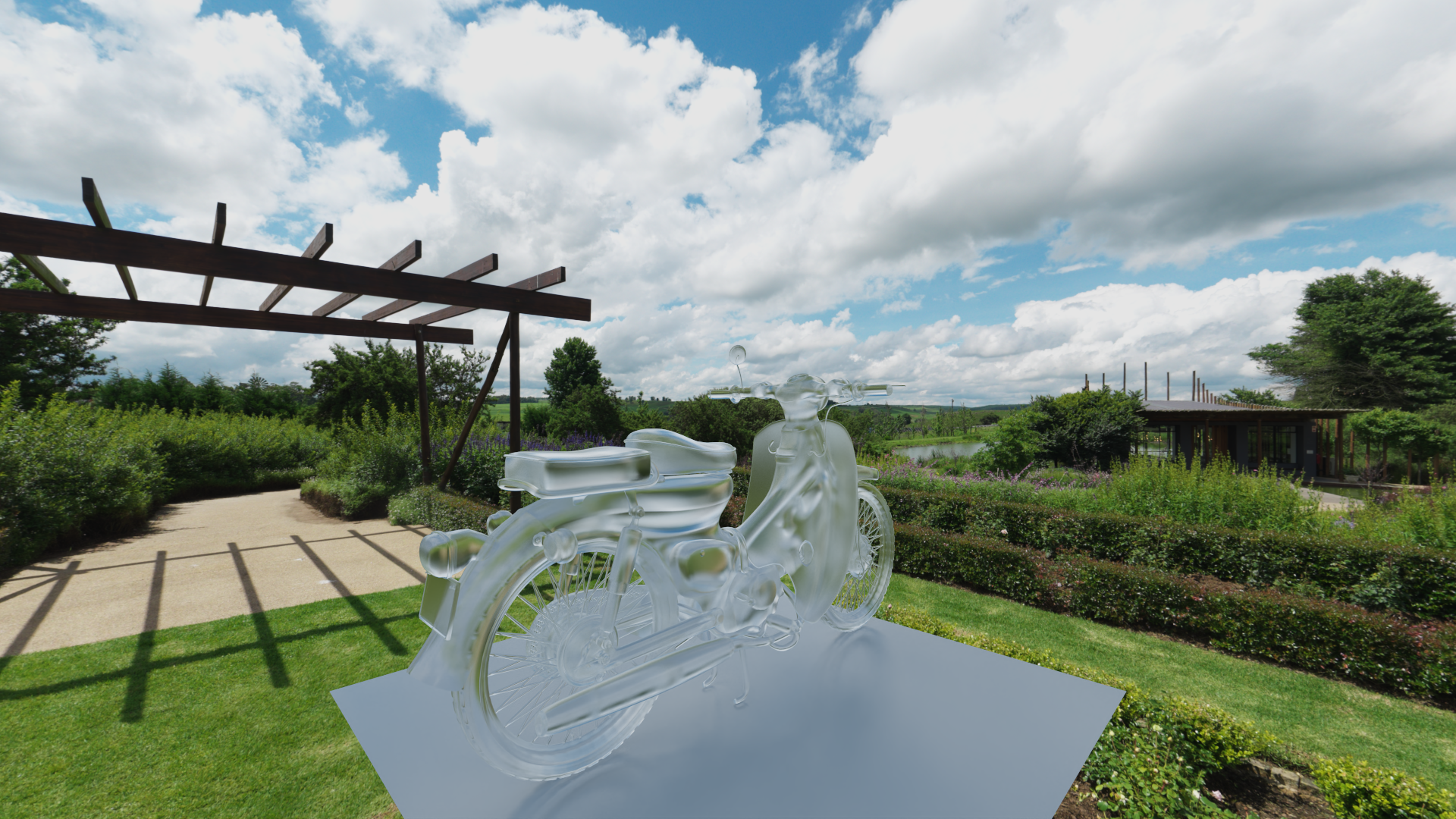
Dielectrics: Accurate refraction with Schlick's approximation. Includes presets for Air, Water, Skin, Glass, Marble, and Diamond.
Metals: Configurable fuzziness/roughness.
Lambertian: Multiple diffuse reflection models.
Specialized Shaders:
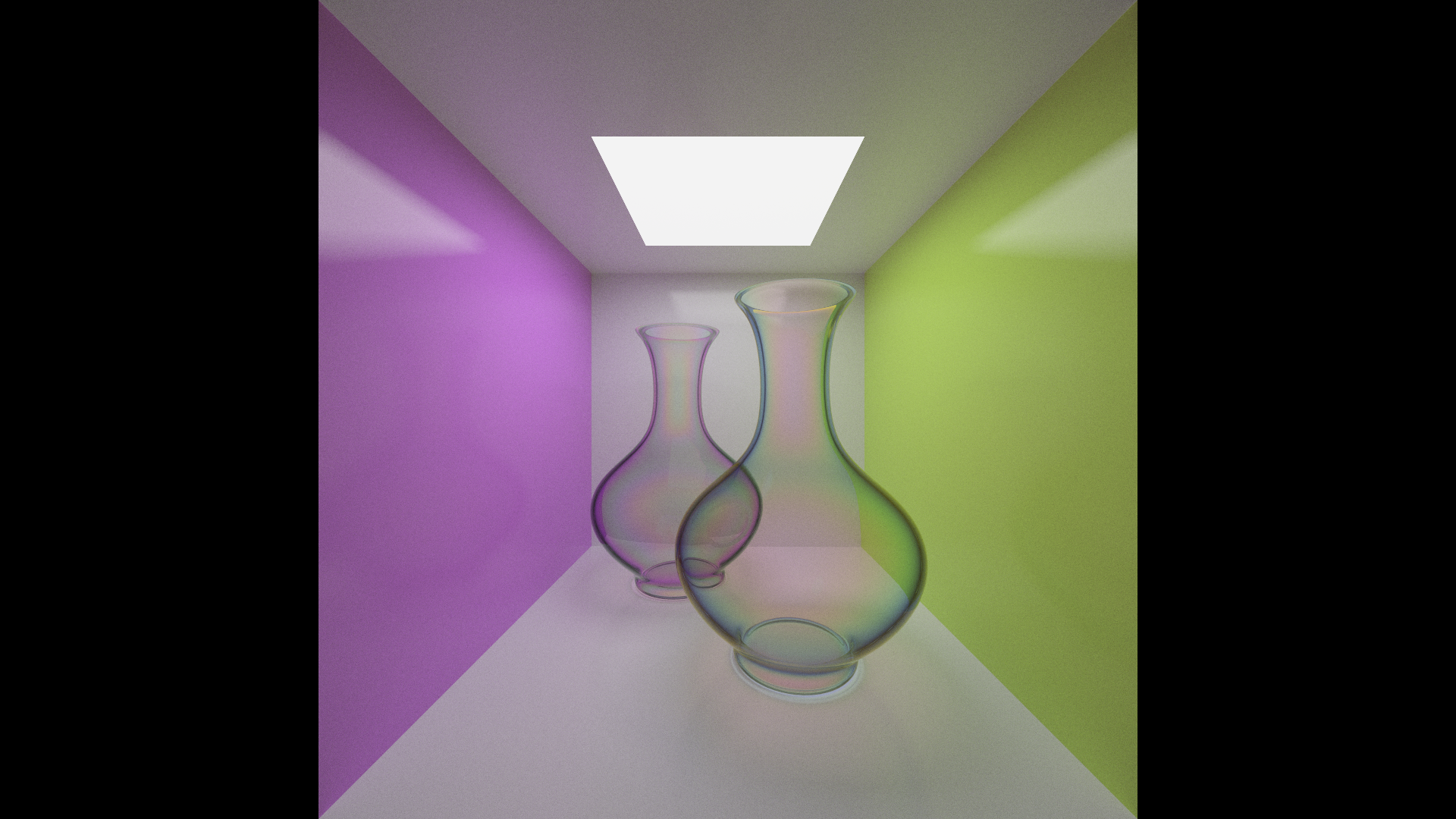
Thin Film Interference: Simulates iridescence (soap bubbles, oil slicks).
Subsurface Scattering (SSS): Random walk implementation for translucent materials (Skin, Marble).
Fresnel Layering: Complex blended materials (Dielectric/Glossy/Diffuse layers).
Emissive: Diffuse and Metallic light emitters.
Textures & Noise
Image Support: PNG, JPG, SVG, EXR texture mapping.
Procedural Textures:
Perlin Noise: Blocky, Smooth, and Hermitian variants with turbulence (Marble-like patterns).
FastNoiseLite Integration: Support for OpenSimplex2, Cellular, Value, and Domain Warp noise types.
Mapping: Planar, Spherical, and UV mapping support.
Volumetrics & Environment
Fog Models:
Simple constant-density scattering.
Height-based exponential falloff fog.
Skybox:
Constant Color, Gradient (Blue-to-White), and Image-based Lighting (IBL).
Camera & Optics
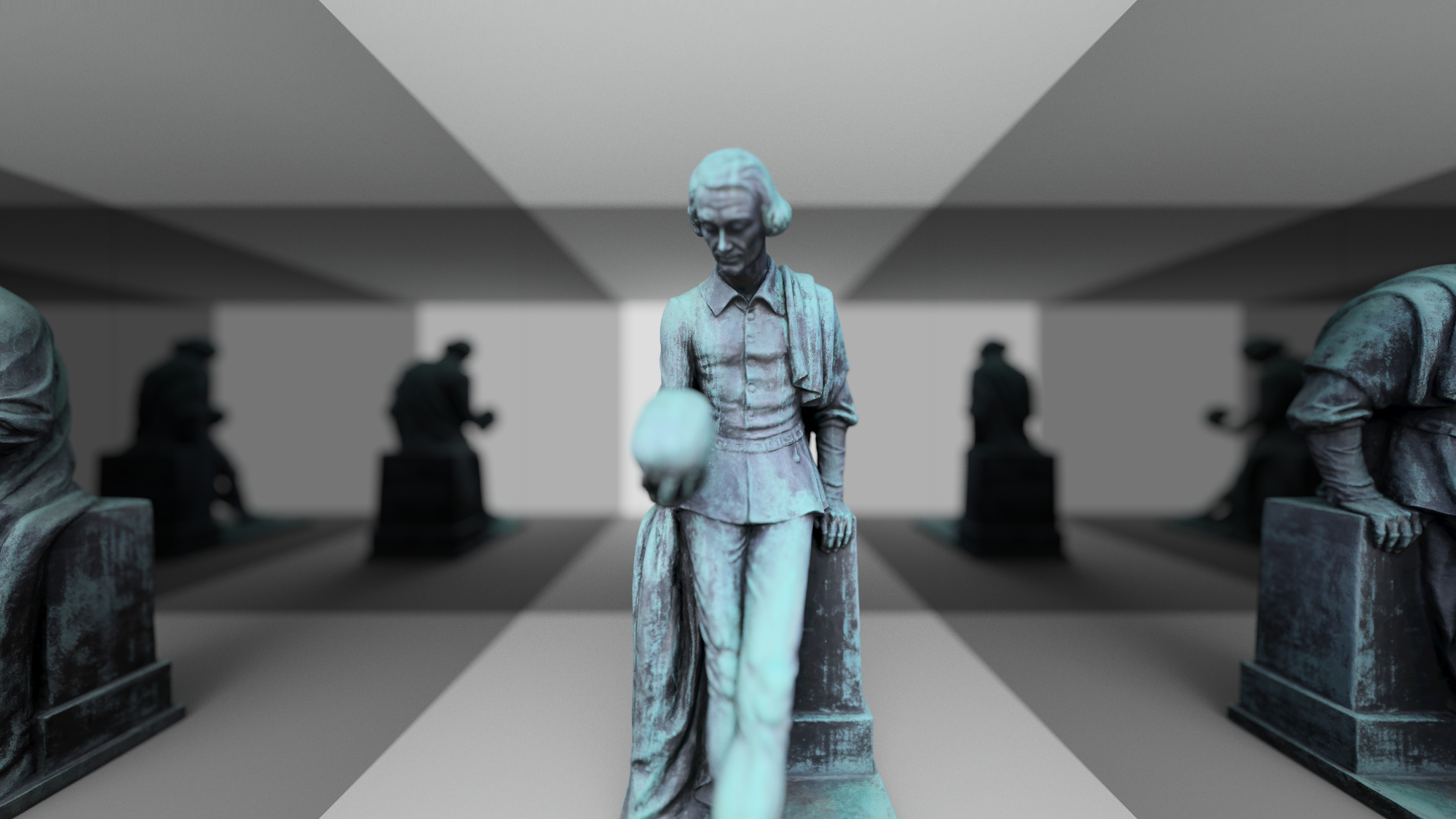
Depth of Field: Physically accurate defocus blur using disk sampling.
Lens Effects: Chromatic Aberration post-process effect.
Post-Processing Pipeline
Denoising: Integrated OpenImageDenoise (OIDN) for AI-accelerated high-quality denoising.
Filtering:
Gaussian Blur: Optimized 3x3, 5x5, and 7x7 kernels.
Bilateral Filtering: Edge-preserving noise reduction.
Color & Output:
Bayer Matrix Dithering: 2x2 up to 16x16 ordered dithering to prevent color banding.
Tonemapping: Multiple operators for High Dynamic Range (HDR) to Low Dynamic Range (LDR) conversion.
System & Optimization
Memory Management: Custom ArenaAllocator and PoolAllocator for high-performance memory usage.
Math Library: Custom SIMD-ready Vec2 / Vec3 math implementations.
Asset Loading: Model loading via Assimp.
Preview: Real-time windowed preview using Raylib.
A Final Note: If you stumble upon a feature that isn't listed above, please treat it like finding an onion ring in your fries—a delightful bonus! 🍟 This is my absolute first experiment with ray tracing, so if I forgot to mention something (or if half the code is held together by hope and
std::vector), please bear with me. I'm trying my best! 🥺✨
- C++20 compatible compiler
- Raylib (Optional, for DISPLAY_WINDOW)
- Assimp
- OpenImageDenoise (Optional, for USE_OIDN)
Ensure you have the required dependencies installed. The project does not currently have a build system file (like CMake) included in the repository root, so you will need to compile main.cpp and link against the dependencies.
Note: Build files or systems are intentionally not included to avoid inconveniences with varying environments. Users are encouraged to set up their own build environment with their preferred suitable compiler and build system, utilizing the conceptual guide below as a reference.
Example command (conceptual):
g++ main.cpp -std=c++20 -O3 -lraylib -lassimp -lOpenImageDenoise -lfreeimage -o RayTracerMSVC Optimization Flags:
If building with MSVC, it is recommended to configure the flags as follows to maximize performance (as used in main.cpp).
Enable (ON):
/O2 /Ob2 /Oi /Ot /Oy /GT /GL /fp:fast /OPT:ICF /OPT:REF /LTCG /INCREMENTAL:NO /Gy (/Gw /favor:AMD64 /Zc:inline)> Note: If you are using an Intel CPU, you should use /favor:INTEL64 instead of /favor:AMD64.
Disable (OFF):
/Z7 /Zi /Zl /RTC1 /RTCsu /RTCs /RTCuOther Compilers:
If you are using a different compiler (e.g., GCC, Clang), please look for equivalent optimization flags to enable/disable to achieve the best performance.