



Data breaks. Servers break. Your toolchain breaks. Ensure your data team is the first to know and the first to solve with visibility across and down your data estate. Save time with simple, fast data quality test generation and execution. Trust your data, tools, and systems from end to end.
This repo contains the installer and quickstart setup for the DataKitchen Open Source Data Observability product suite.
- DataOps Data Quality TestGen is a data quality verification tool that does five main tasks: (1) data profiling, (2) new dataset screening and hygiene review, (3) algorithmic generation of data quality validation tests, (4) ongoing production testing of new data refreshes and (5) continuous periodic monitoring of datasets for anomalies.
- DataOps Observability monitors every tool used in the data journey, from source to customer value, across all environments, tools, teams, datasets, and databases, enabling immediate detection, localization, and understanding of problems.
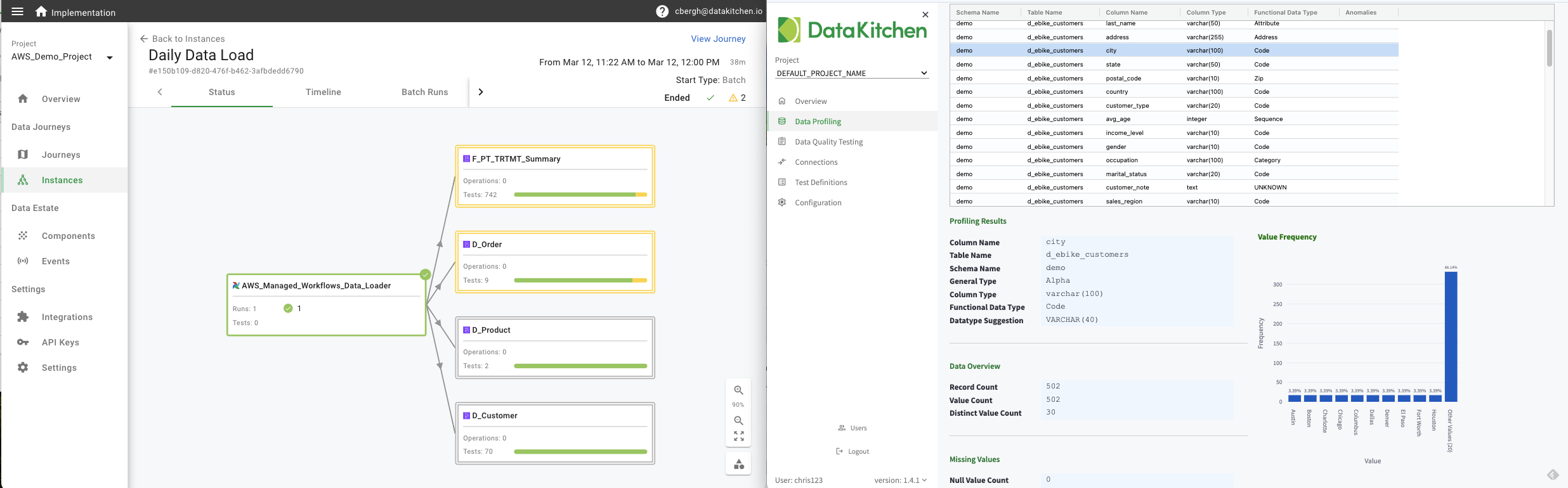
What does DataKitchen's Open Source Data Observability do? It helps you understand and find data issues in new data.
- 2 CPUs
- 8 GB memory
- 20 GB disk space
TestGen can be installed two ways:
- Docker (recommended when Docker is available) — deploys TestGen as a Docker Compose application. The most stable experience for persistent use; suited for team eval on a shared VM.
- pip — no Docker required. The installer downloads
uv, installs Python 3.13 if needed, and installs TestGen in an isolated environment with an embedded Postgres database. Recommended for evaluation on machines where Docker isn't available.
tg install with no flag prompts you to pick. If Docker isn't fully available it lists which prerequisites failed and recommends pip instead. Pass --docker or --pip to skip the prompt.
Observability is always installed via Docker Compose.
| Install mode | Required software |
|---|---|
| TestGen (pip) | Python 3.9+ (only needed to run the installer itself — TestGen will use Python 3.13 via uv). |
| TestGen (Docker) + Observability | Python 3.9+, Docker 27+, Docker Compose 5.0+. |
Check versions with python3 --version, docker -v, docker compose version.
On Unix-based operating systems, use the following command to download it to the current directory. We recommend creating a new, empty directory.
curl -o dk-installer.py 'https://raw.githubusercontent.com/DataKitchen/data-observability-installer/main/dk-installer.py'- Alternatively, you can manually download the
dk-installer.pyfile from this repo. - All commands listed below should be run from the folder containing this file.
- For usage help and command options, run
python3 dk-installer.py --helporpython3 dk-installer.py <command> --help.
On Windows operating systems, you can also download the executable file dk-installer.exe and run it by double-clicking the file.
The Data Observability quickstart walks you through Dataops Observability and TestGen capabilities to demonstrate how our products cover critical use cases for data and analytic teams.
Before going through the quickstart, complete the prequisites above and then the following steps to install the two products and setup the demo data. For any of the commands, you can view additional options by appending --help at the end.
python3 dk-installer.py tg installWith no flag, the installer probes Docker, shows which prerequisites are met, and prompts you to pick Docker or pip. Pass --docker or --pip to skip the prompt.
- pip mode — downloads
uv(if not already on your PATH), uses it to install Python 3.13 (if needed) and TestGen in an isolated environment. Typically takes 4-8 minutes. - Docker mode — deploys TestGen as a Docker Compose application. Typically takes 5-10 minutes.
On completion, the installer writes credentials to dk-tg-credentials.txt, generates demo data, and opens the TestGen UI in your default browser. Use --no-demo to skip demo generation. --port sets the UI port (default 8501); --api-port sets the API/MCP port (default 8530); --ssl-cert-file / --ssl-key-file enable HTTPS.
Either install mode can later be upgraded with python3 dk-installer.py tg upgrade and restarted with python3 dk-installer.py tg start — the installer detects which flavor is present and routes accordingly.
The installation downloads the latest Docker images for Observability and deploys the application using Docker. The process may take 5~15 minutes depending on your machine and network connection.
python3 dk-installer.py obs installThe --port option may be used to set a custom localhost port for the application (default: 8082).
Verify that you can login to the UI with the URL and credentials provided in the output. Leave this process running, and continue the next steps on another terminal window.
The demo-config.json file generated by the Observability installation must be present in the folder.
python3 dk-installer.py tg run-demo --exportIn the TestGen UI, you will see that new data profiling and test results have been generated. Additionally, in the Observavility UI, you will see that new test outcome events have been received.
The demo-config.json file generated by the Observability installation must be present in the folder.
python3 dk-installer.py obs run-demoIn the Observability UI, you will see that new journeys and events have been generated.
The demo-config.json file generated by the Observability installation must be present in the folder.
python3 dk-installer.py obs run-heartbeat-demoIn the Observability UI, you will see that new agents have been generated on the Integrations page.
Leave this process running, and continue with the quickstart guide to tour the applications.
Start the app: python3 dk-installer.py tg start (reachable at http://localhost:8501, blocks until Ctrl+C)
Stop the app: Ctrl+C in the terminal running tg start
Upgrade the app to latest version: python3 dk-installer.py tg upgrade
Start the app: python3 dk-installer.py tg start (or docker compose up from the install folder)
Stop the app: docker compose down from the install folder containing docker-compose.yaml
Upgrade the app to latest version: python3 dk-installer.py tg upgrade
Stop the app: docker compose -f obs-docker-compose.yml obs down
Restart the app: docker compose -f obs-docker-compose.yml up
After completing the quickstart, you can remove the demo data from the applications with the following steps.
Stop the process that is running the Agent Heartbeat demo using Ctrl + C.
Note: Currently, the agents generated by the heartbeat demo are not cleaned up.
The demo-config.json file generated by the Observability installation must be present in the folder.
python3 dk-installer.py tg delete-demo
python3 dk-installer.py obs delete-demopython3 dk-installer.py tg deletepython3 dk-installer.py obs delete| Data Analytics Use Case | When Does it Happen | Data Observability Challenge | Key Data Observability Product Feature | Key Benefit |
|---|---|---|---|---|
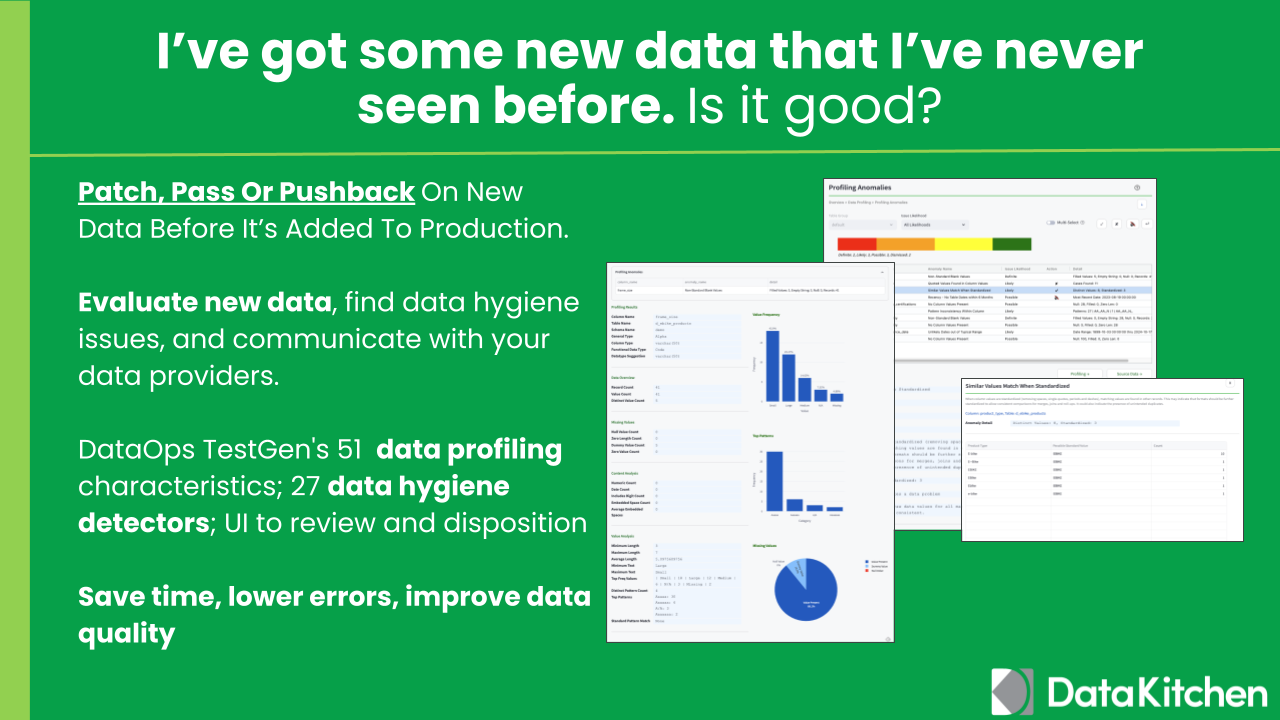
| Patch (or pushback): New data analysis and cleansing | Before New Data Sources Are Added To Production | Evaluate new data, find data hygiene issues, and communicate with your data providers. | DataOps TestGen's data profiling of 51 data characteristics, then 27 data hygiene detector suggestions; UI to review and disposition | Save time, lower errors, improve data quality |
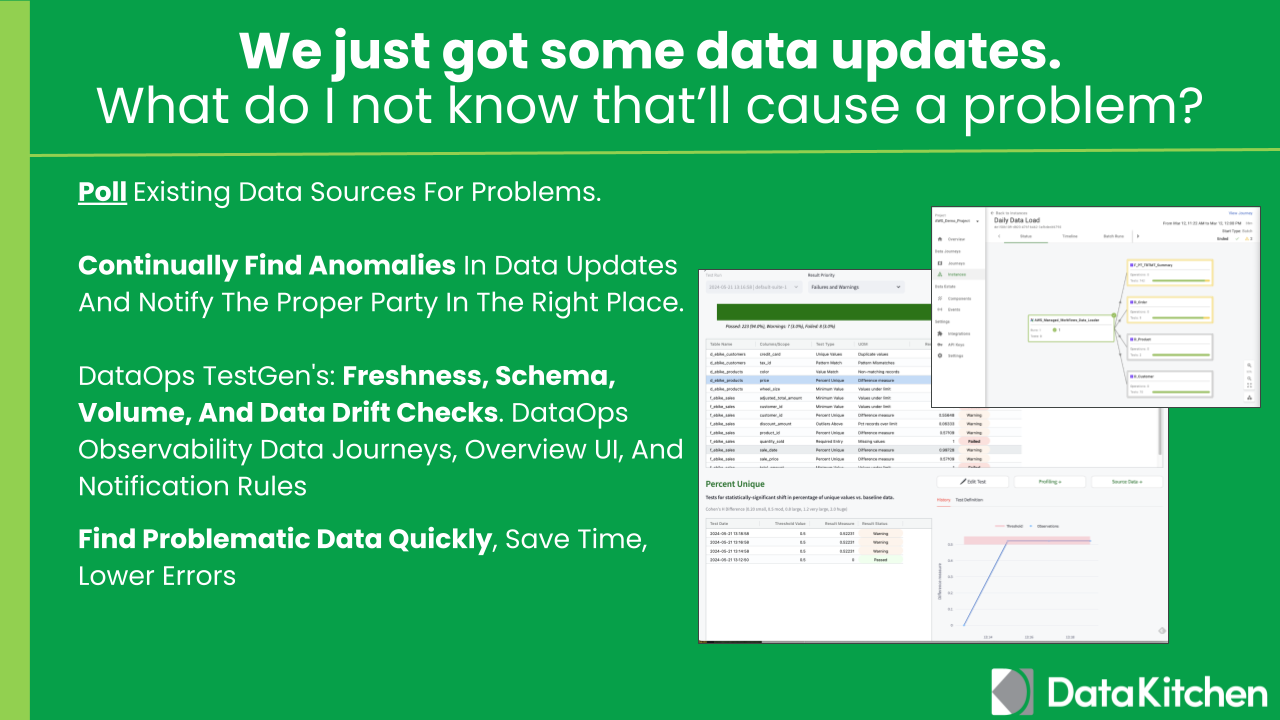
| Poll: Updates to existing data sources; Data ingestion monitoring | Continually | Find anomalies in data updates and notify the proper party in the right place. | DataOps TestGen's auto-generation of data anomaly tests: freshness, schema, volume, and data drift checks. DataOps Observability Data Journeys, overview UI, and notification rules and limits | Find problem data quickly, save time, lower errors |
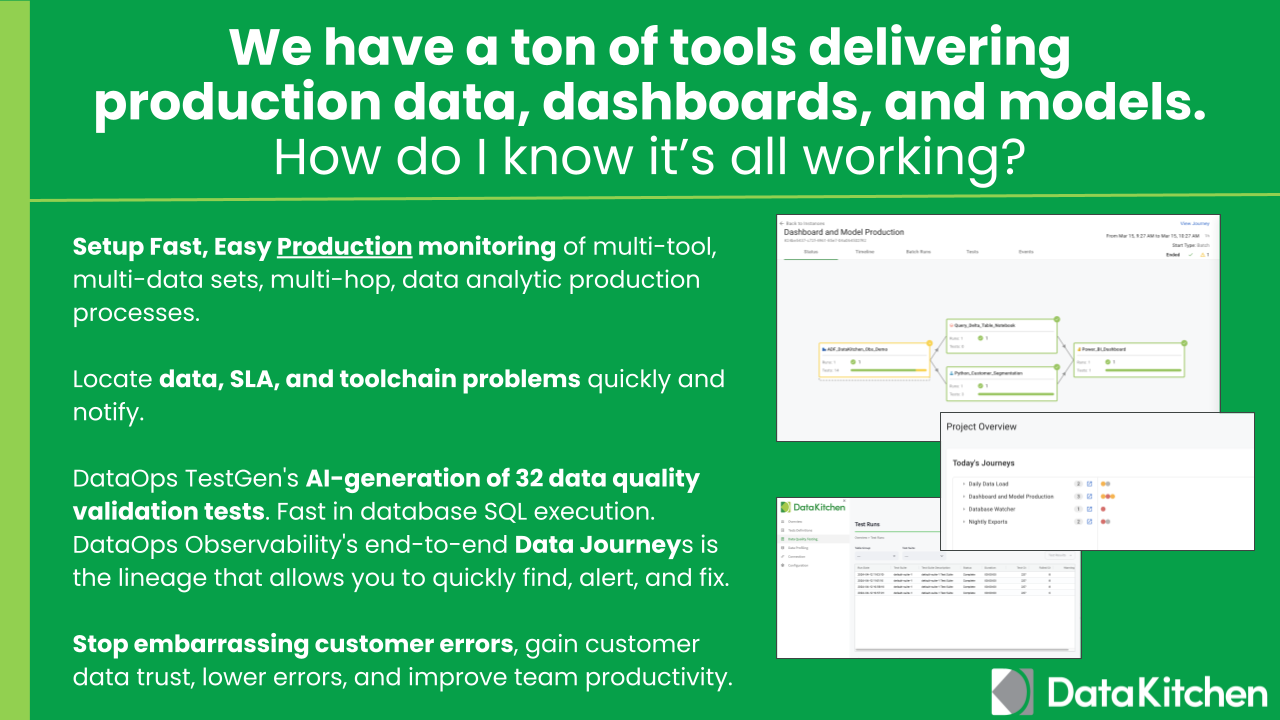
| Production: Monitoring of multi-tool, multi-data sets, multi-hop, data analytic production processes. | During The Production Cycle | Find data, SLA, and toolchain problems, local quickly, and notify quickly. | DataOps TestGen's auto-generation of 32 data quality validation tests based on data profiling. 2 custom test types. Fast in database SQL execution (no data copies). DataOps Observability's end-to-end Data Journeys are digital twins that represent your entire process and allow you to find, alert, and fix quickly. | Stop embarrassing customer errors, gain customer data trust, lower errors, improve team productivity |
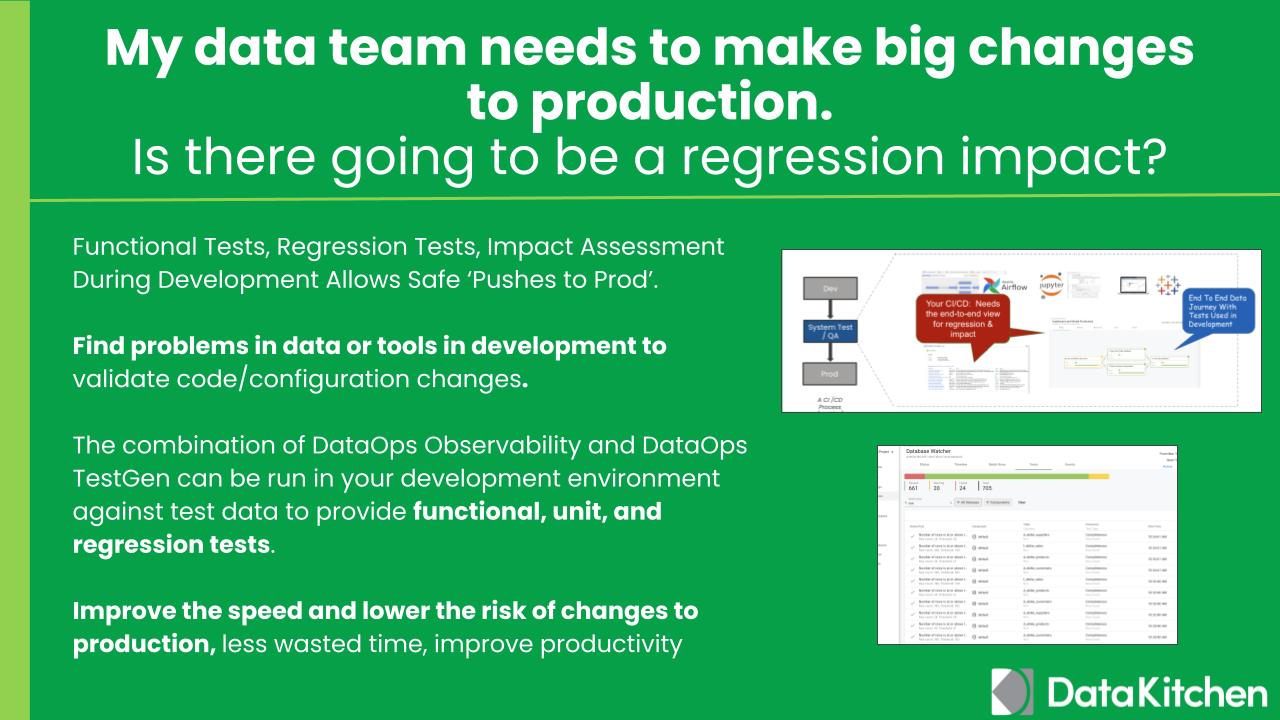
| Push: Development Unit, Regression Tests, and Impact Assessment. | During The Development Process | Find problems in data or tools in development to validate code/configuration changes. | The combination of DataOps Observability and DataOps TestGen can be run in your development environment against test data to provide functional, unit, and regression tests. | Improve the speed and lower the risk of changes to production, less wasted time, improve productivity |
| Parallel: Checking data accuracy during Data Migration projects: "Does It Match'? | During a Data Migration Process | Checking two data similar data sets or processes so they produce the same results. | DataOps TestGen can find errors between migrated data sets by comparing source and target data quality tests. DataOps Observability can monitor legacy tools and migrated cloud tools at the same time. | Lower risk of data errors, improve project delivery time |
We recommend you review the Data Observability Overview Demo.
For support requests, join the Data Observability Slack and ask post on #support channel.
Talk and Learn with other data practitioners who are building with DataKitchen. Share knowledge, get help, and contribute to our open-source project.
Join our community here:
For details on contributing or running the project for development, check out our contributing guide.
DataKitchen DataOps Observability is Apache 2.0 licensed.