
Note
Read our documentation website!
Vercengen is an immediate mode frontend software engine developed for Confoederatio wth a focus on rapid application development (RAD), in which UI/UX is simply part of your state. It is used as the main frontend for most Confoederatio applications and provides simple adjustable CSS themes by tinkering with variables.
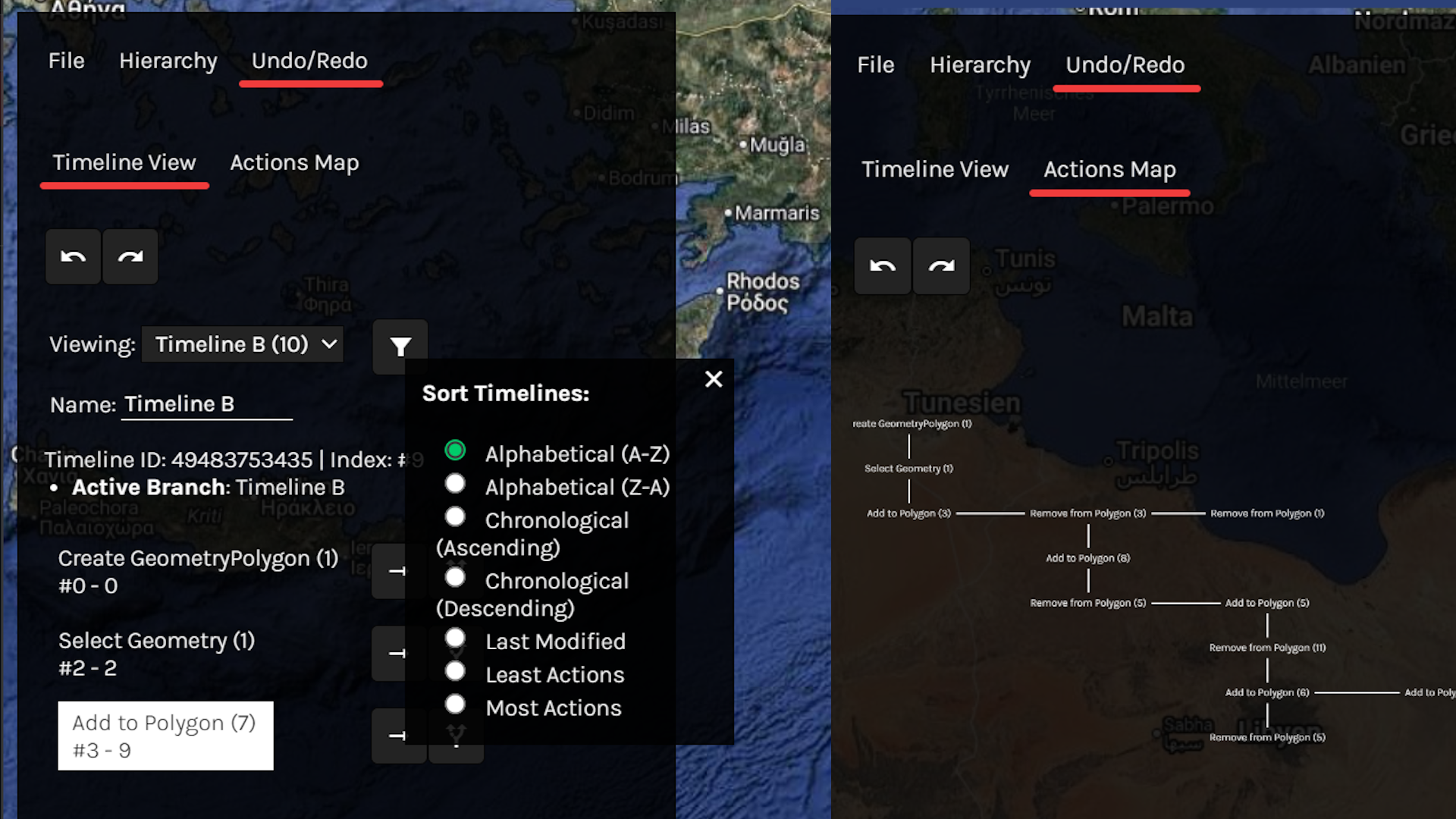
Vercengen supports built-in file explorers, nested hierarchies, delta action undo/redo trees, searchable lists, sortable lists, word processors, spreadsheet editors, IDEs, recursive context menus and tooltips, window management, and much more. For a list of all available components, please reference the documentation here.
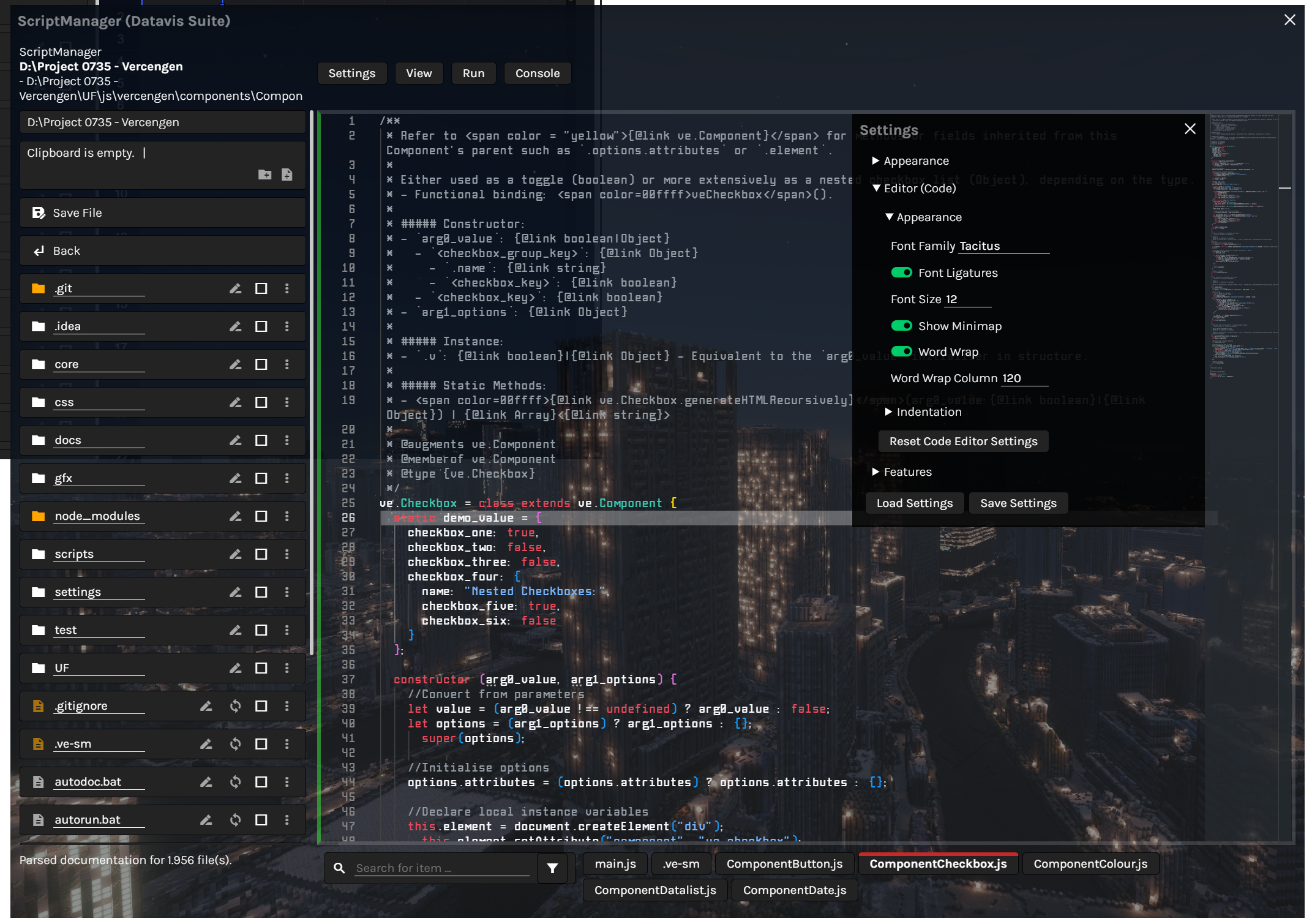
(Scriptly IDE)
|
|
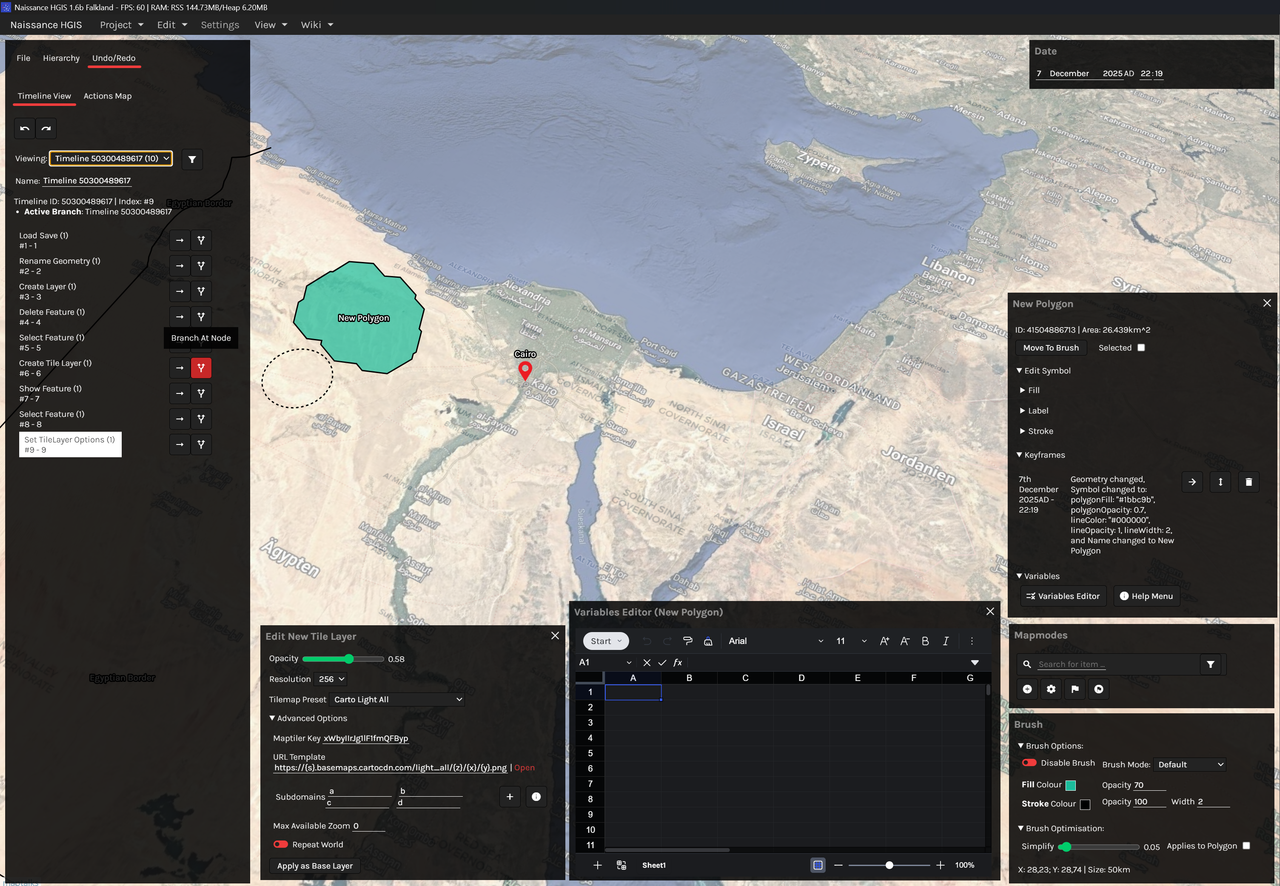
(Naissance GIS)
|
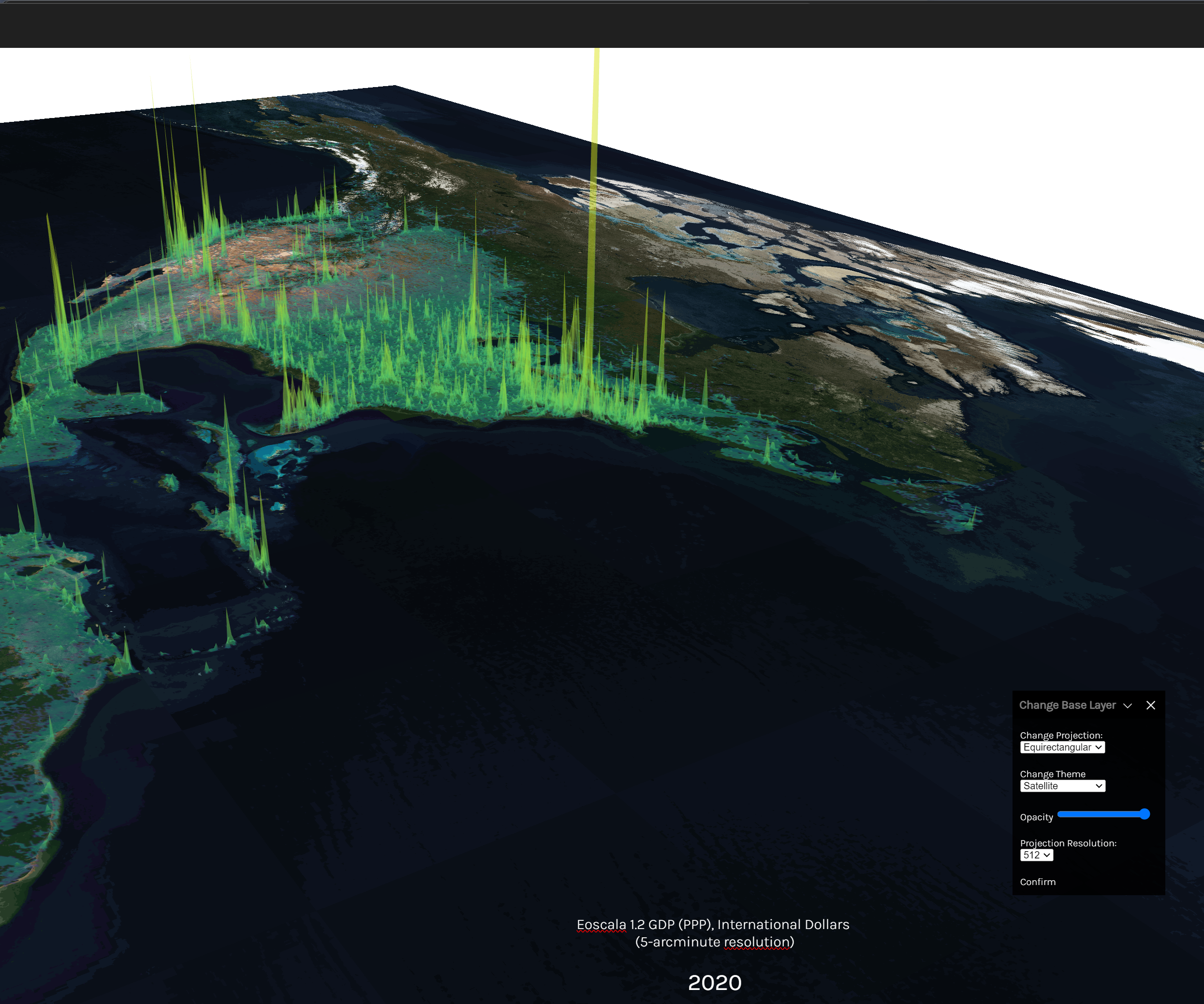
(Constele Red/Eoscala)
|
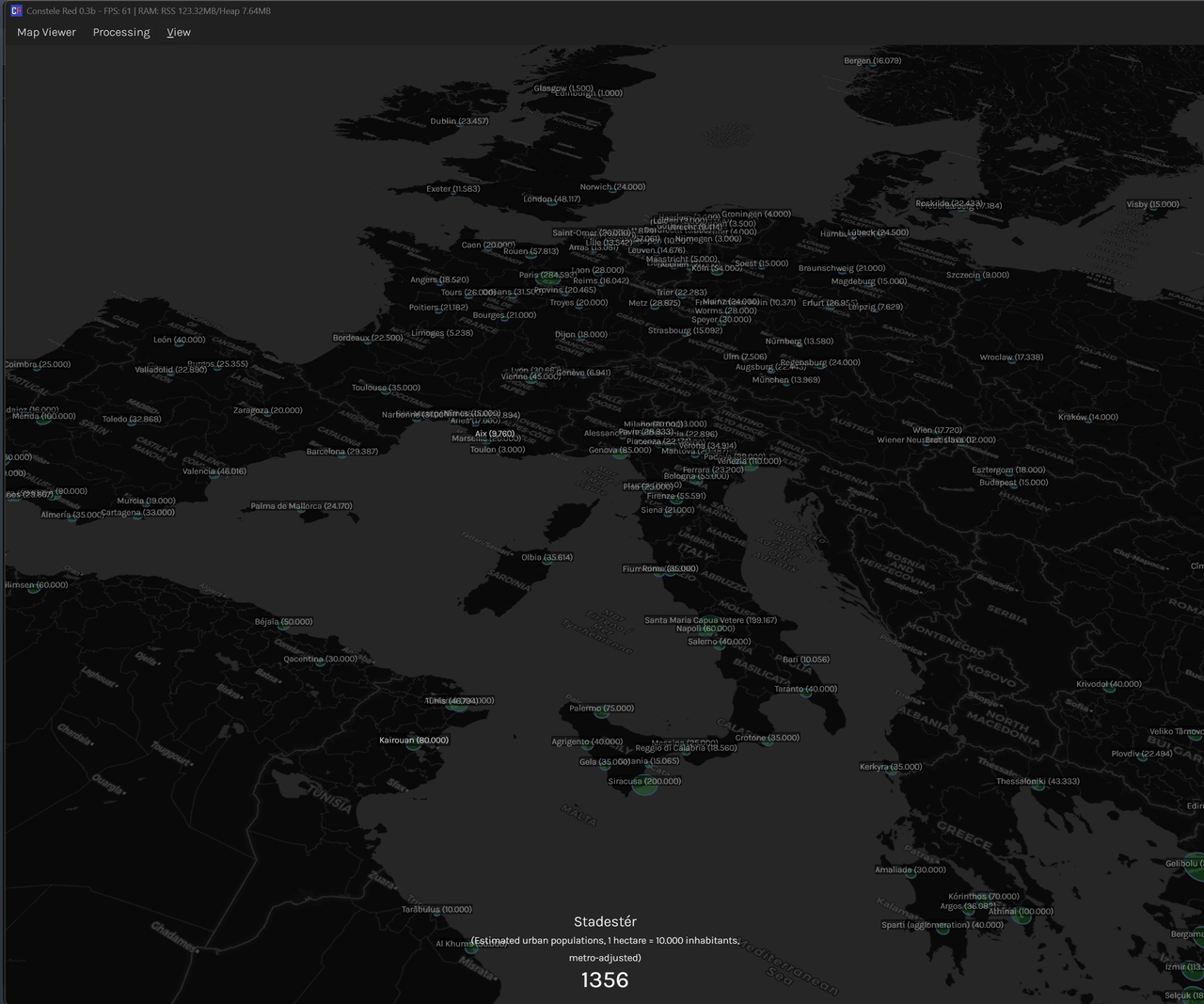
(Constele Red/Stadestér)
|
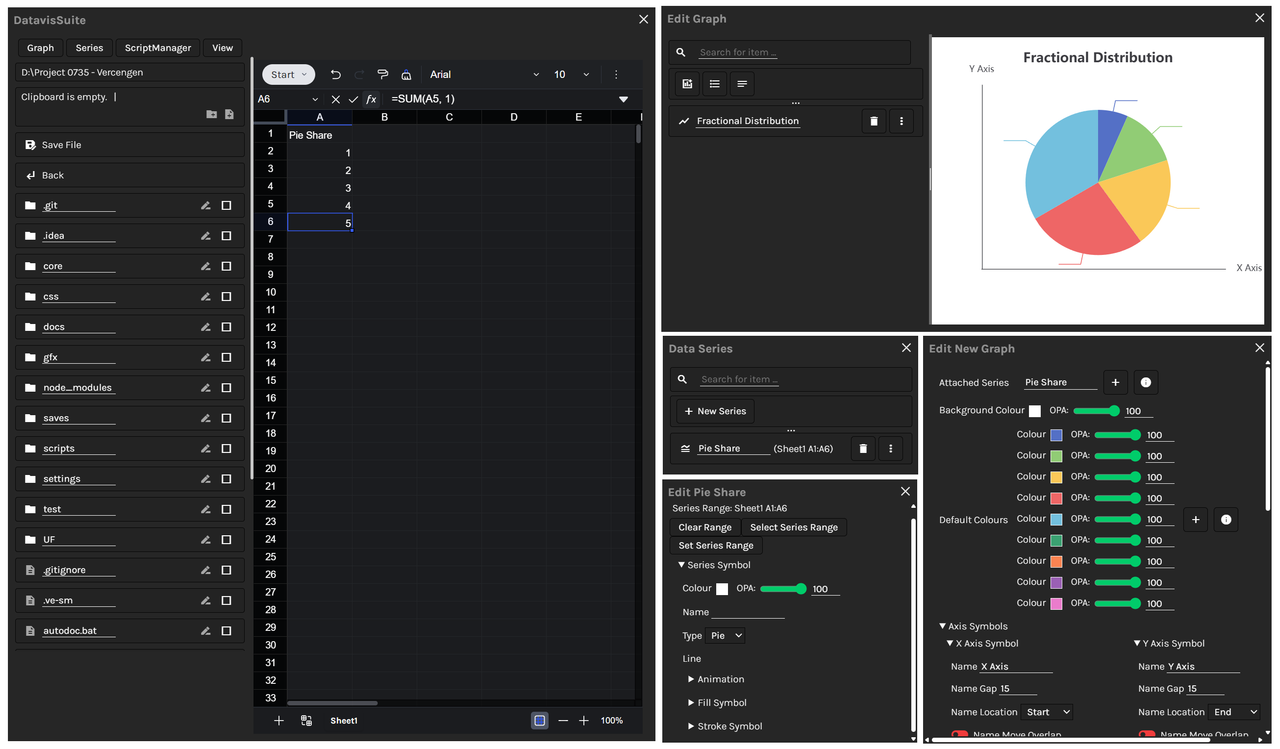
(DatavisSuite)
|
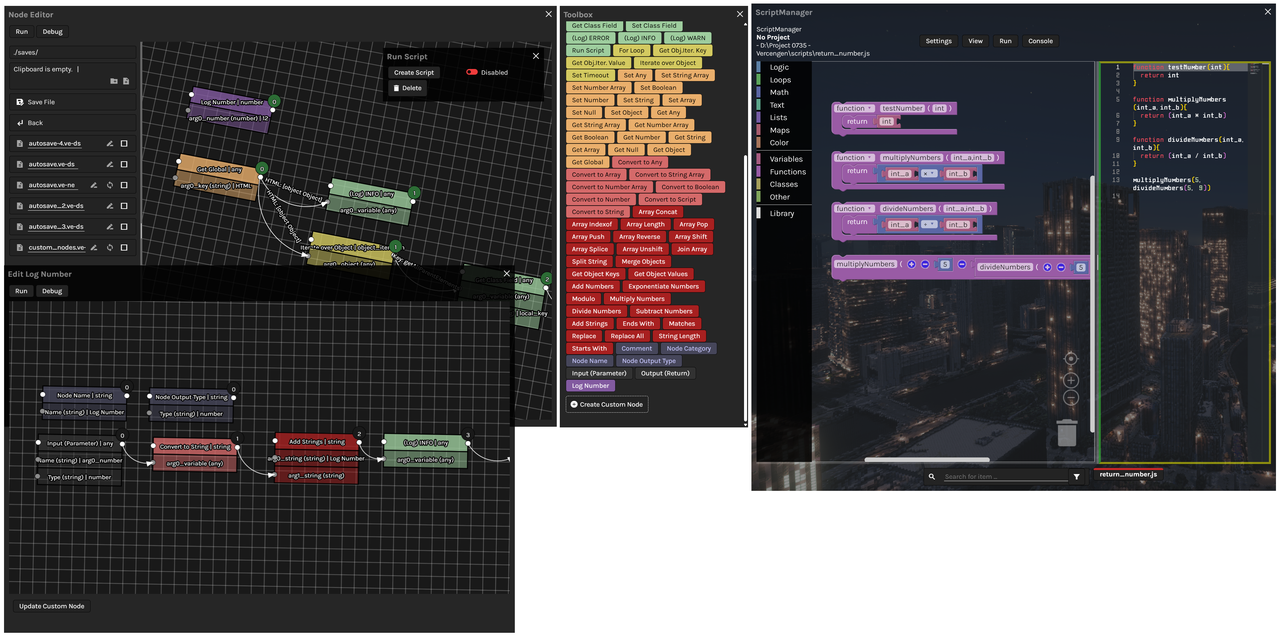
(3-way DAG editor; Blocks <-> Code <-> Nodes)
|
|
Vercengen is currently regarded as being mature and future updates are expected to mainly involve adding additional options and new components rather than breaking changes. The library is highly extensible, and any HTMLElement can be registered as a component so long as it has a get v()/set v(arg0_value) accessor contract and a this.element local instance variable.
The framework is batteries included and supports a range of Features (which encapsulate Components), and Components. UIs are built by simply including Vercengen variable types in your data structures - the reflection engine is in charge of parsing everything.
Currently supported locales: DE, EN-GB (Default), FR.
Default Features (9):
- Confirm, ContextMenu, Modal, Navbar, PageMenuWindow, Scene, Toast, Tooltip, Window
Default Components (47):
- Button, Checkbox, Colour, CRUD, Datalist, DatavisSuite, Date, DateLength, File, FileExplorer, FlexInterface, Graph, GraphLegend, GraphText, HTML, Hierarchy, HierarchyDatatype, Interface, List, Log, Map, MultiTag, NodeEditor, NodeEditorDatatype, Number, ObjectEditor, ObjectInspector, PageMenu, Password, Radio, Range, RawInterface, RichText, ScriptManager, ScriptManagerBlockly, ScriptManagerMonaco, SearchSelect, Select, Spreadsheet, Table, Telephone, Text, Time, Toggle, URL, UndoRedo, WordProcessor
Note
A corresponding GIS for ve.Map is available at Naissance HGIS.
Vercengen provides directional bindings for your data, without the risk of race conditions, as the program and user agent can never be the same.
.binding: string, UI <-> State, fires.onchange(v, e)Event..from_binding: string, UI <- State, fires.onprogramchange(v, e)Event..to_binding: string, UI -> State, fires.onuserchange(v, e)Event.
global, this, and window are all acceptable prefixes for binding strings, and a reflection engine automatically ensures directional synchronisation. v contains the value, and e the referenced ve.Component.
Editing Vercengen inside Vercengen with functional bindings (1 line):
veWindow(veScriptManager())Nested bindings with delay (16 lines):
ColourPicker = class extends ve.Class { constructor () {
	super();
	this.interface = veInterface({
		colour: veColour([255, 255, 255], {
			binding: "this.colour" }),
		opacity: veRange(1, {
			binding: "this.opacity" })
	});
	super.open("instance");

	//Wait 1 second
	setTimeout(() => {
		this.colour = [0, 0, 0]; //Alias binding, immediately reflected
		this.interface.opacity.v = 0.5; //Native binding
	}, 1000);
} };
Separately updating counters (10 lines):
Counter = class extends ve.Class { constructor () {
	super();
	this.count = veNumber(0, { name: "Counter:" });
	this.dec_btn = veButton(() => this.count.v--, {
		name: "Decrement" });
	this.inc_btn = veButton(() => this.count.v++, {
		name: "Increment" });
} };
new Counter().open("instance", { name: "Counter 1" });
new Counter().open("instance", { name: "Counter 2" });
WYSIWYG Word Editor (4 lines):
word_editor = veWindow({
  file_explorer: veFileExplorer(__dirname, { y: 0 }),
  text_editor: veWordProcessor("Hello world.", { y: 0 })
}, { name: "Word Editor", width: "40rem" });Bootstrap:
- Download the current repository.
- Run
npm install. - Play with Vercengen!