A lightweight terminal-based AI coding assistant.
nanocode is used to help building itself.
Pre-1.0 note: nanocode is still evolving quickly. Functionality, commands, configuration, and behavior may change incompatibly before a 1.0 release.
 |
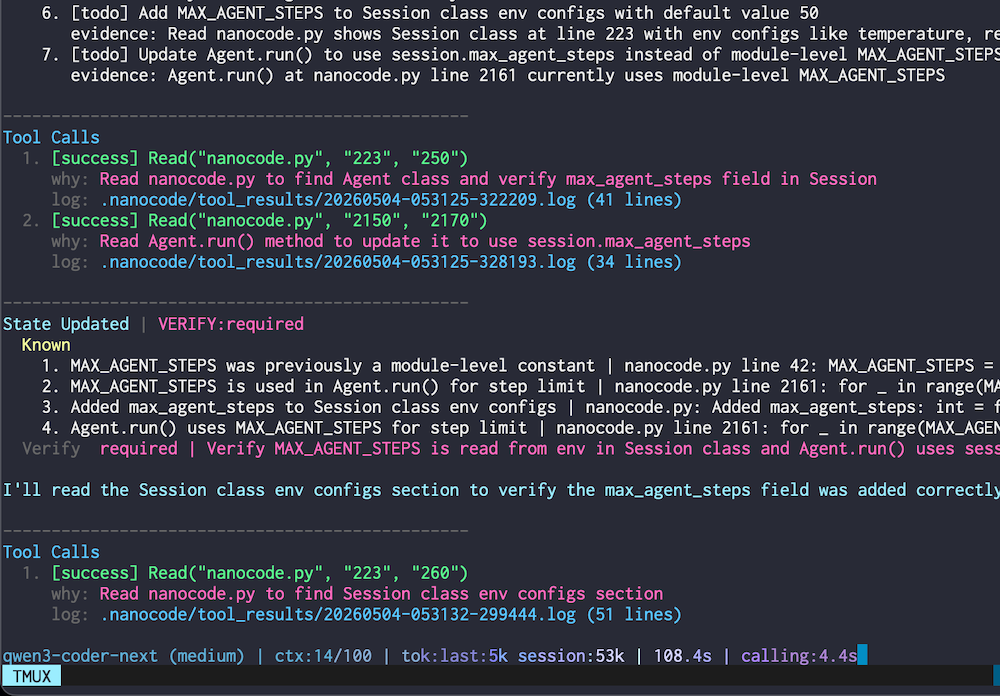 |
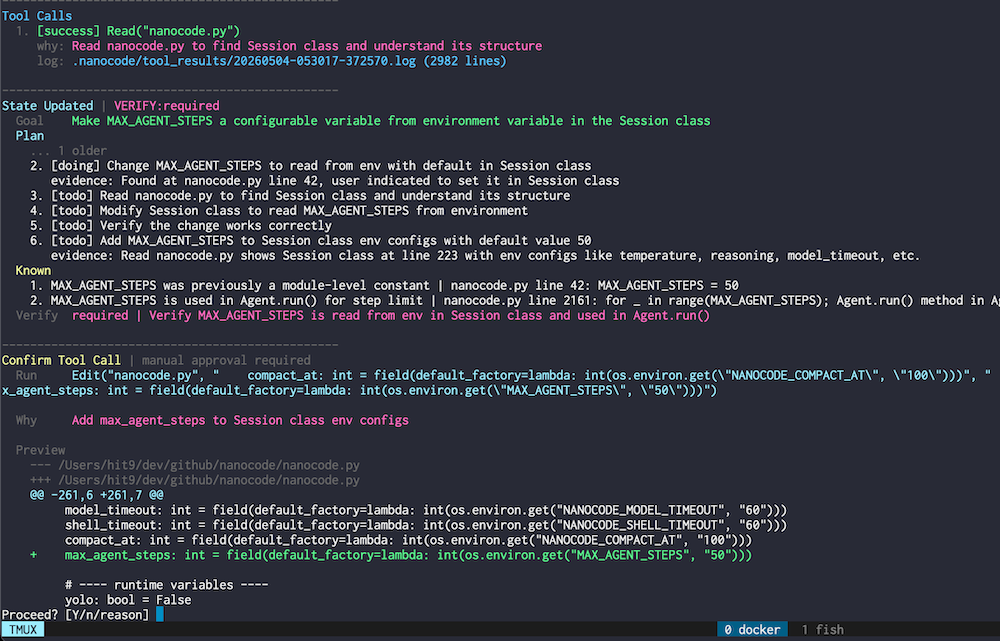
- Function Tools: Route model decisions through auditable tools.
- Verified Edits: Reject stale range edits before they touch files.
- Autonomous Loop: Chain reading, editing, running, and checks.
- Live Telemetry: Stream tool intent, token use, and status.
uv tool install nanocode-cliUpgrade an existing install:
uv tool upgrade nanocode-cliFor local development:
uv sync --extra dev
uv run nanocodeStart nanocode:
nanocodeShow available commands:
/help
Ask a source-aware question about nanocode itself:
/help how does compact work?
CLI arguments:
--yolo: Skip tool execution confirmations.--debug: Write request prompts to the current session directory under~/.nanocode/sessions/.--config <path>: Path to config file (default:~/.nanocode/config.toml).--init-config: Create a default config file.-v,--version: Show program version.
nanocode does NOT provide sandbox protection. It can run shell commands and edit files in the environment where you start it.
If you do not fully trust the model, tools, prompts, or workspace, run nanocode inside your own sandbox, container, VM, or other isolated environment.
USE AT YOUR OWN RISK.
nanocode currently targets macOS and Linux. Windows is not supported.
- File:
Read,LineCount,List,Search. - Code navigation:
InspectCodeafter/indexbuilds the project index. - Edit:
CreateFile,EditFile. - Shell:
Bash,Git. - Memory:
Recallreads stored tool results by key.
Search, Read, and InspectCode mode=inspect return 0-based line:hash|code lines that can be used as edit anchors. For broad mechanical text replacement, shell text pipelines are acceptable when followed by a focused diff or test.
- Info:
/help [question],/status,/rules,/compact. - Config:
/config,/set <key> <value>,/api [auto|chat|responses],/model [model_name],/reason,/reason-payload [value],/provider [name],/yolo. - Maintenance:
/index [force],/clean. - Exit:
/exit,/quit.
Selectors support j/k, arrows, /keyword, Enter, and Esc. /api responses switches the current provider to Responses format. /reason sets provider.reasoning to off or an effort value; /reason-payload controls the Chat-only reasoning payload shape. /model lists configured models before discovered ones, then prompts for reasoning.
During a slow model request, press Ctrl-G to cancel that request and resend the same prompt.
Run nanocode --init-config to create ~/.nanocode/config.toml.
- Provider config:
[provider] active = "<name>"plus[provider.<name>]url, key, model,available_models, and model options.apiselectschat,responses, orauto; auto uses exact-host profiles. Responses uses standardreasoning.effort; Chat reasoning is mapped by provider/model profile when known. - Provider auto-detection covers common providers: OpenAI/OpenRouter prefer Responses API; DeepSeek, selected OpenCode models, and DashScope models use their matching Chat reasoning payload shapes.
- Path config:
[paths] data_dir = "~/.nanocode". - Runtime config:
[runtime]. /context [low|medium|high]shows or switches tool-result context budgets; lower budgets reduce token usage and observe overhead.- Session data: debug prompts and tool-result logs are stored under
~/.nanocode/sessions/<session_id>/. - Old inactive session directories are auto-cleaned after
runtime.auto_clean_recent(default1d; useoffto disable)./cleanremoves inactive sessions immediately. - Project data: user rules and code indexes are stored under
~/.nanocode/projects/<project_key>/.
- Status bar: active model, reasoning, active yolo mode, conversation context, current-turn tool calls, tokens, elapsed time, and active model-call time.
/status: active provider, model state, session id, runtime state, conversation/tool counters, per-model calls/tokens, goal, and checks.