
A native desktop app for remote access to your OpenClaw installation.
RemoteClaw installs your fully functional, default OpenClaw Mission Control dashboard on a remote Windows or Linux computer.
OpenClaw administrators who need to provide a working Mission Control dashboard to clients that they can access remotely, or anyone wh wants to acces thier OpenClaw remotely.
| OS | Download |
|---|---|
| Linux (Debian/Ubuntu/Parrot) | remoteclaw-amd64.deb |
| Windows 11 | remoteclaw-windows-setup.exe |
For Windows installation instructions see windows/README.md.
RemoteClaw for Linux connects directly to your OpenClaw gateway over your Tailscale network. Your gateway runs on your home machine as normal. The app is just a secure native window into it from anywhere.
Road Laptop
└── RemoteClaw for Linux
    └── Tailscale → Your OpenClaw gateway
                    └── All agents, models, memory, sessions
- OpenClaw installed and running on a host machine
- Tailscale with the host machine on your tailnet
- The host gateway exposed via Tailscale Serve
- Any 64-bit Linux desktop
Add this to your openclaw.json gateway block:
"tailscale": {
  "mode": "serve"
},
"auth": {
  "mode": "token",
  "allowTailscale": true
},
"controlUi": {
  "allowedOrigins": ["https://your-tailscale-hostname"]
}Option 1 — click to install: download remoteclaw-amd64.deb and double-click it. Your software center will open and install it.
Option 2 — command line:
sudo apt install ./remoteclaw-amd64.deb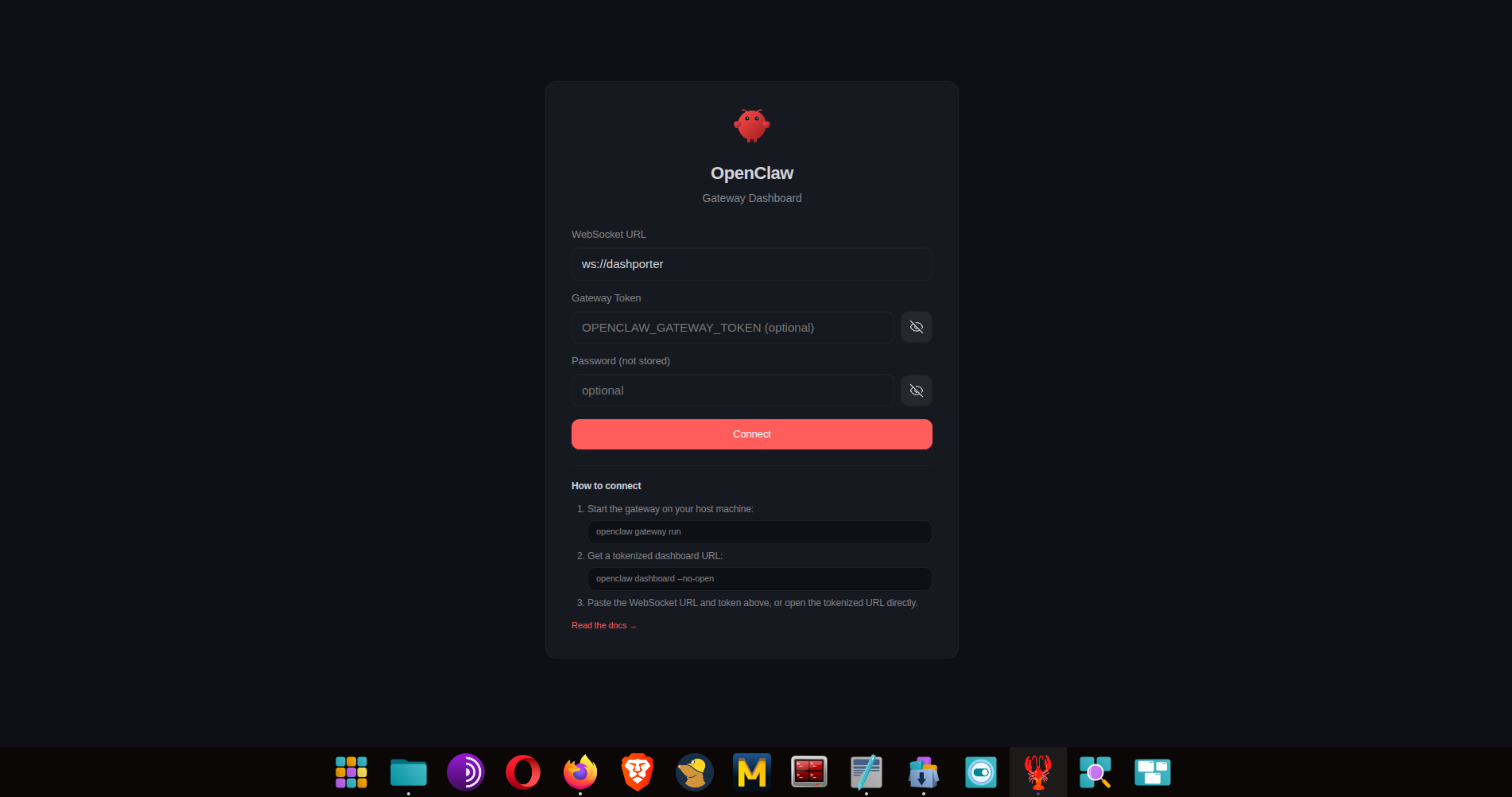
RemoteClaw for Linux checks for updates automatically on every launch. When a new version is available it downloads in the background and prompts you to restart to apply it.
Download the latest .deb from the releases page and install using either option above.
- Open RemoteClaw for Linux
- Enter your gateway URL (e.g. https://your-machine.tailnet-name.ts.net)
- Enter your gateway token (found in ~/.openclaw/openclaw.json under gateway.auth.token)
- Click Connect
- On your OpenClaw host, approve the pairing request:
openclaw devices list
openclaw devices approve <requestId>
Pairing is a one-time step per device. After that the app connects automatically on every launch.
When you open RemoteClaw for Linux for the first time and enter your gateway URL and token, the gateway registers a new device and waits for operator approval.
To approve:
- Open Mission Control or the OpenClaw webchat on your gateway host
- Go to Devices — you will see a pending device entry
- Approve it
Pairing codes expire after 1 hour. If approval times out, close RemoteClaw for Linux, reopen it, and approve the new pairing request before the hour is up.
If you do not see a pending device, confirm your gateway URL is correct and that Tailscale is connected on both machines.
RemoteClaw for Linux is an Electron app. On Linux systems running Wayland, the app may fail to launch or render a blank window.
Fix — force XWayland mode:
./remoteclaw-amd64.AppImage --ozone-platform=x11Or set it permanently by editing your launcher/desktop entry to include --ozone-platform=x11 in the Exec= line.
On GNOME + Wayland, you can also try:
GDK_BACKEND=x11 ./remoteclaw-amd64.AppImageMIT
This tool is part of the Samaritan Project, a build-in-public OSINT platform running on self-hosted AI infrastructure. Follow along and contribute at The Samaritan Project — Buy Me A Coffee