



Docker + Python 3 + uv
This repo builds the mgldvd/slim-python3-uv Docker image on top of python:3-slim, adding Bash tooling and uv.
- GitHub: https://github.com/Mgldvd-Docker/slim-python3-uv
- Docker Hub: https://hub.docker.com/r/mgldvd/slim-python3-uv
Single Dockerfile using slim and Python 3 with uv preinstalled, published by the GitHub Actions workflow on deploy/hub.
bashsudocurlca-certificatesneovimcoreutilsgituv- https://docs.astral.sh/uv/
- uv installed via the official installer and linked at
/usr/local/bin/uv - Non-root user
masterwith passwordless sudo - Bash profile with a custom prompt,
llhelper, andvimalias tonvim - Working directory
/appowned bymaster
| Tag | Description |
|---|---|
latest |
Most recent successful build on deploy/hub |
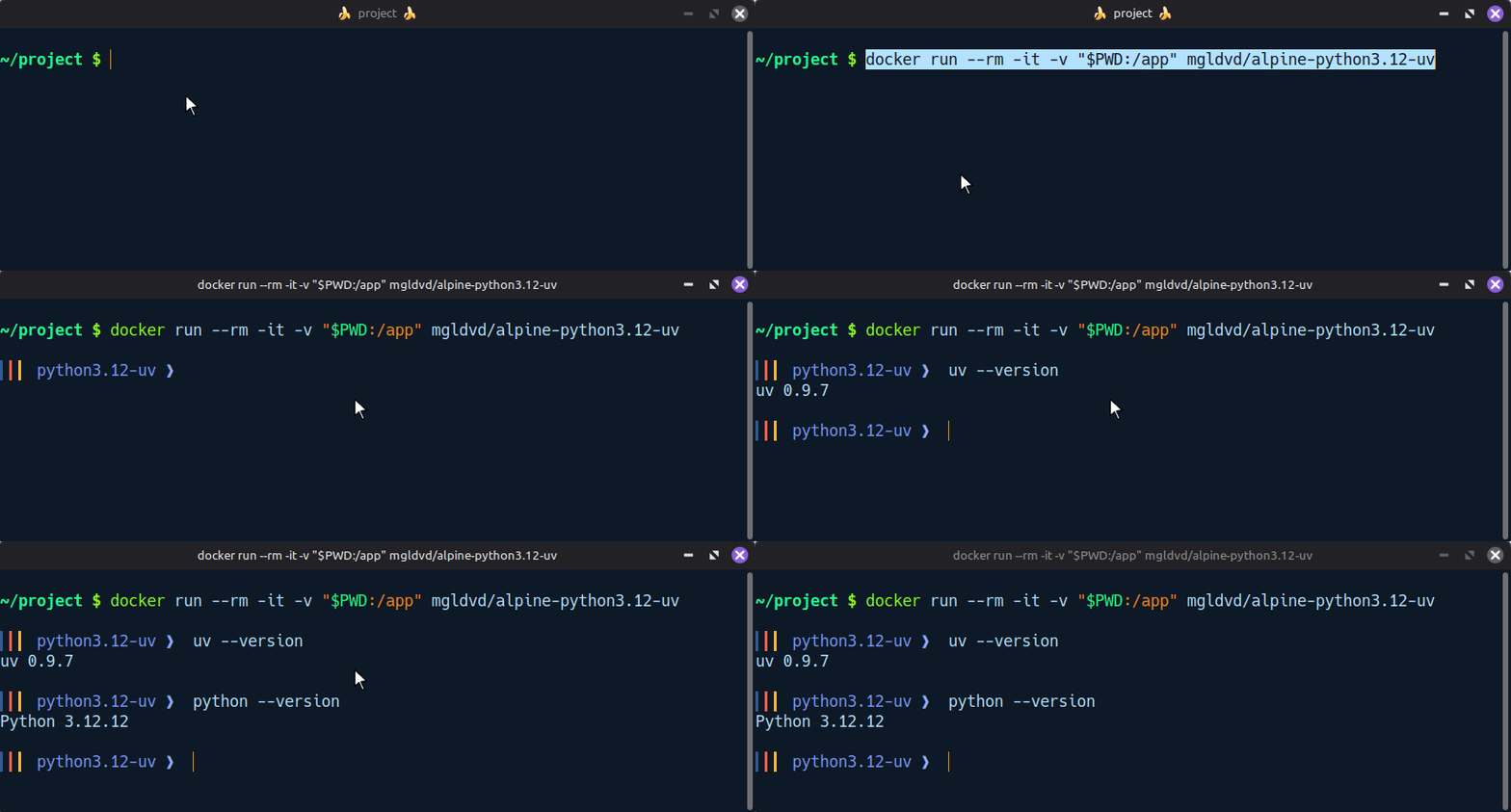
docker run --rm -it -v "$PWD:/app" mgldvd/slim-python3-uv bashInside the container:
uv init requests-demo

cd requests-demo

uv add requests
cat <<'PY' > main.py
import requests
def main() -> None:
response = requests.get("https://httpbin.org/json", timeout=5)
print(response.json()["slideshow"]["title"])
if __name__ == "__main__":
main()
PYuv run main.pyClone the project and build the image using the provided Dockerfile:
git clone https://github.com/Mgldvd-Docker/slim-python3-uv.git

cd slim-python3-uv
docker build -t mgldvd/slim-python3-uv:local .Run the container to verify the build:
docker run --rm -it -v "$PWD:/app" mgldvd/slim-python3-uv:local bash# build
docker build -t mgldvd/slim-python3.11-uv:local -f Dockerfile.python3-11 .
# run
docker run --rm -it -v "$PWD:/app" mgldvd/slim-python3.11-uv:local bashUse the bundled compose.yml to launch an interactive shell with your local app/ directory mounted into the container:
mkdir appwget https://raw.githubusercontent.com/Mgldvd-Docker/slim-python3-uv/refs/heads/master/compose.ymlor create file: compose.yml
services:
    app:
        image: mgldvd/slim-python3-uv
        command: bash
        volumes:
            - ./app:/app
        stdin_open: true
        tty: true
        restart: "no"
docker compose run --rm appTo keep the container running in the background instead, start it detached and exec into it when needed:
docker compose up -d
docker compose exec app bashThe GitHub Actions workflow at .github/workflows/docker-publish.yml automates image publication. It performs the following steps:
- Checks out the repository.
- Prepares Docker Buildx for multi-platform builds.
- Authenticates against Docker Hub using repository secrets.
- Generates OCI metadata, including links back to GitHub and Docker Hub.
- Builds the image and pushes the multi-arch
latesttag.
Add the following secrets in the GitHub repository settings before running the workflow:
DOCKERHUB_USERNAME: Docker Hub account name (for examplemgldvd).DOCKERHUB_TOKEN: Docker Hub access token with permission to push the repository.
Push commits to the deploy/hub branch or run the workflow manually from the GitHub Actions tab to build and publish a new image version.
Issues and pull requests are welcome. Please open a discussion in the GitHub repository if you plan substantial changes so proposals can be coordinated with the publishing workflow.